Editchfield
New Participant
May 21, 2018
Answered

Creating Animation From Still Photos

  • May 21, 2018
  • 3 replies
  • 925 views

Hello Community,

I am looking to start my first project and could use your help!

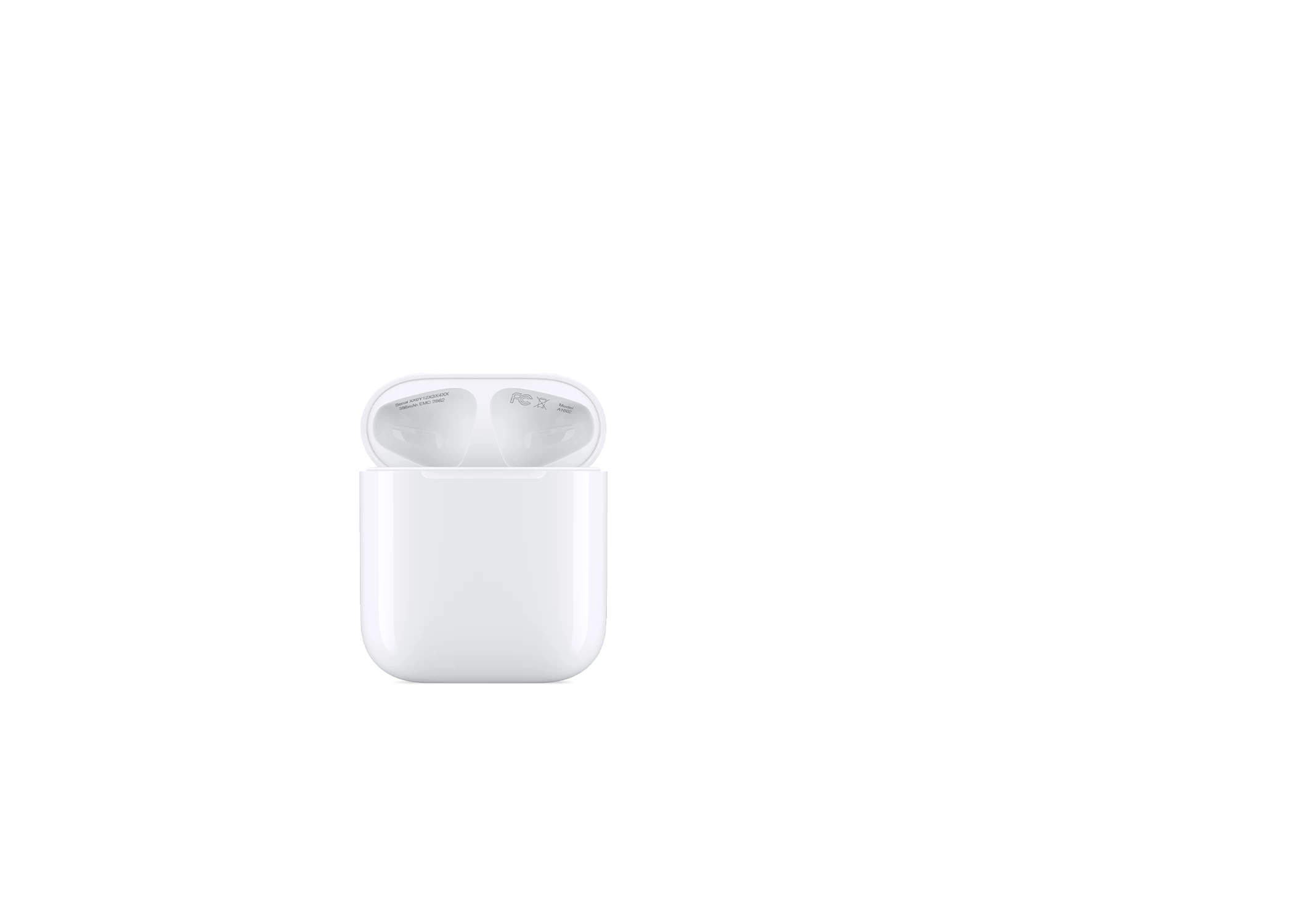
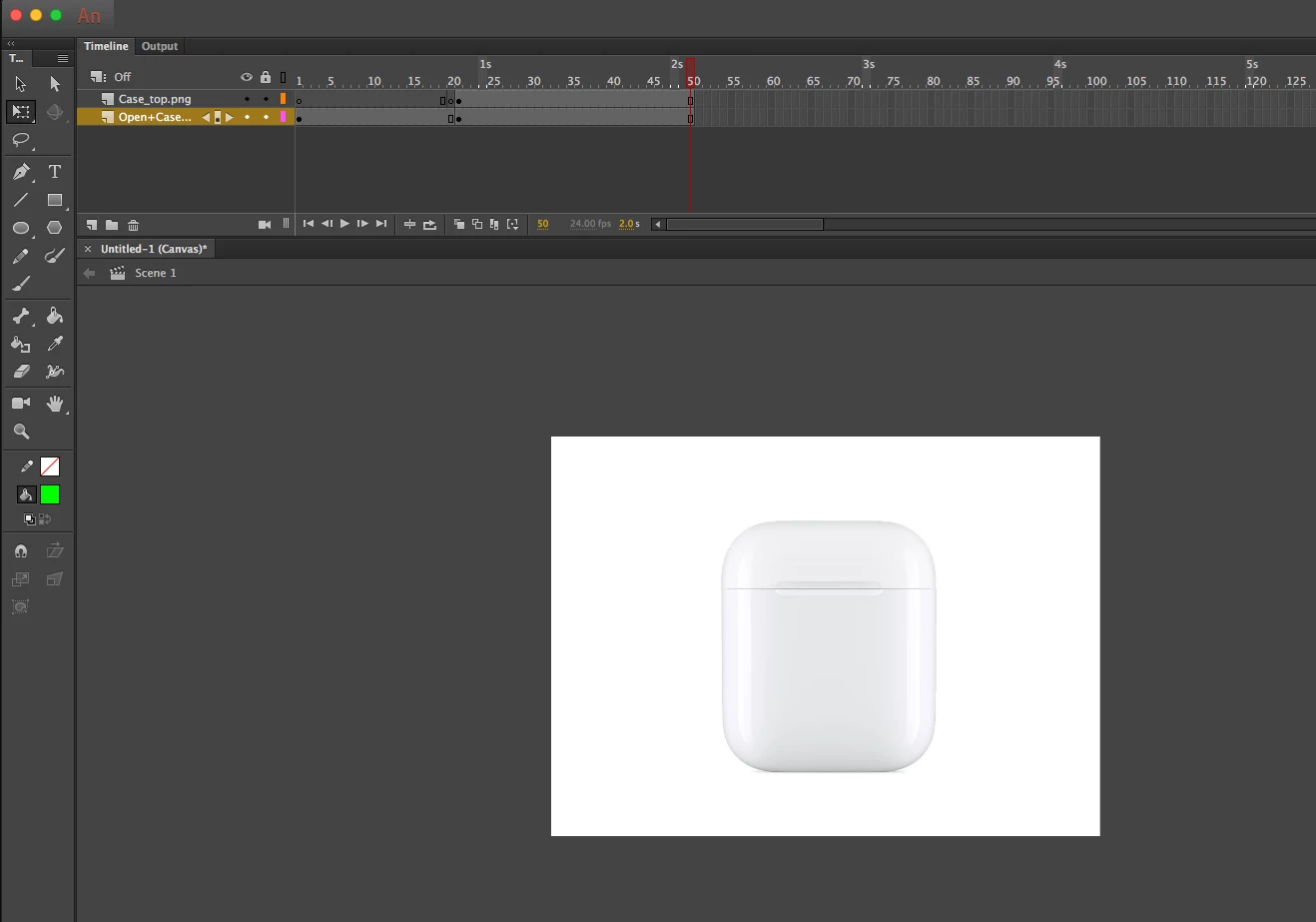
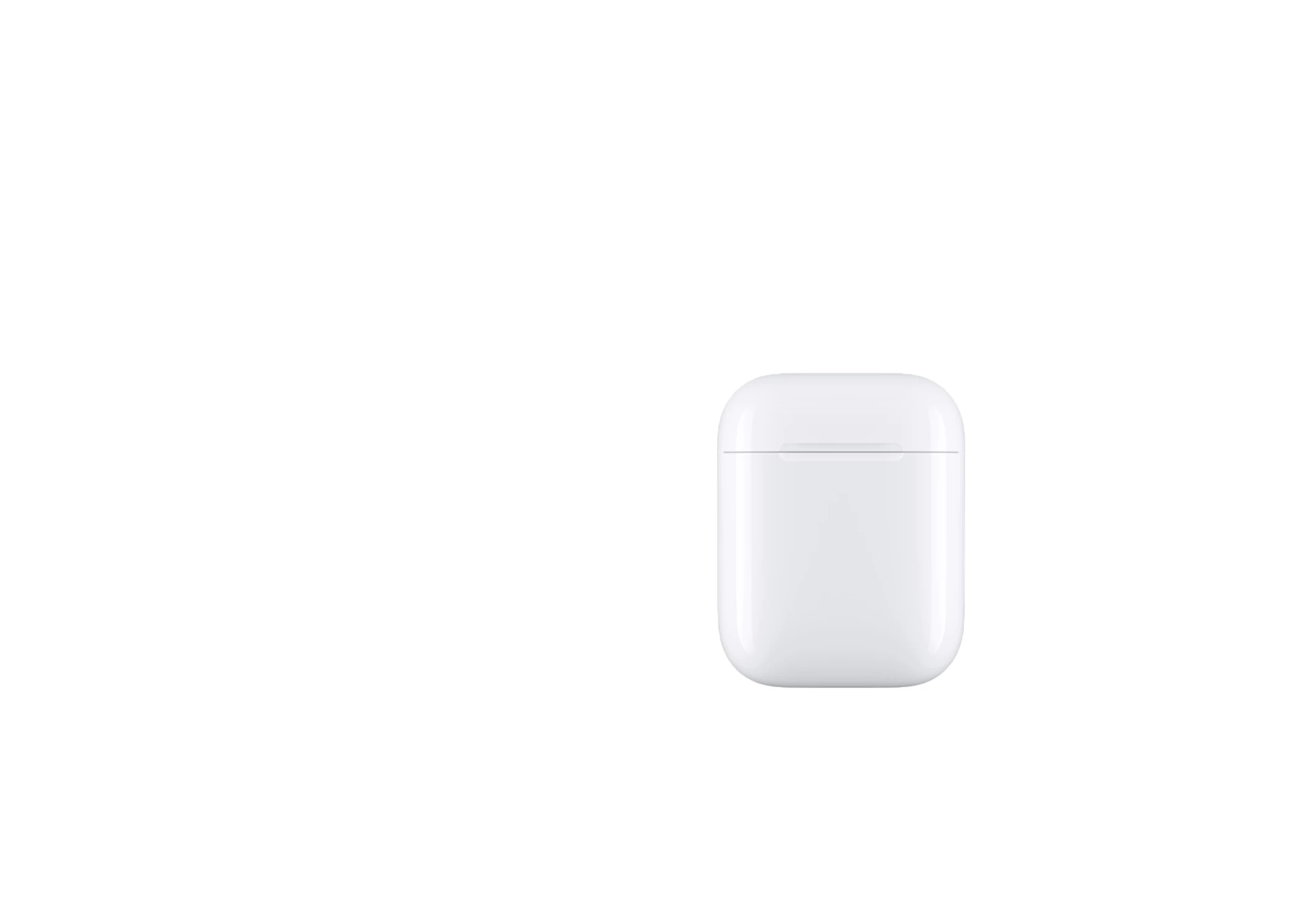
Below are pictures of a closed case and an open case. I would like to make an animation of the case opening and closing but don't know where to begin. I would appreciate your input!

Thanks,
This topic has been closed for replies.
Correct answer Nick Gioia

Take the first image and place into photoshop and cut off the top part.

Then save the top part as a png.

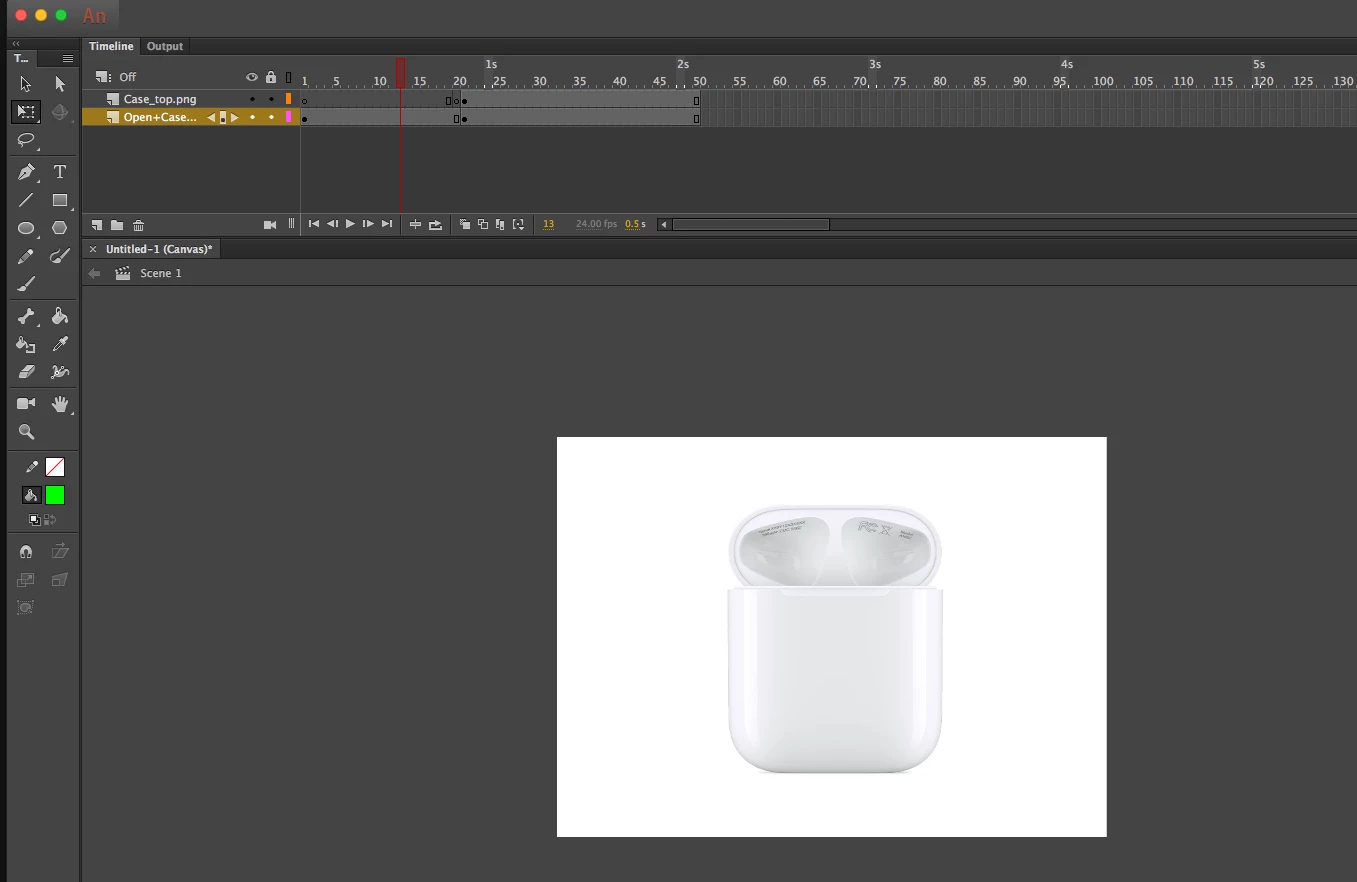
Then take the open case image and the top part of the closed image you just cut off into Adobe animate.

Place the top part of the closed image on a layer on the timeline.

Add a second layer and place the open case on that layer underneath the top part of the closed image.

Line them up just right.

Add frames to each side.

and...... BAM! Presto! Open and close animation.

3 replies

Editchfield
New Participant
May 21, 2018

Thanks!! That will definitely work! I also have the case itself and was wondering if there was a way to video the case opening and closing and cleaning it up/cropping out my hands? Still not sure what would look the best and most clean!

_keyframer
Community Expert
May 22, 2018

Just to add to nickg28​ great step-by-step instructions, I was going to also suggest what you just mentioned. Take photos of the top lid in a couple of angles as it is being opened. The more images of different angles the smoother it will be. But if each movement isn't the same incremental distance, it won't look very smooth.

You could simply try to add a fade between what you already have. It's not true animation but it's a good "cheat" that will provide you the effect you want. otherwise, you may consider building this object entirely in 3D and animating it there.

Animator and content creator for Animate CC
Editchfield
New Participant
May 22, 2018

I agree, I believe adding images in between of the case would help smooth it out. I realized that I may be better off using after affects since this may not necessarily be considered "animation". Thank you for all your input.

Nick GioiaCorrect answer
Community Expert
May 21, 2018

Take the first image and place into photoshop and cut off the top part.

Then save the top part as a png.

Then take the open case image and the top part of the closed image you just cut off into Adobe animate.

Place the top part of the closed image on a layer on the timeline.

Add a second layer and place the open case on that layer underneath the top part of the closed image.

Line them up just right.

Add frames to each side.

and...... BAM! Presto! Open and close animation.

Brainiac
May 21, 2018

nickg28  wrote

and...... BAM! Presto! Open and close animation.

You're kind of stretching the term "animation" to the breaking point here.

Editchfield
New Participant
May 21, 2018

True, maybe I should consider using a different adobe application then at that point!

Brainiac
May 21, 2018

The case top is translating in 3D space when it opens. You can't animate something like that with tweens.

Best of luck on your second project.

Editchfield
New Participant
May 21, 2018

Not going to give up that easily!