


Default Assets in Animate CC not available, cloud icon not activated.
I'm a beginner and trying to follow a series of LinkedIn tutorials to learn how to make simple animations. In the early stages of the series, the LinkedIn tutor points us learners to Default Assets in the Asset Panel. Indeed, so does the in-app instructional video.
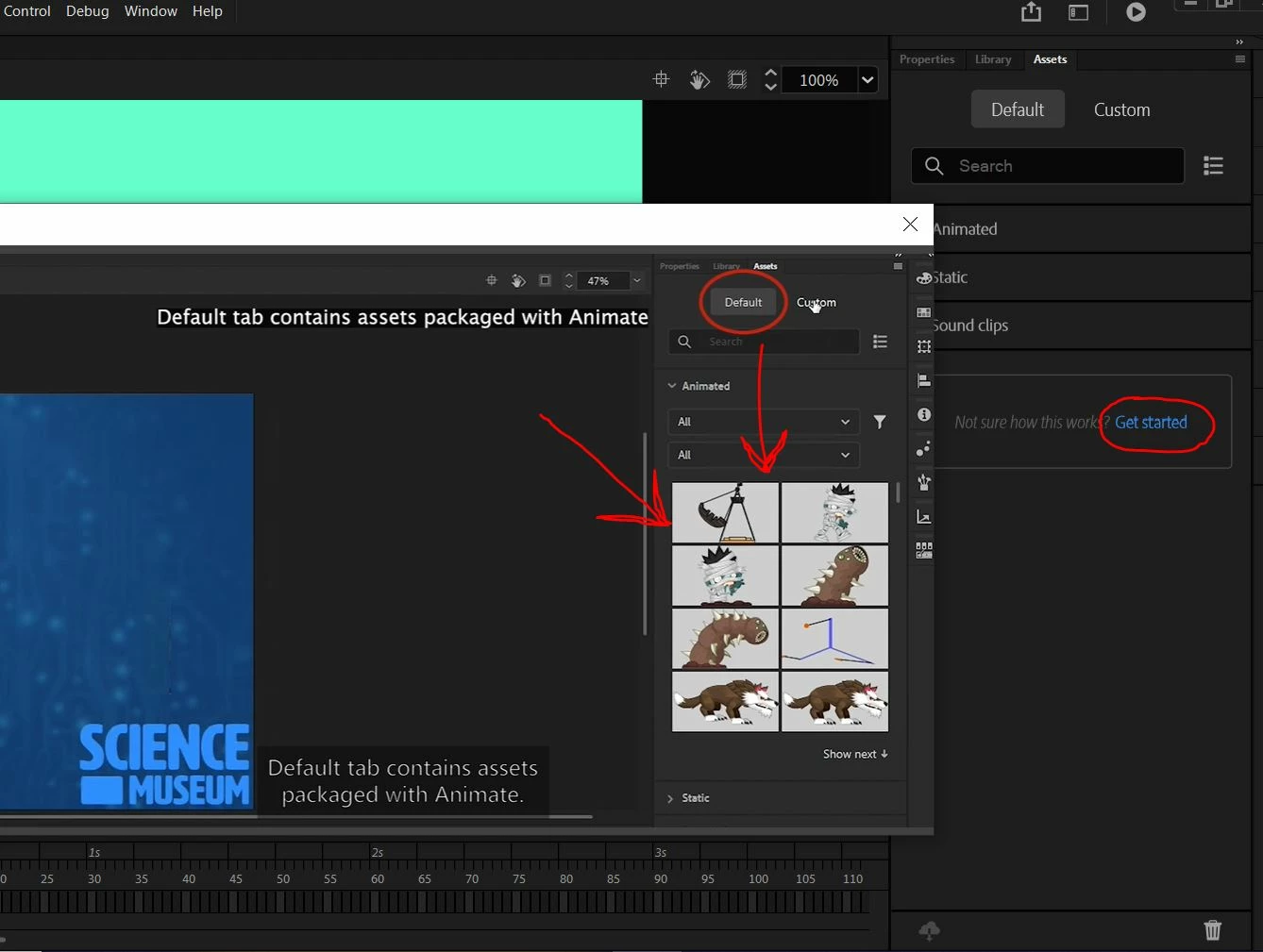
HOWEVER, when it comes to my Default Assets, there is only one. Also, if you look closely you can see that the cloud icon is greyed out which means it ain't working.
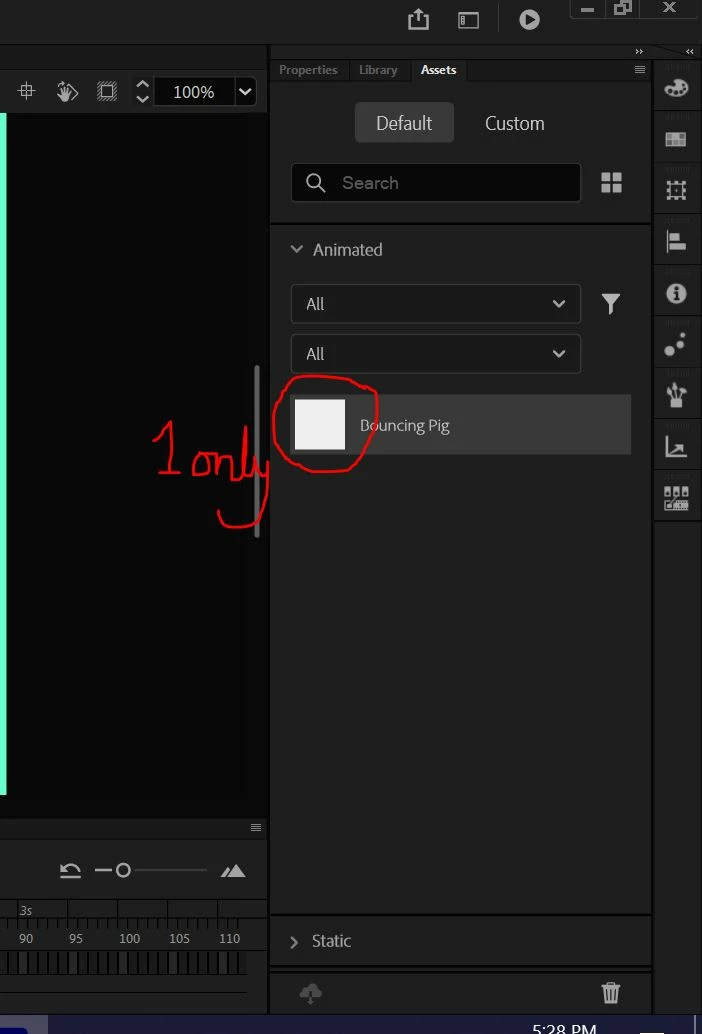
Can someone please tell me how I'm meant to get those default assets into the Assets panel. I have honestly tried everything; being connected to internet, being logged in, and lots of other fiddling around. I notice a few other people have had problems with this. Can someone please tell me which folder I should try to upload and how I might be able to link to it?
 AdChoices