


Question
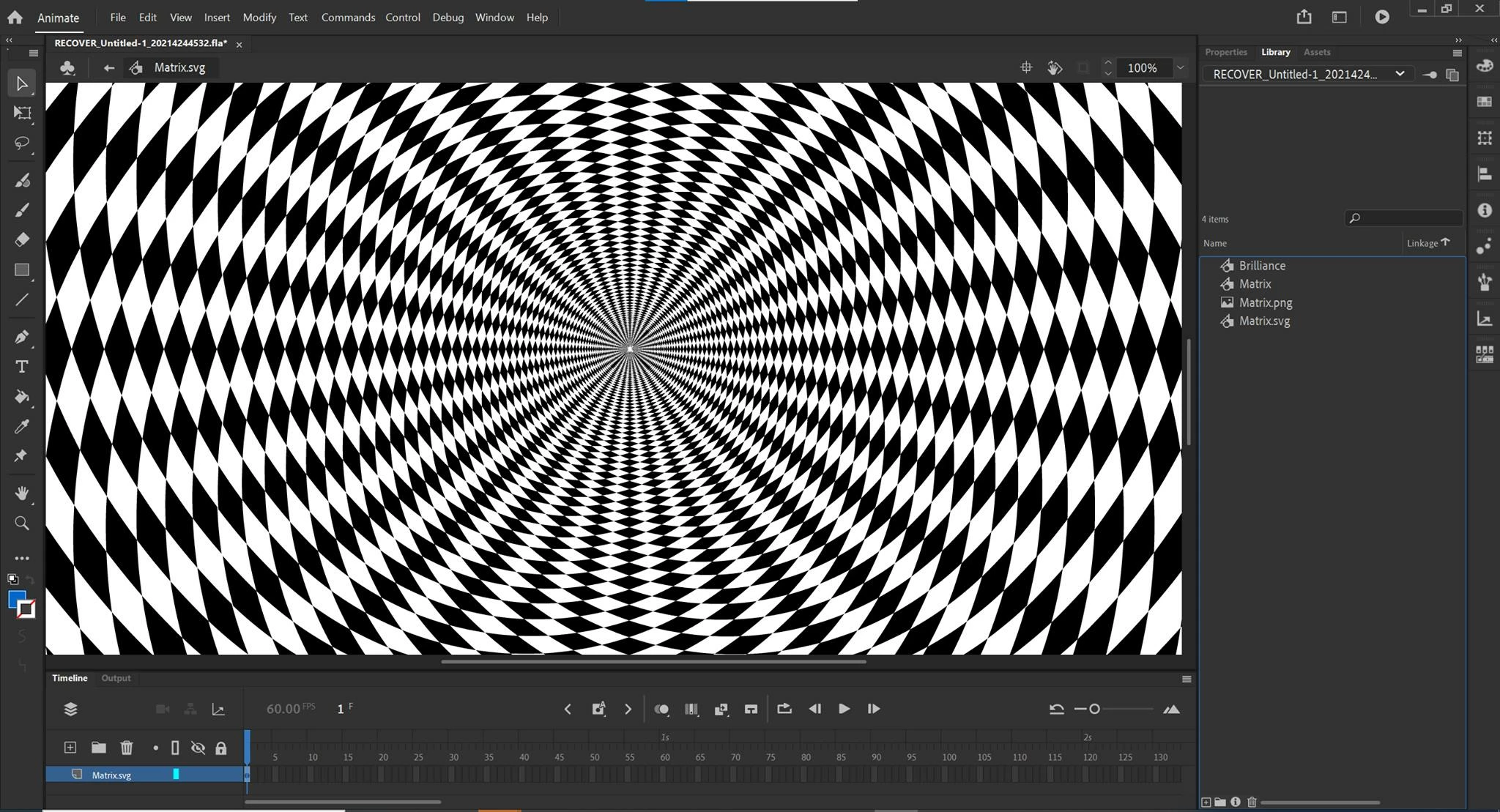
Distortion of imported .SVG & .AI files
Whenever I import a vector file (.SVG or .AI) like this one into Animate, the center of the file becomes distorted and pixelated. They're vector files, so they can in theory be displayed at any resolution.
I have spent a long time trying to figure this out with no luck.
Any ideas on how to get these files to display cleanly? Does Animate limit imported image data? Is there a way to overrie this?
I've tried increasing artboard/image size in Illustrator and unchecking the "responsive" option when exporting SVG, to no avail.
Thanks in advance!
 AdChoices