



Alex.Fox
Inspiring
September 16, 2022
Answered

Editing URLs for Hyperlinks to External Site in Animate 2022

  • September 16, 2022
  • 1 reply
  • 1329 views

I have multiple .fla files from another designer of animated web banner ads. Currently when viewed through html previews and when published and viewed in a browser window the entire ad space is a clickable link to an external site that pops up in a new browser tab that can be clicked on at any point during the 7.5 second animation. I am trying to figure out where in the Animate .fla

file I can change that URL to a new site, but I am unable to locate it, or find someone else who has a similar question in regards to this. In the .fla file I was given there is a layer in the timeline at the top labeled "actions"
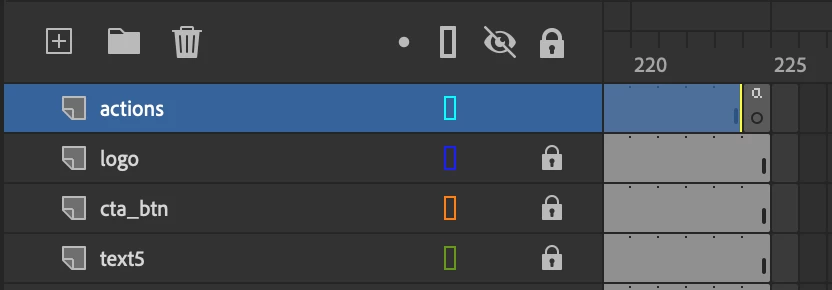


and when I view the Actions window I am able to see functions written to parts of the file like scenes and symbols that have hover-over interactions, but none that look like the hyperlink.
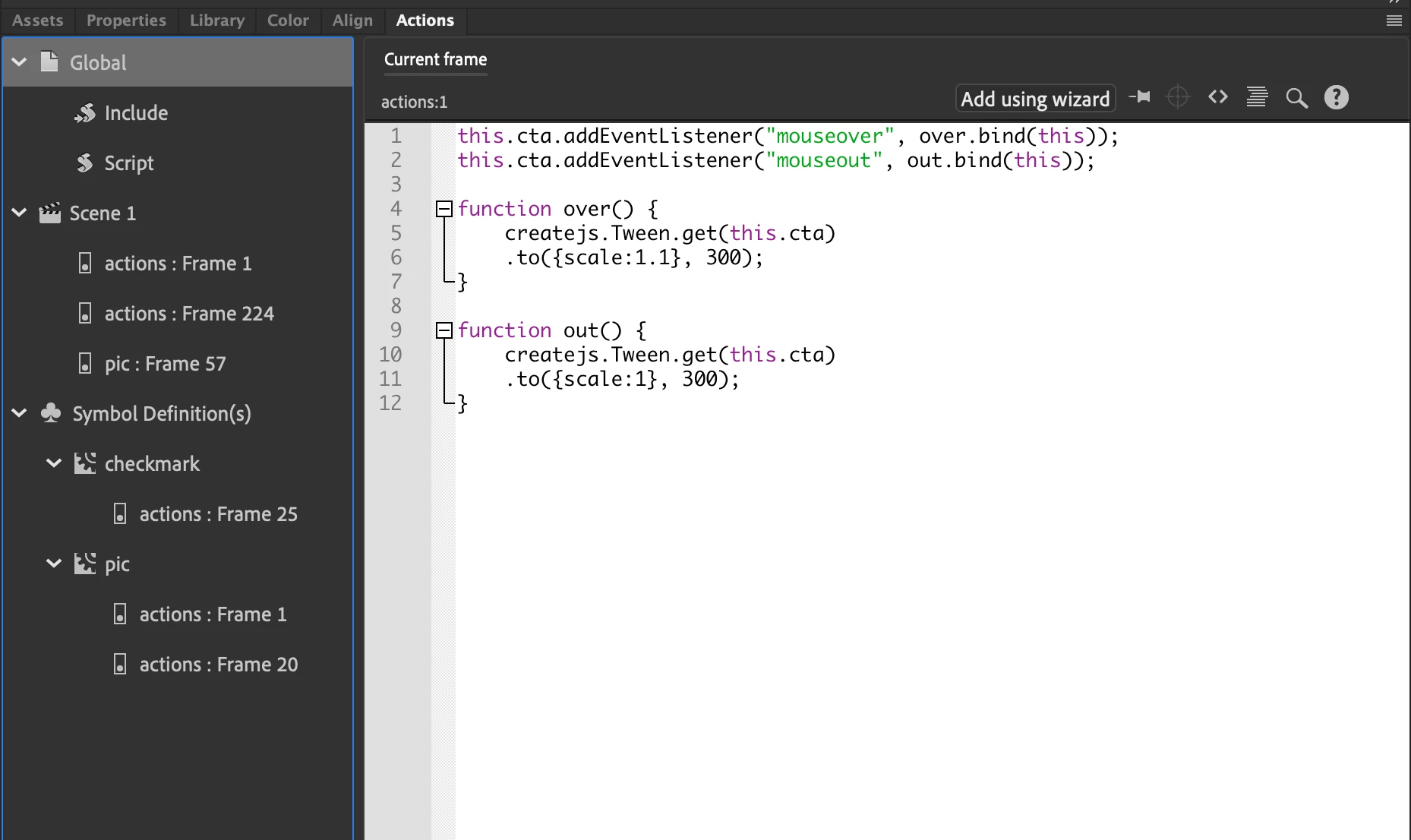
 

Everywhere I look online tells how to add hyperlinks through Code Snippets, but none on how to edit the hyperlinks once they are made. Any help would be appreciated!
This topic has been closed for replies.
Correct answer JoãoCésar17023019

Hi.


I think the link is probably in a publish template or maybe in one of the instances' frames.


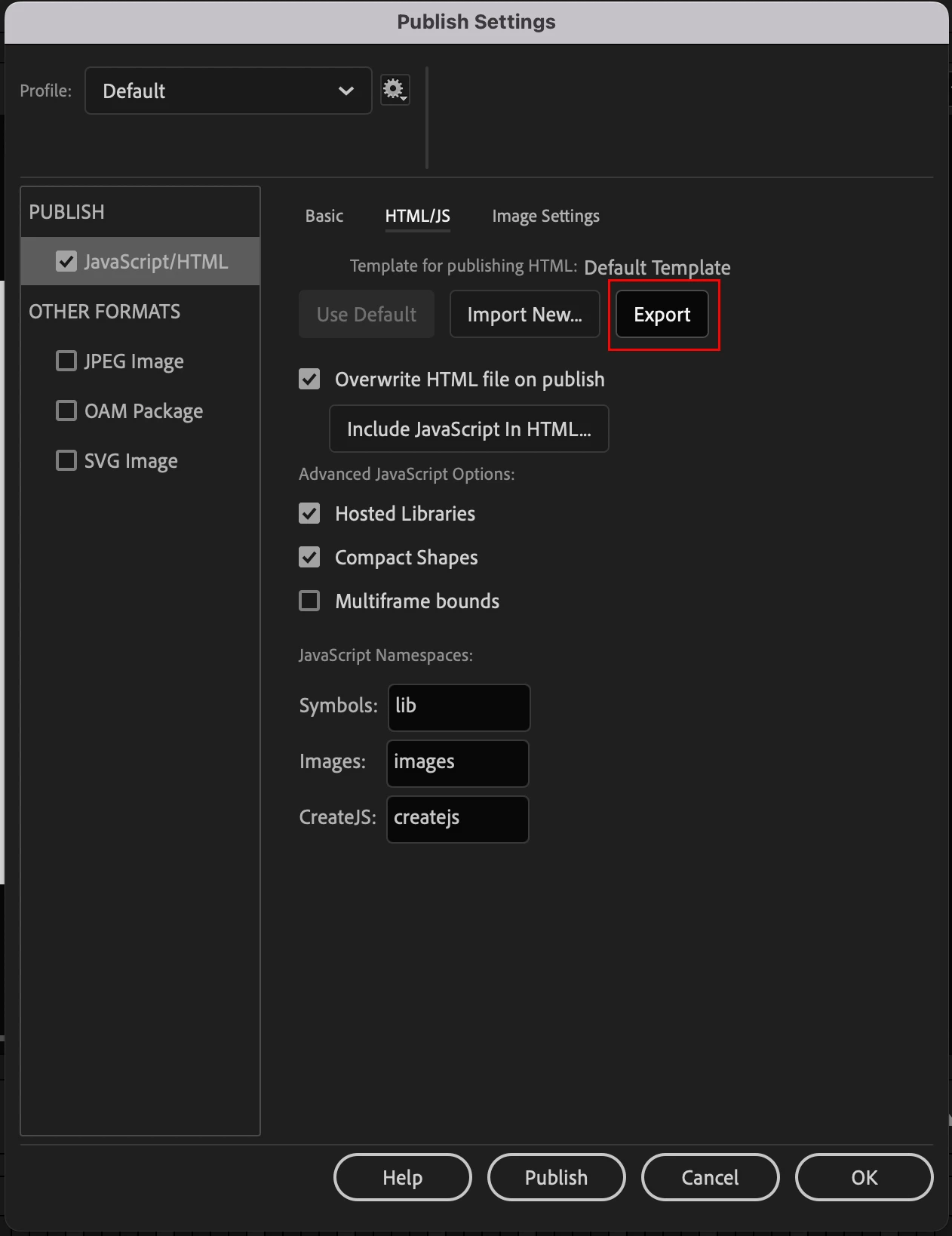
If it is the first case, try going to File > Publish Settings... > HTML/JS > and clicking on Export. This will generate a HTML file that you can edit and then import back to Animate. The publish template is used for the resulting HTML file that you'll use for your banner.


Please let us know.


Regards,

JC


1 reply

JoãoCésar17023019
Community Expert
JoãoCésar17023019Community ExpertCorrect answer
Community Expert
September 16, 2022

Hi.


I think the link is probably in a publish template or maybe in one of the instances' frames.


If it is the first case, try going to File > Publish Settings... > HTML/JS > and clicking on Export. This will generate a HTML file that you can edit and then import back to Animate. The publish template is used for the resulting HTML file that you'll use for your banner.


Please let us know.


Regards,

JC


Alex.Fox
Alex.FoxAuthor
Inspiring
September 19, 2022

This worked, thnk you very much! I was able to export the code, edit the URL, then import it back in. 

JoãoCésar17023019
Community Expert
Community Expert
September 19, 2022

Fantastic!


You're welcome!