


Exported video has an unexpected layer appears on top
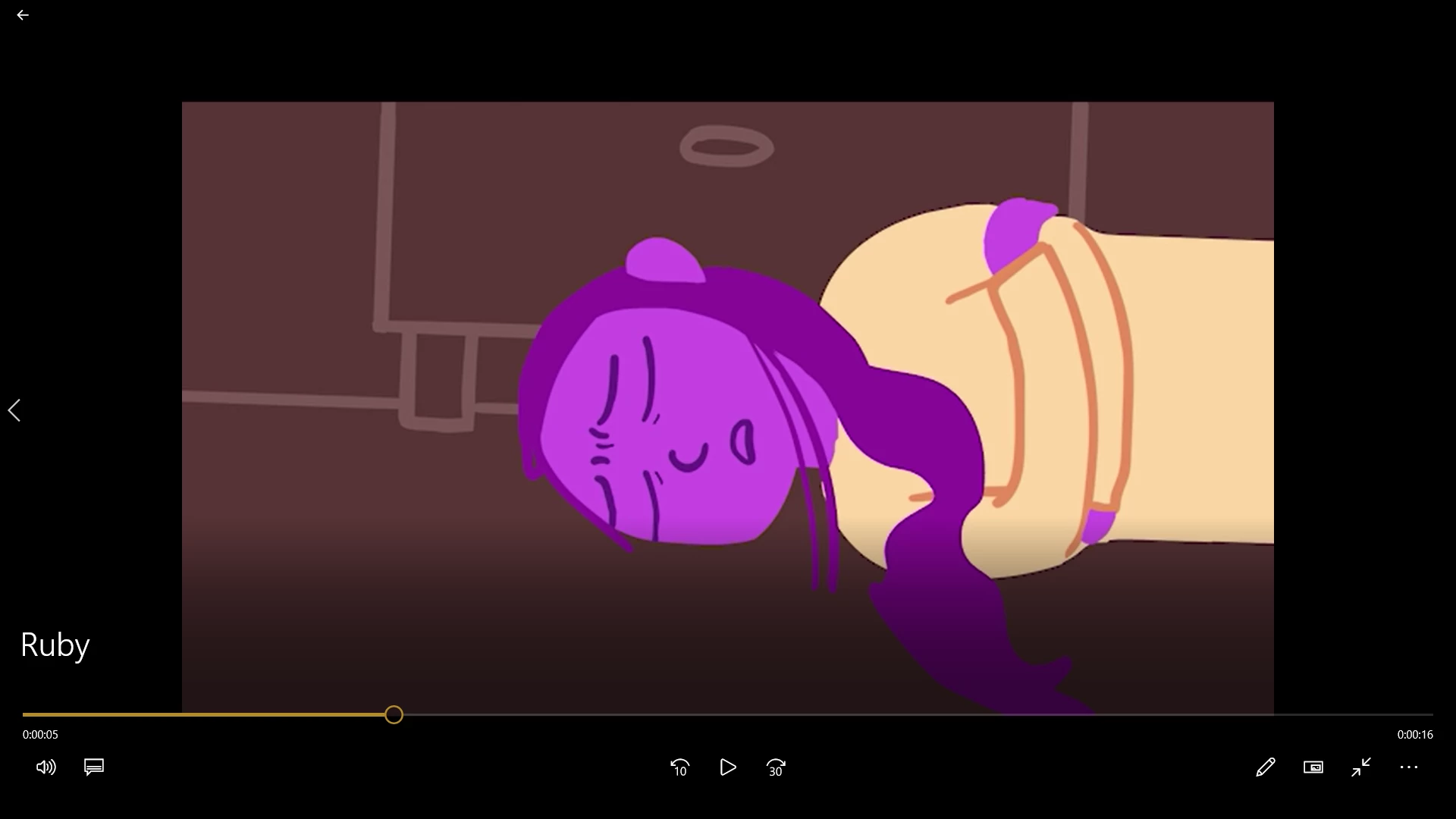
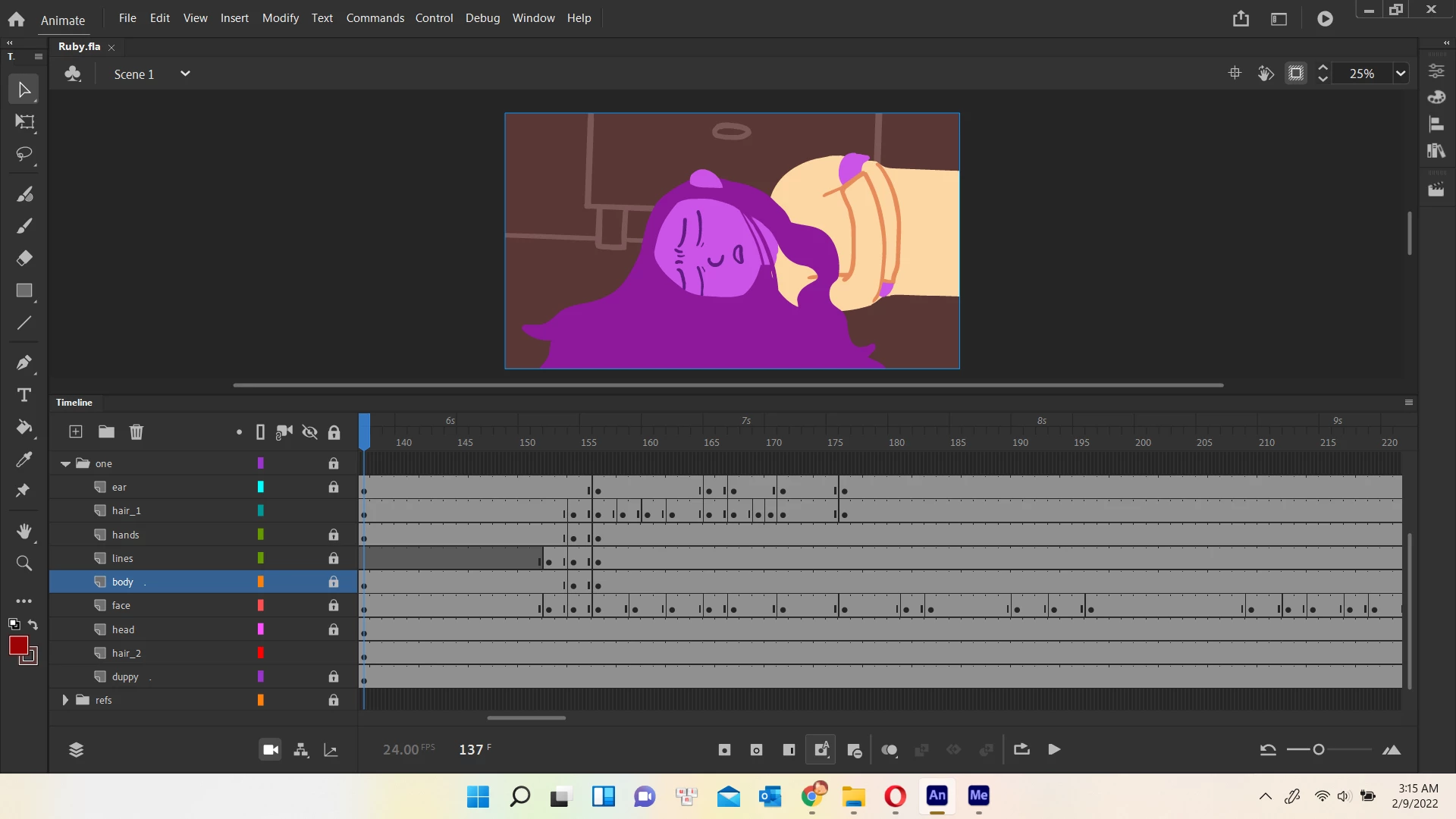
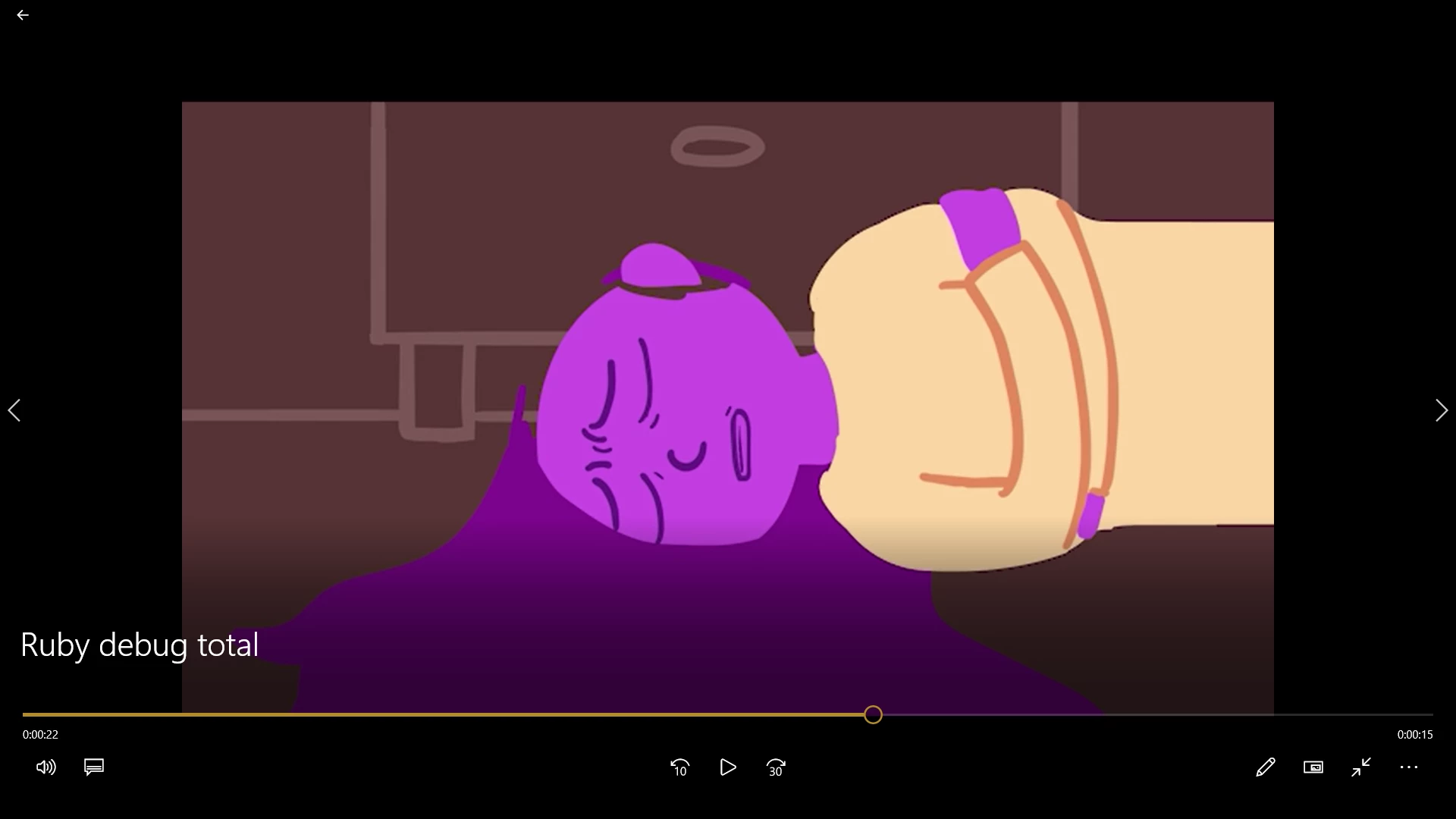
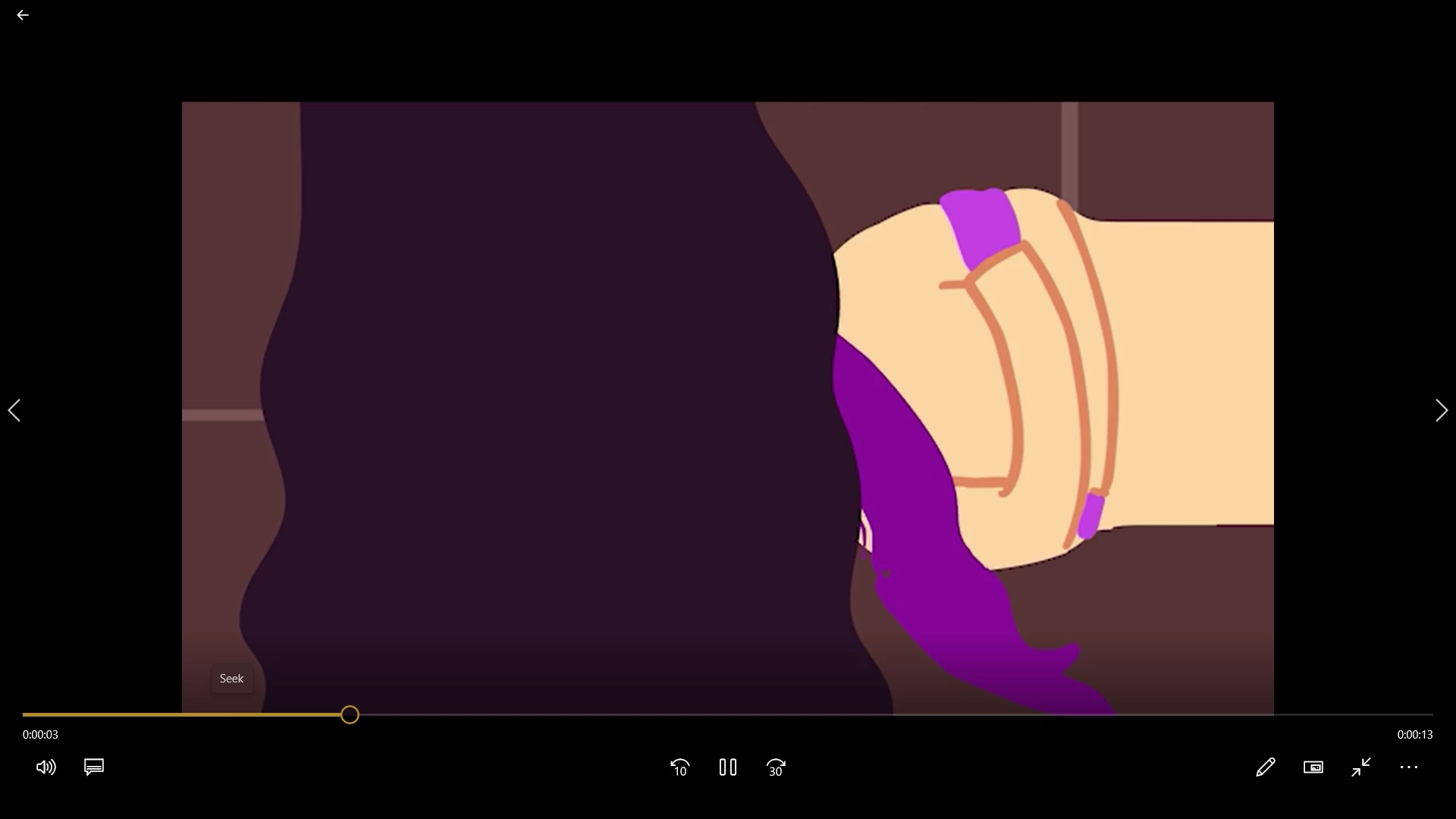
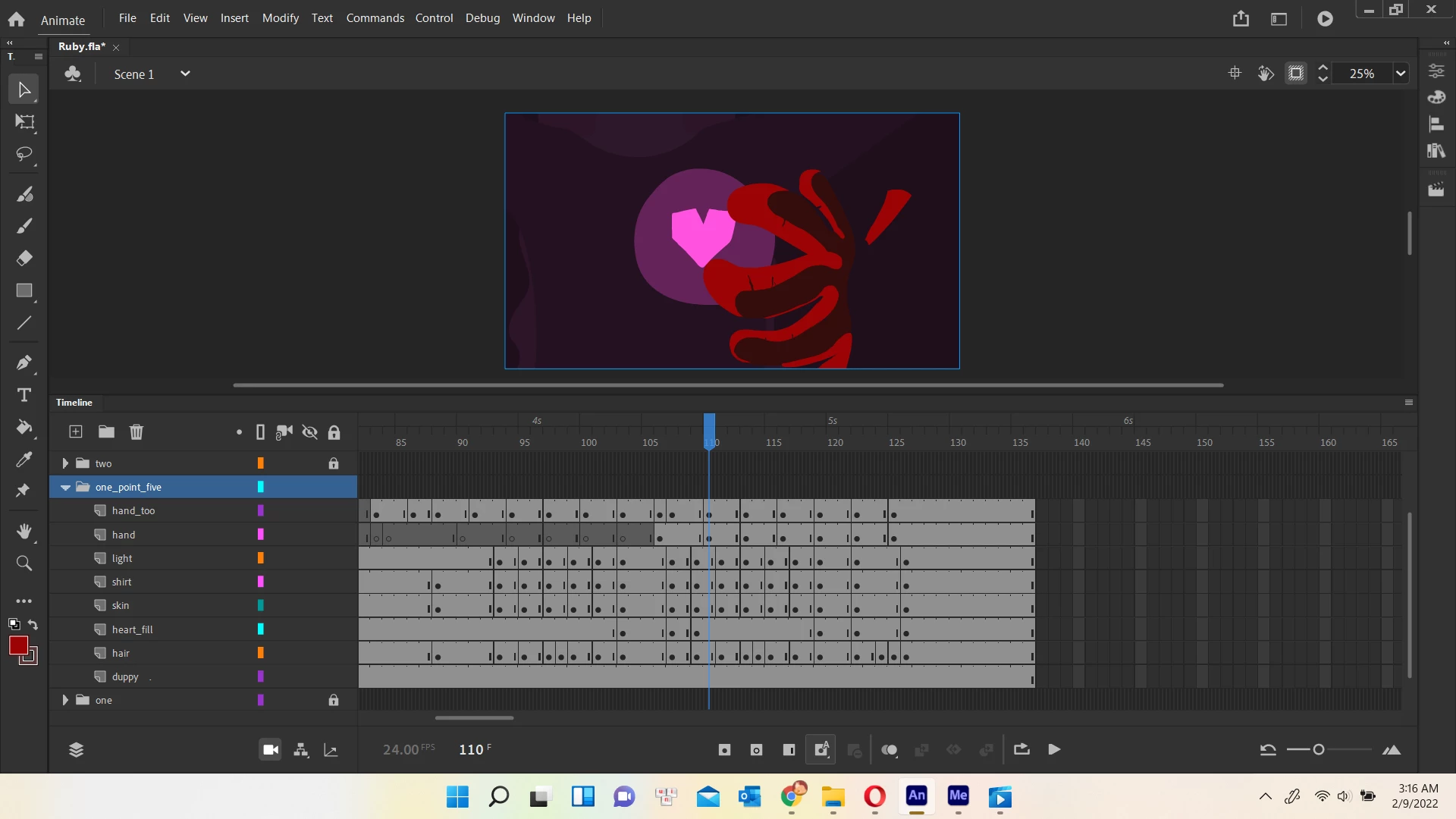
Hi, I'm new to Adobe Animate 2022. I was making a video, all fine, until I exported a scene and the exported video appears to have a layer I don't know where it came from (it wasn't a hidden layer, it wasnt a layer I made, not that I can find where it was.)
The thing is, I tried a few things (unclick Ignore Stage Alpha, change to export specific frames, change colors of specific layers) and the unexpected layer changed as I tried different things but it was still there. The only thing that seems to work around this is exporting specific frames, but I still need to figure out why and how to fix it. Please help 😞 Here's some pictures to demonstrate my problem: missing layers that changes as I was trying to figure out the problem, and unexpected layer that wasn't there in the file.

 AdChoices