


New Participant
February 6, 2021
Question

Help! PixiAnimate Plugin stuck on updating phase

  • February 6, 2021
  • 1 reply
  • 366 views

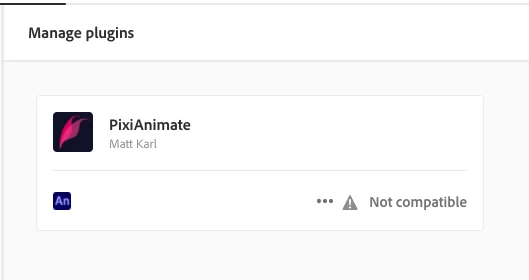
Upon updating my Adobe Animate from v19.2.1 to v21.0.2, my current PixiAnimate plugin became incompatible with it. 
 

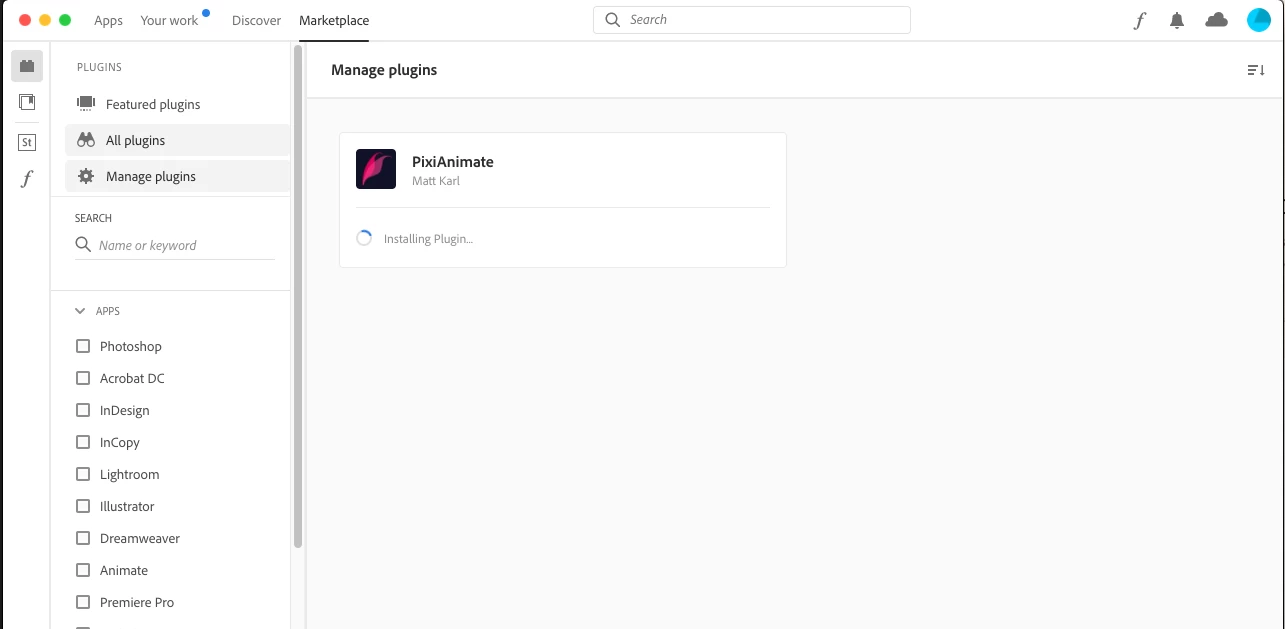
I tried to update the said plugin, however, I am stuck on the Installing plugin... phase...


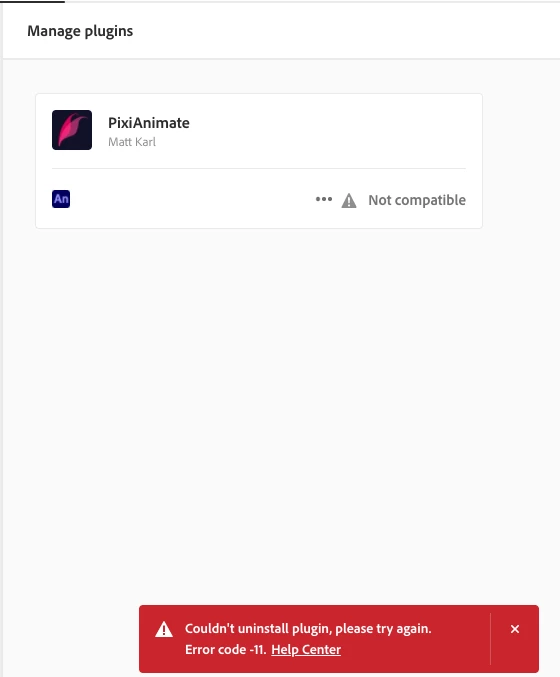
I tried to uninstall it, however, I got the Error Code - 11.
 

Does anyone know how I can manually remove the said outdated Adobe Animate Plugin from my Mac?


Thanks in advance!

This topic has been closed for replies.

1 reply

kglad
Community Expert
February 6, 2021

is animate v19 still installed on your computer?

Neiv32Author
New Participant
February 7, 2021

Unfortunately, no. I already updated my Adobe Animate to the latest version. I wish I could revert back to v19, however, it is not available anymore in ACC.


n. tilcheff
Brainiac
February 7, 2021

You can download AA 19 from here:

https://prodesigntools.com/adobe-cc-2019-direct-download-links.html


And learn to always install the new versions separately and not on top of the well working ones.

You can always uninstall later when you are happy with the update.


Animate has been in a state of perpetual beta for years and very unreliable. If you use it for professional work, you should always keep your old versions.


Nick - Character Designer and Animator, Flash user since 1998 | Member of the Flanimate Power Tools team - extensions for character animation