

Brokleen
Participant
February 1, 2017
Answered

How to animate the angle of an primitive ovale

  • February 1, 2017
  • 1 reply
  • 4970 views

Hi,

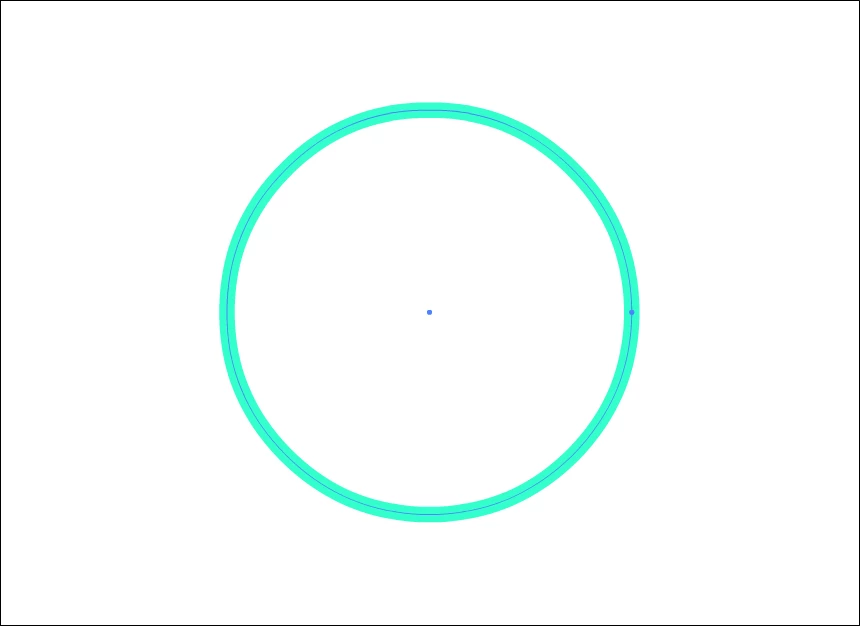
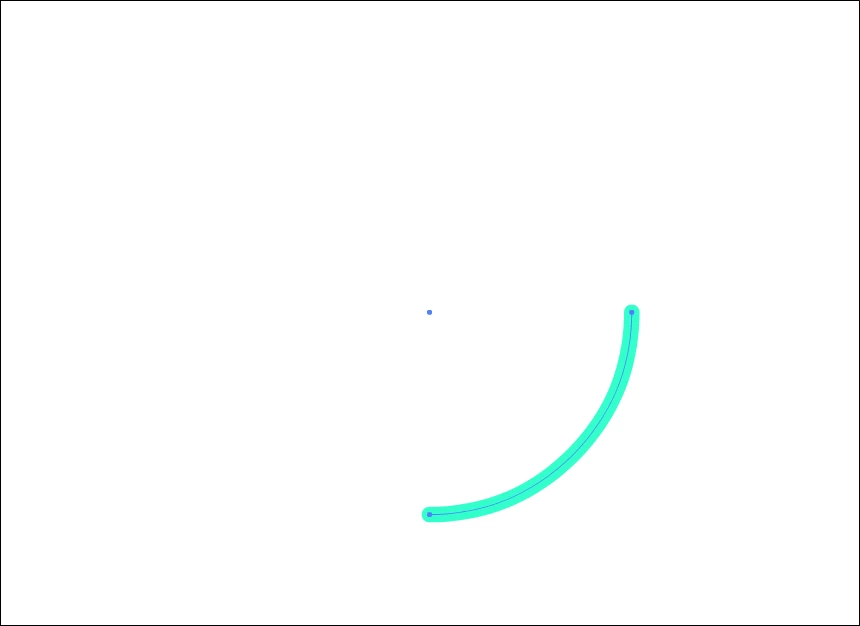
I'm trying to create an animation from this to that, with the Primitive oval tool, but I didn't find how to animate the angle.
This topic has been closed for replies.
Correct answer Myra Ferguson

The cheat-iest way to do it would be to make it a frame-by-frame animation from a full circle to none by changing the angle in the Properties panel then reverse the frames:

  1. Use the Oval Primitive Tool to draw your circle the size you want on the Stage in a keyframe.
  2. Set its start angle to 0 and end angle to 0.
  3. Add a new keyframe (which will make a copy of your circle).
  4. Select the circle and change the start angle to 45.
  5. Make a new keyframe, select the circle and set the start angle to 90.
  6. Make a new keyframe, select the circle and set the start angle to 135.
  7. Make a new keyframe, select the circle and set the start angle to 180.
  8. Make a new keyframe, select the circle and set the start angle to 225.
  9. Make a new keyframe, select the circle and set the start angle to 270.
  10. Make a new keyframe, select the circle and set the start angle to 315.
  11. Add an empty keyframe.
  12. Select the layer and go to Modify > Timeline > Reverse Frames

1 reply

_keyframer
Community Expert
Community Expert
February 1, 2017

Interesting challenge.

It can be done using an animated mask or possibly a shape tween with a stroke but in what direction are you picturing the stroke to go from image 1 to image 2? I'd be happy to solve this for you and possibly live stream the process. Just need to visualize the  actual animation.

Animator and content creator for Animate CC
Brokleen
BrokleenAuthor
Participant
February 1, 2017

I would like to create an animation from 0° to 360° like a circular progress bar

Myra Ferguson
Community Expert
Myra FergusonCommunity ExpertCorrect answer
Community Expert
February 1, 2017

The cheat-iest way to do it would be to make it a frame-by-frame animation from a full circle to none by changing the angle in the Properties panel then reverse the frames:

  1. Use the Oval Primitive Tool to draw your circle the size you want on the Stage in a keyframe.
  2. Set its start angle to 0 and end angle to 0.
  3. Add a new keyframe (which will make a copy of your circle).
  4. Select the circle and change the start angle to 45.
  5. Make a new keyframe, select the circle and set the start angle to 90.
  6. Make a new keyframe, select the circle and set the start angle to 135.
  7. Make a new keyframe, select the circle and set the start angle to 180.
  8. Make a new keyframe, select the circle and set the start angle to 225.
  9. Make a new keyframe, select the circle and set the start angle to 270.
  10. Make a new keyframe, select the circle and set the start angle to 315.
  11. Add an empty keyframe.
  12. Select the layer and go to Modify > Timeline > Reverse Frames
