


Known Participant
March 16, 2017
Answered

How to avoid that really bad quality after exporting to GIF in Animate CC

  • March 16, 2017
  • 1 reply
  • 9445 views

Hey, so I've finally finished my animation. But when I export it as animated GIF, the quality of the resulting GIF-file is just dire even with the best export settings (supposedly). Though while I'm testing it in a browser, it shows pretty neat and clear animation. Is there any chance to have a GIF-animation of the same quality?
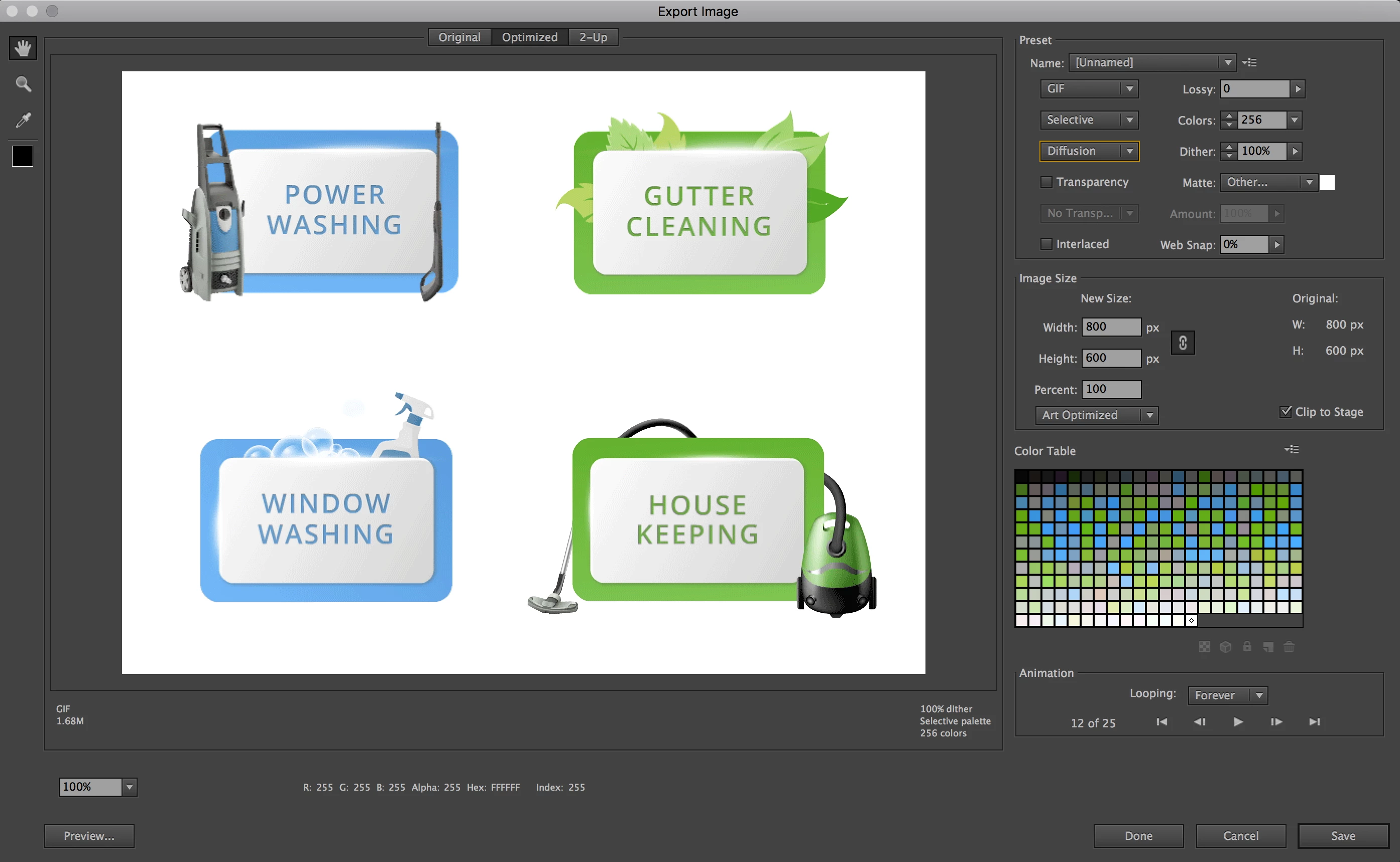
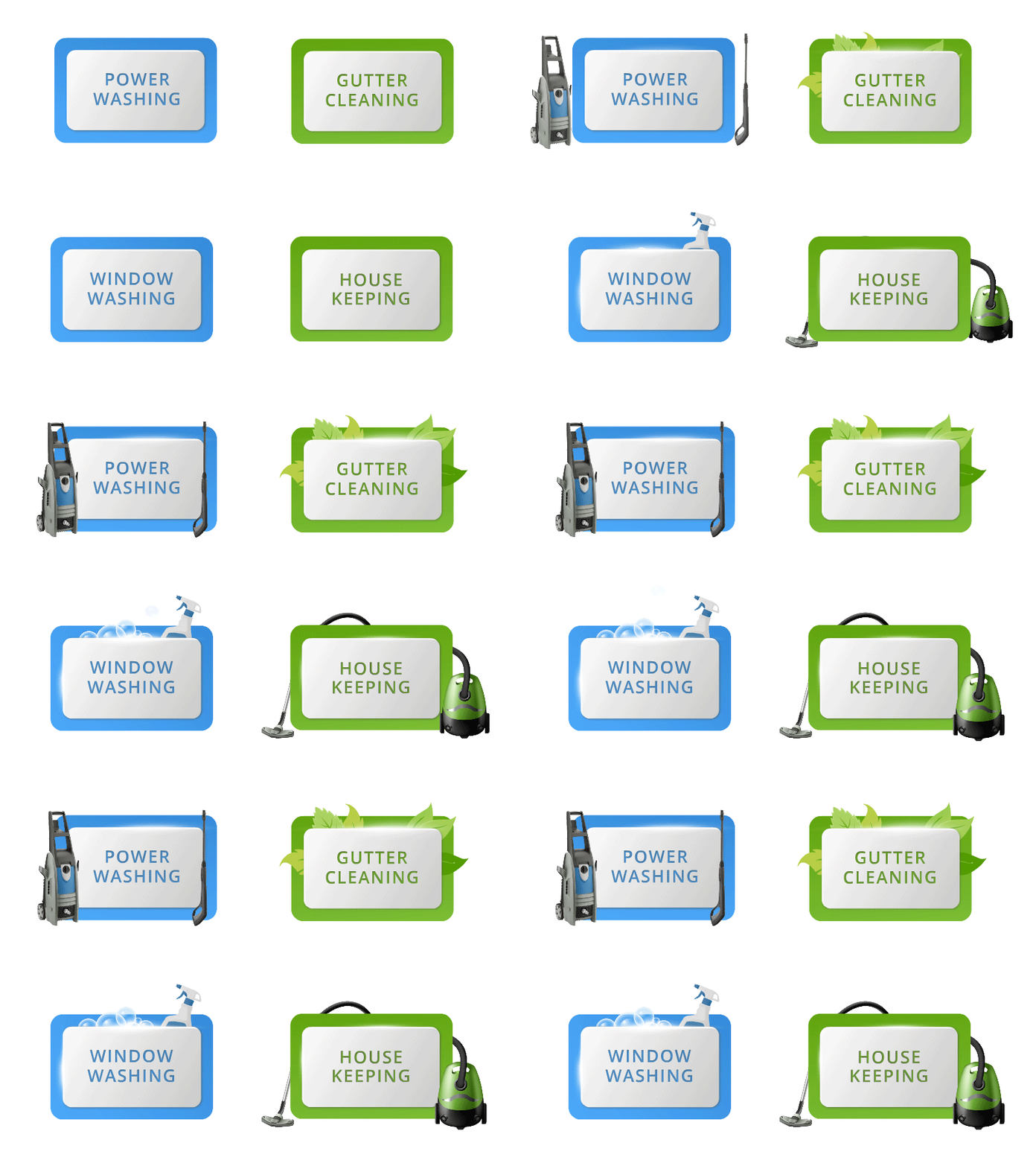
Attached files are "video" - how it looks while testing in browser, export settings, and GIF - how it looks after exporting as animated GIF. Thank you for you help!
    This topic has been closed for replies.
    Correct answer Colin Holgate

    Can I try your FLA?

    It may end up being that you've used a few thousand colors in doing all of the gradients, and reducing that to 256 colors is bound to not look as good.

    1 reply

    Colin Holgate
    Inspiring
    March 16, 2017

    GIF only uses 256 colors, and each of your gradients are using dozens of colors, leaving less colors for the more detailed parts.

    I would try changing from Selective to Adaptive and also try No Dither.

    Also check that your bitmaps in the library are set to lossless, allow smoothing. If they are already set to be JPEG they will have noise in the image even before you try the export.

    Known Participant
    March 17, 2017

    Sorry, I've changed all these properties, but the result is still the same. Any chance you have some other ideas, please?

    Colin Holgate
    Colin HolgateCorrect answer
    Inspiring
    March 17, 2017

    Can I try your FLA?

    It may end up being that you've used a few thousand colors in doing all of the gradients, and reducing that to 256 colors is bound to not look as good.