


Answered
How to export my assets to root directory with 2019 version?
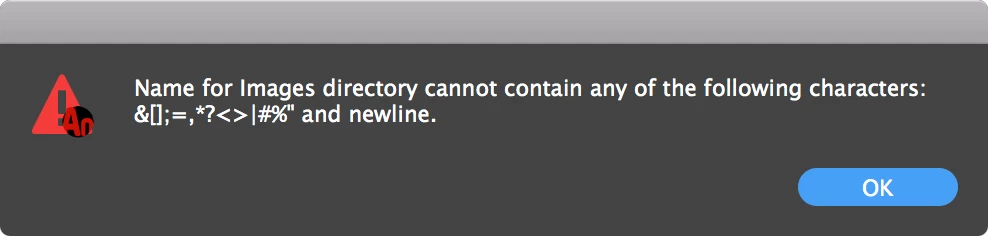
I used to be able to export my image assets by asking a 'dot' in the Export Image Assets field of the Publish Settings. This would export all assets in the same directory as where the FLA and JS files are located. Now I've updated to Animate 2019 and I can't add a dot in there anymore. It gives a pop-up 'Name for images folder cannot contain any of the following characters'. So how do I make Animate export those assets to the root directory of the FLA file now?

 AdChoices