



Answered
How to see object as they are and not by their layer color
Hi,
I'm very new to Animate.
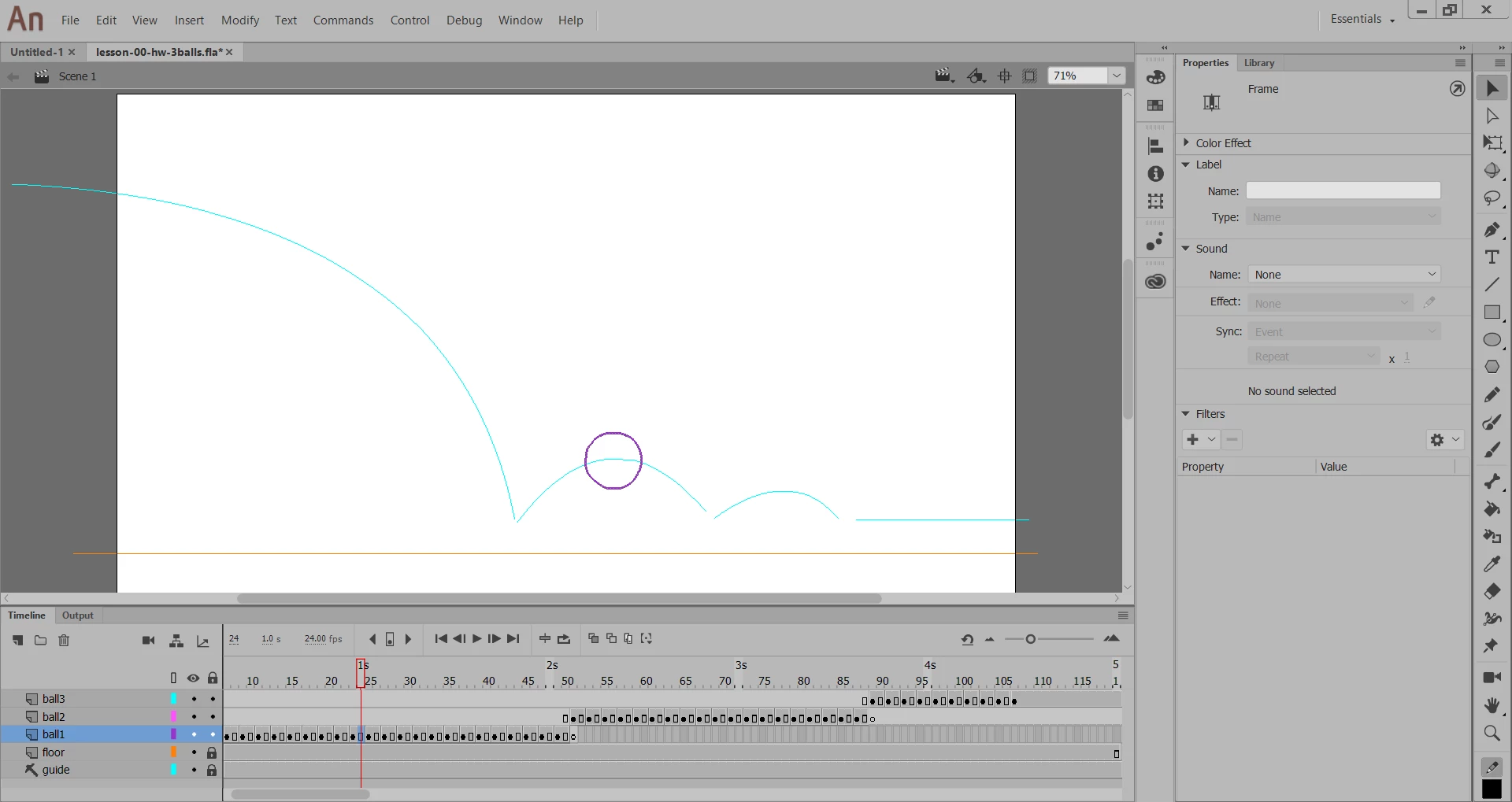
I tried to use a keyboard shortcut for onion skin, and suddenly all objects turned into skeletons of themselves with no width or fill, and with their layer color rather than their chosen color.
I tried the same and nearby key combination, and to look in the menu and could not revert this..
How can I fix this?
Thanks
 AdChoices