

Answered
I do not have the option to change the font size in Animate CC 2019, someone knows the solution?
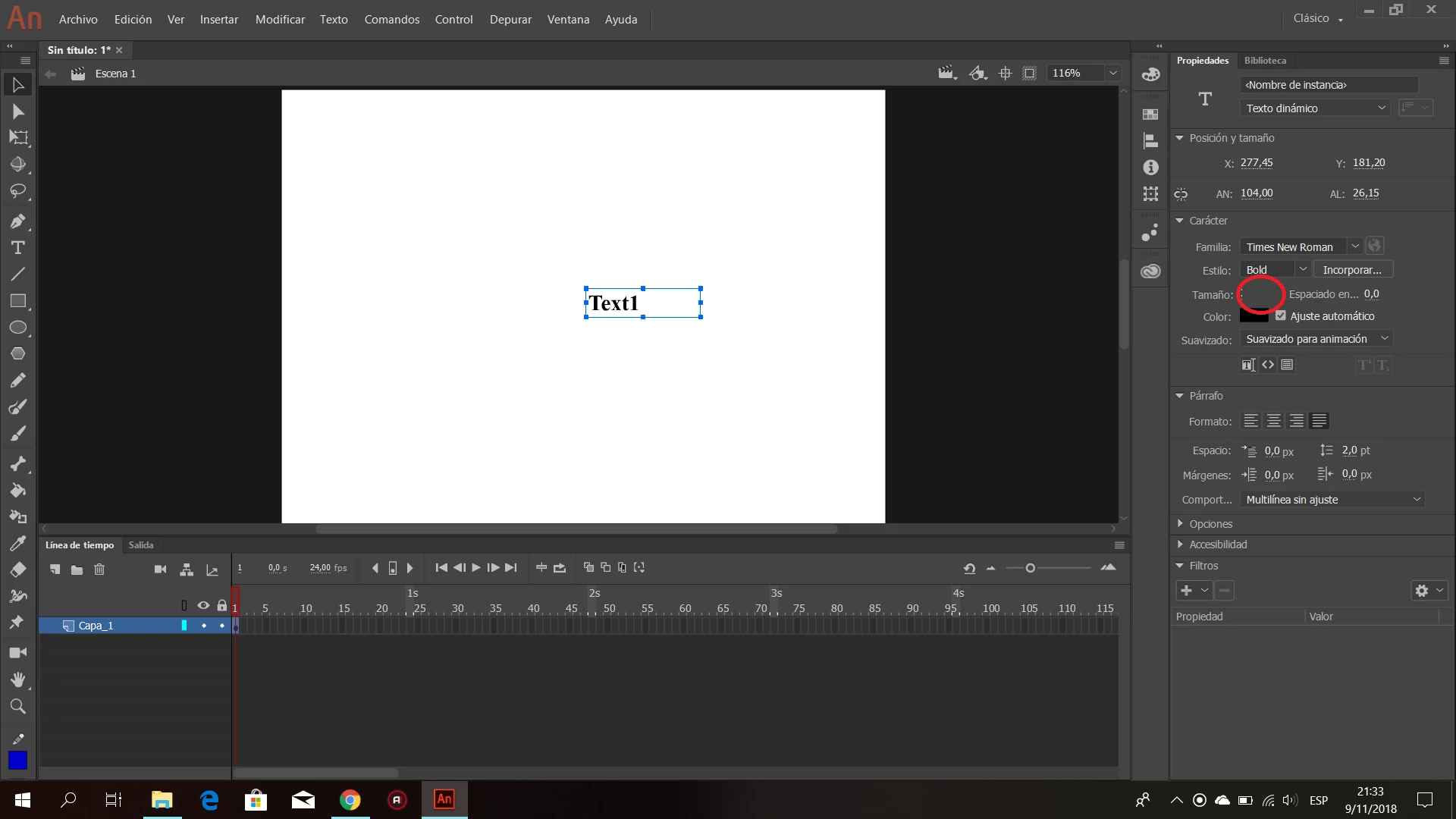

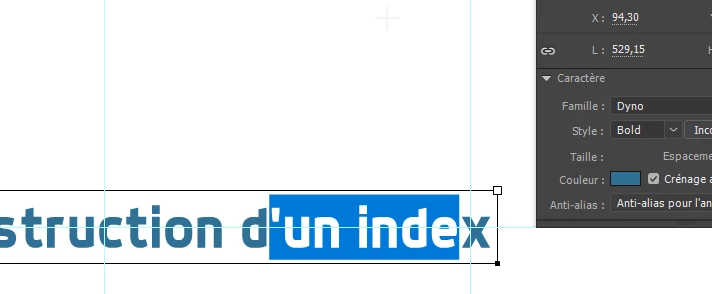
Sorry, probably should have posted with my first message.
I tried changing font, dragging the left edge of the panel to expand it and also manual transformation just in case. The issue is the same wether the text is static or dynamic, or if you modify letter spacing, or anti-alias (well, I was just checking everything just in case the font size would appear, who knows).
This is odd.
Are Animate CC 2019 files compatible with the previous version of animate? I could reinstall the previous version the time it gets to solve the bug if anything. That'd enable me to not have to switch with my old animations file to check the font size visually...
Thanks!
Hi.
Please report this bug here: Adobe Animate CC Feature Request/Bug Report Form .
Also, I would like to leave a script to change the font size as a workaround in the meantime. Just download the file and save it to a folder of your choice, but preferably to the default commands folder. In this way you can assign a shortcut to the command.
Please notice that for static texts you'll have to actually select the text within the text field for the script to work correctly and not only select the text field itself.
Set Font Size JSFL script download:
animate_cc_jsfl_set_font_size.zip - Google Drive
JSFL code (for reference only):
function main()
{
var doc = fl.getDocumentDOM();
var selection;
var element;
var size;
if (!doc)
{
alert("Please open a document first.");
return;
}
selection = doc.selection;
if (selection.length == 0)
{
alert("Please select at least one text field first.");
return;
}
size = prompt("Type the font size:", "12");
if (!size)
return;
for (var i = 0; i < selection.length; i++)
{
element = selection;
if (element.elementType != "text" && element.elementType != "tlfText")
continue;
if (element.textType == "static")
{
for (var j = element.selectionStart; j < element.selectionEnd; j++)
element.setTextAttr("size", parseInt(size), j);
}
else
element.setTextAttr("size", parseInt(size), element.selectionStart);
}
}
main();
About the retrocompatibility, I'm not sure because I don't have a previous ANCC version right now to run a test.
I hope this helps.
Regards,
JC
Already have an account? Login
Enter your E-mail address. We'll send you an e-mail with instructions to reset your password.
 AdChoices