


lapinuu
Participant
February 7, 2015
Answered

Is there a way to change brush opacity?

  • February 7, 2015
  • 2 replies
  • 25350 views

Lemme explain.

I just got Creative Cloud for a project I'm doing. Keep in mind we're on a relatively tight budget- it's a school project, but I'm not even in high school yet. So other alternatives are out- I'm NOT changing programs.

Well, I animate (or at least, I'll be learning to) in the style of hand-drawn animation. I don't like the way the computer moves shapes for me with tweens. My main issue is with sketching messy frames- I can't do it very well with the pen tool. Here's an example I did in Paint Tool SAI:
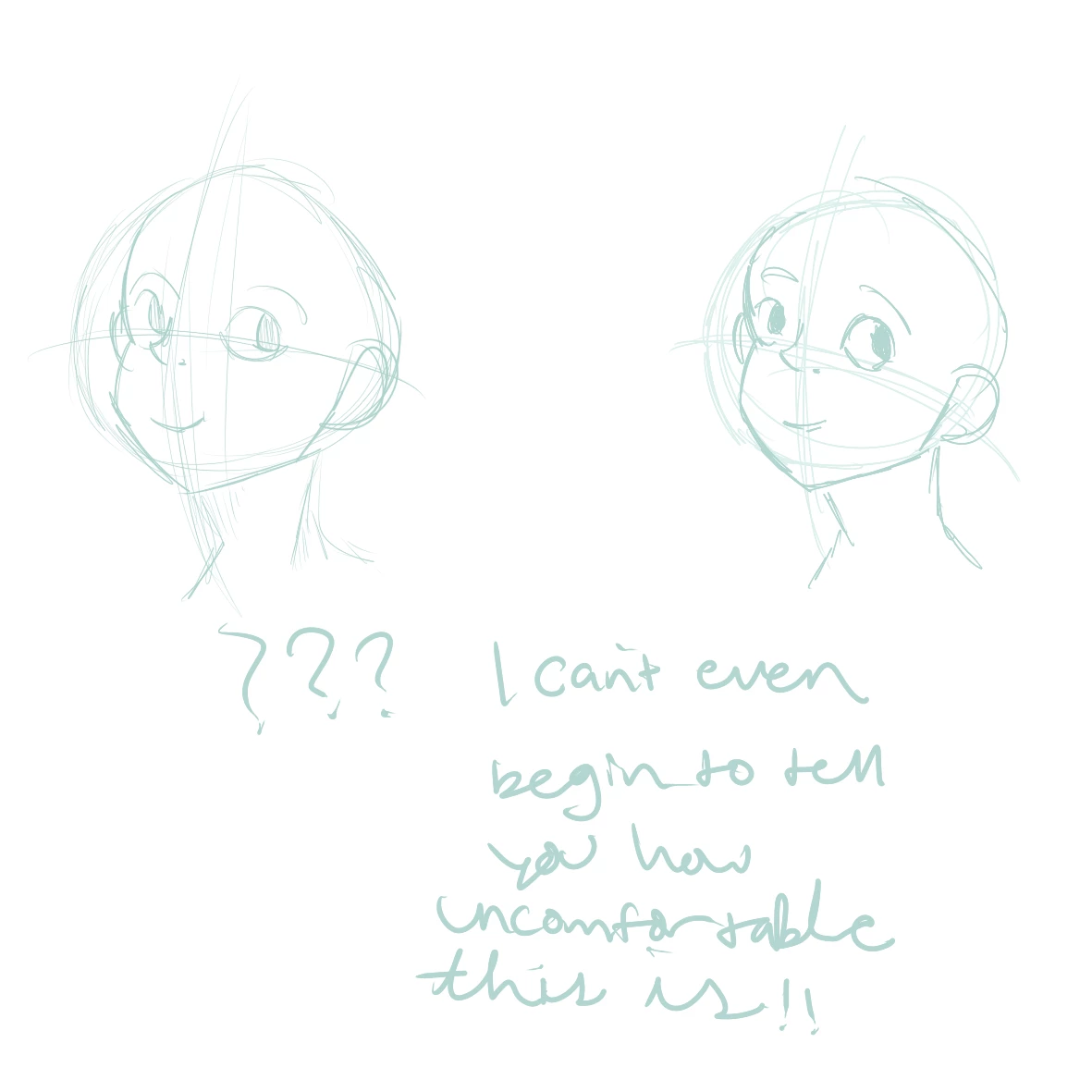
It's the difference between using pencil and pen- pencil on left, pen on right. Even if it looks pretty good, it's hard to do, and doesn't feel right. What would make things a LOT better is if, like I was told somewhere, I could tone down the brush opacity. That way, I could sketch like I do with the marker tool on SAI and it would be just as good. I'm using the latest version of Flash. Please help me! unu
This topic has been closed for replies.
Correct answer travisbrainerd

Thanks, how do I go about that?


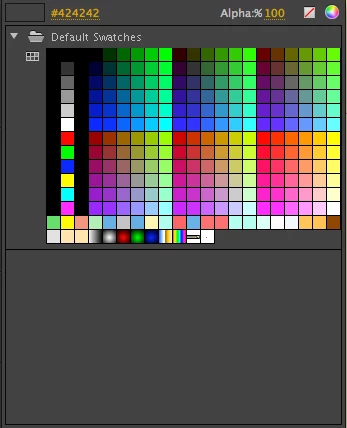
Select the color fill, then type in the alpha level you want to use.

2 replies

travisbrainerd
Participating Frequently
February 9, 2015

You can change the alpha of the fill color, but it won't build up and get darker like the image on the right side unless you have Object Drawing enabled or add new layers to draw on.

Preran
Community Manager
Community Manager
February 9, 2015

Hi Amelia,

Which device are you using Flash Pro CC on? This is the information I have from the team.

If you are using a pen, can you try switching to a mouse and let us know if you still have the same issues?


Thanks,

Preran

lapinuu
lapinuuAuthor
Participant
February 9, 2015

I'm using a Wacom Intuos. Nothing really changes except that I don't have pen pressure anymore. What I'm trying to do is lower the opacity of the brush, can you help me with that? Thank you!

lapinuu
lapinuuAuthor
Participant
February 10, 2015

Can you explain your problem a different way? I don't see what pressure and opacity have to do with eachother. And your drawing is from another program, which is probably just confusing me. The ability to turn pressure on is in the Tools panel, right below brush shape/size, and above the stylus tilt option.


Using pen in SAI is basically the same thing as using the brush in flash. I never said opacity had anything to do with opacity, my last post was in response to Preran.