


Answered
Java Virtual Machine ran out of memory
Hello, I'm facing an issue with exporting a project (15,990 frames). There is an error message that basically says that the "Java Virtual Machine (for ActionScript)" ran out of memory. The error message is linked below.
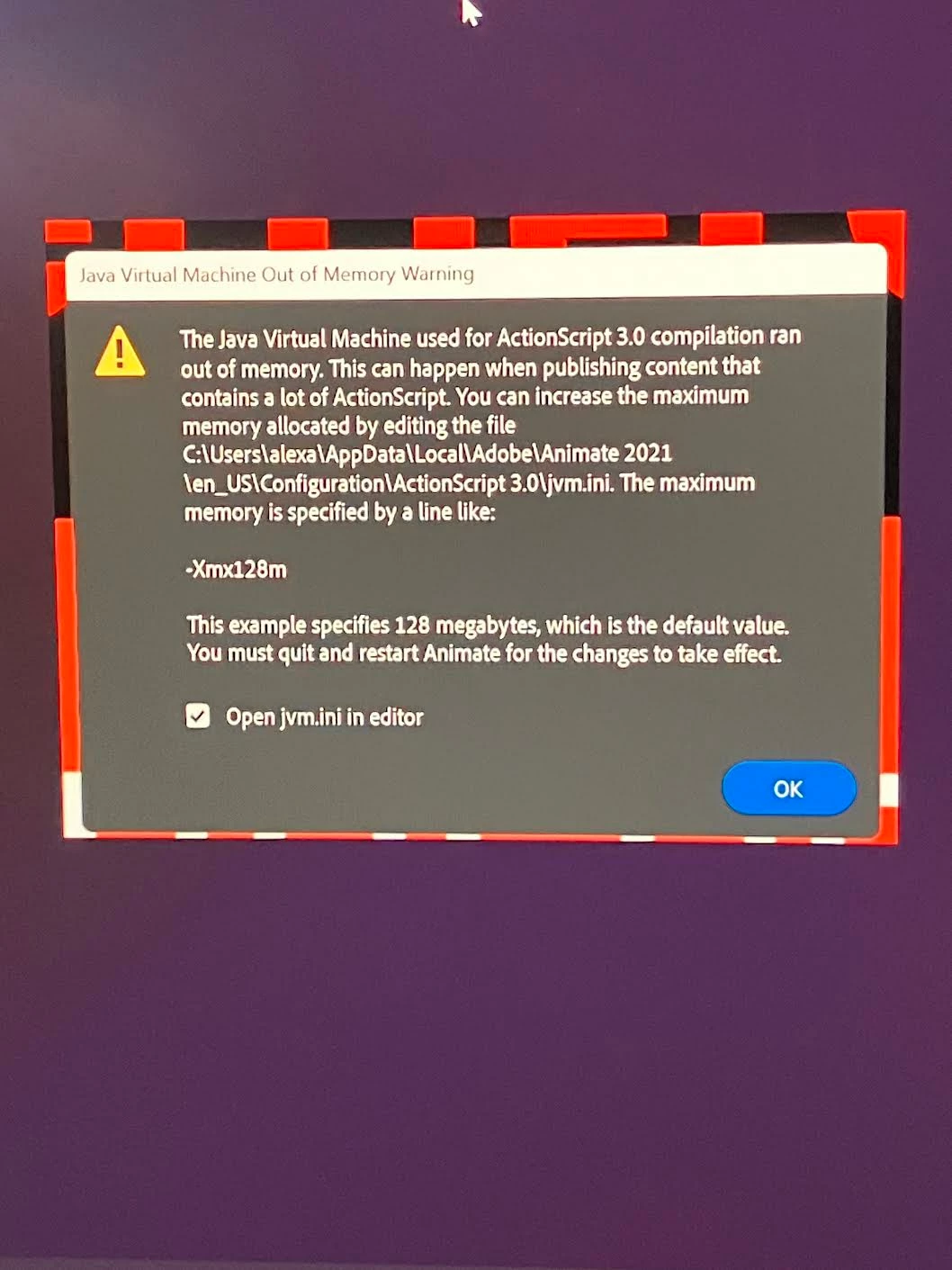
(I don't seem to be able to open the file in editor like it says)
Now, I've looked in my files and haven't been able to find this jvm.ini file, so please don't tell me to go there as I have already tried- I need to find out how to get there. I've installed Java V.8 and the Java SE Development Kit 24.0.2 but haven't been able to do anything with it. How do I fix the issue and access the file? ALSO, would more RAM help? Please let me know if you need any more info. Thank you.
 AdChoices