



Perfectly straight string of Asset Warp bones, is it possible???
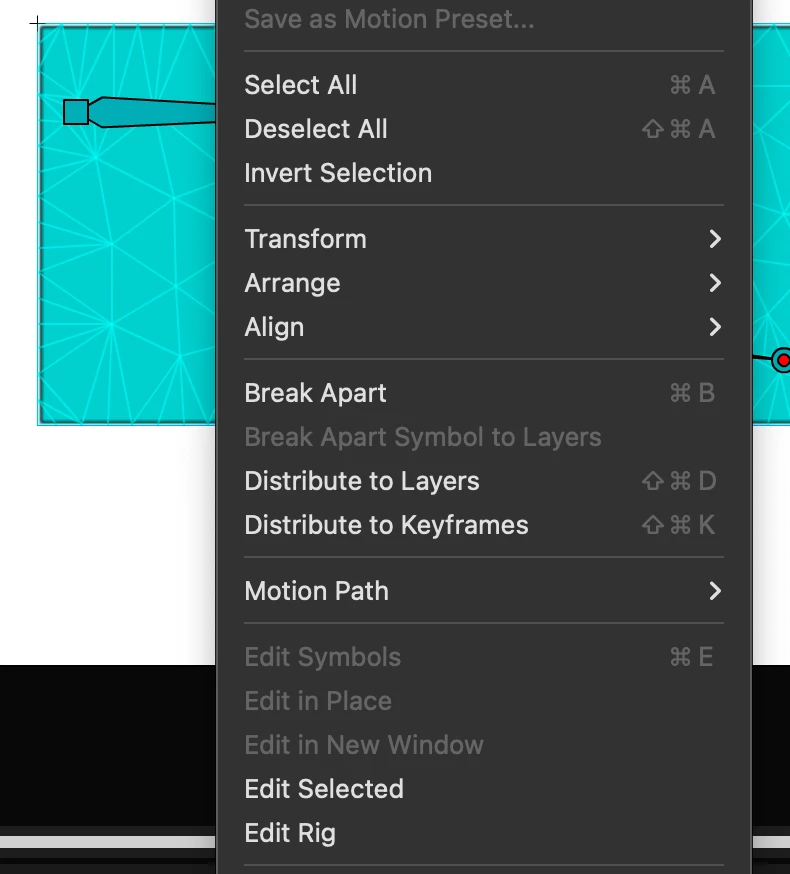
I'm trying to animate something that is meant to be bendy but starts with a perfectly straight sprite. For consistency and my own sanity, I'd like the bones I want to set up with Asset Warp to form a perfectly straight line, down the middle of the sprite. Is there a hotkey or shortcut I can use to force the bones to be on a cardinal direction? In Photoshop, several tools (such as gradient) let you hold Shift to force the tool to operate on a cardinal direction (perfectly vertical or horizontal). Is there a way to do this with Asset Warp? Alternatively, once I've placed my pins/bones, is it possible to change where on the sprite a certain pin is? I don't mean manually dragging the pins around (as this would Warp the Asset, obviously), but actually changing the pin positions relative to the sprite so I could straighten out the bones?
 AdChoices