


Answered
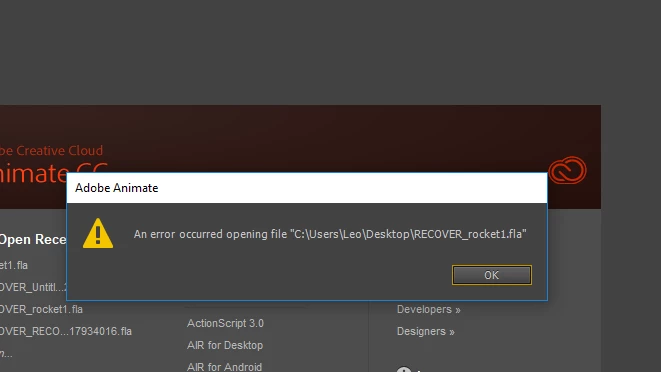
Question: An error occurred opening file Adobe Animate
 '
'
Answers please. How do i fix

'
Answers please. How do i fix
Hi !
I had the same problem and found a solution ([PT/ENG] "An error occurred while opening the file" How to get your file back - Animate CC tutorial - YouTube ). You can find previous version of your file there :
- For Windows : AppData > Local > Adobe > AnimateCC > pt_BR > Configuration > Files "RECUPERAR_(...).fla"
- For Mac : Library > Application Support > Adobe > AnimateCC > en_US > Configuration > Files "TMP(...).fla"
I hope this answer can help you.
Already have an account? Login
Enter your E-mail address. We'll send you an e-mail with instructions to reset your password.
 AdChoices