


New Participant
November 21, 2020
Question

snap windows to project border
  • November 21, 2020
  • 2 replies
  • 879 views


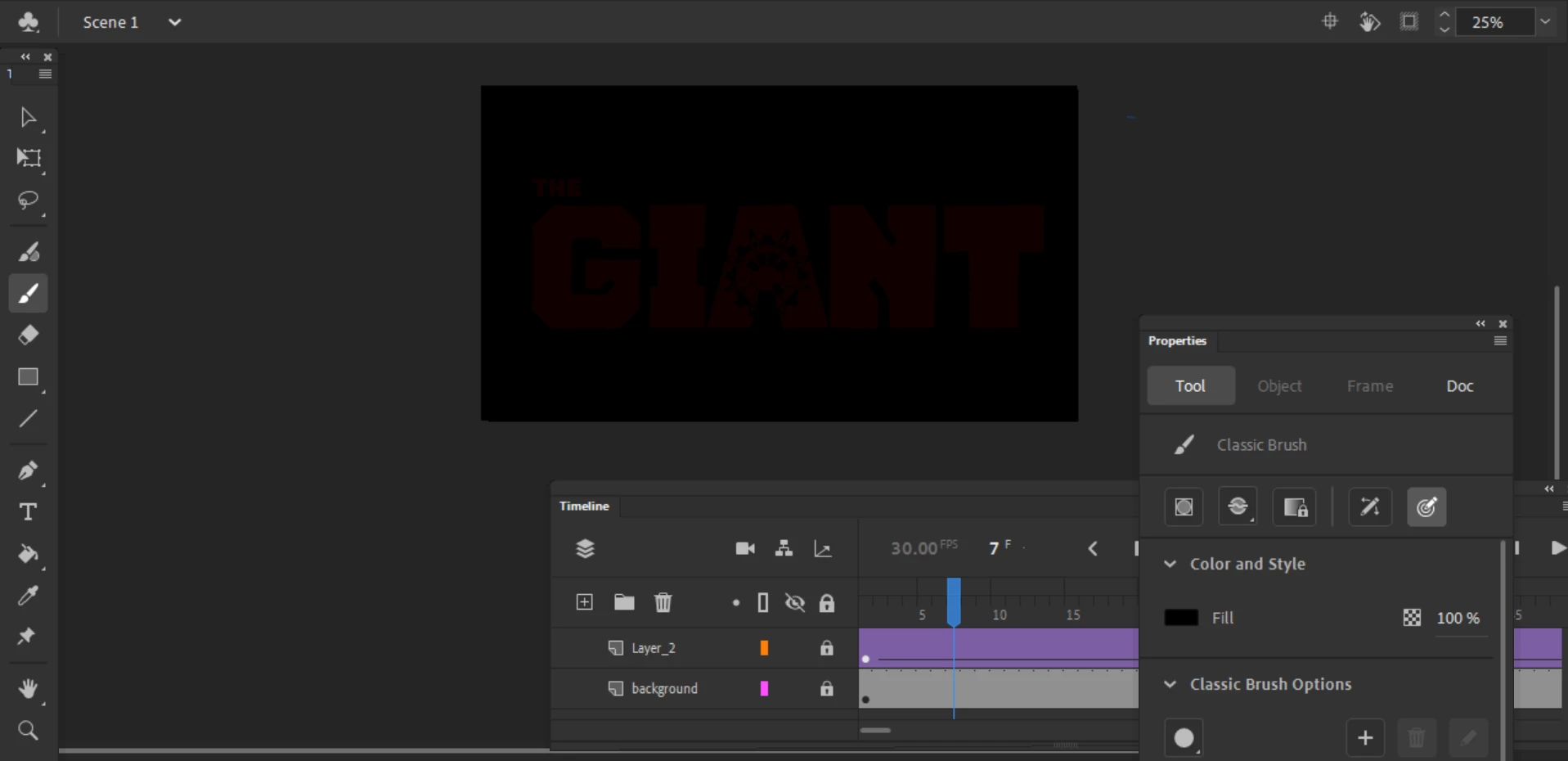
the windows of my project wont snap to the borders. I've tried clicking the window tab to remove and bring them back but they remain unsnapped as well as restarting the program. tried placing them on every border but it doesnt work, help appreciated.

    2 replies

    Participating Frequently
    January 29, 2025

    Hi there, I'm helping my sibling out with their computer, they had to factory reset their pc but now after they've reinstalled Adobe Animate multiple times we are still running into an issue where there are no workspaces available except for the new one we made. Not even the start workspace works. We're also running into the same issue as listed above where we can't snap any windows to the project borders, even when we drag them by the other panels. 

    kglad
    Community Expert
    January 29, 2025

    reset your preferences after assigning a custom keyboard shortcut (so you can confirm the reset was successful).

    Participating Frequently
    January 29, 2025

    jeez, that was a fast response! 

    alright, I assigned a new shortcut and tried to reset the preferences both in the settings and by holding ctrl + alt + shift while starting the app again, but it doesn't seem like it's being reset.

    kglad
    Community Expert
    November 21, 2020

    if you mean you want to panels to snap to the animate borders you should drag them by the bar above the panel name until their close to a border, when the bar glows blue it will snap to that border when released.


    you can also use window>workspace>and select one to reset all the panels.

    New Participant
    November 21, 2020

    yes i've tried but they won't do it


    kglad
    Community Expert
    November 21, 2020

    if both failed, reset your preferences -

    https://helpx.adobe.com/animate/using/set-preferences.html