Grape23138829sm80
New Participant
February 13, 2022
Question

Sprite sheet not exporting animated symbols

  • February 13, 2022
  • 3 replies
  • 2015 views

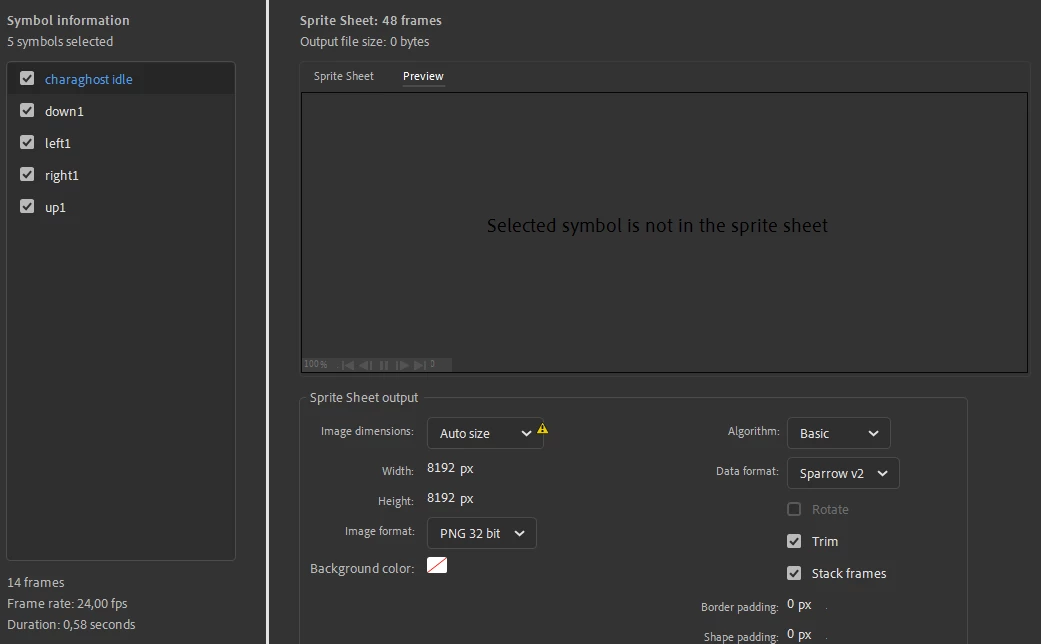
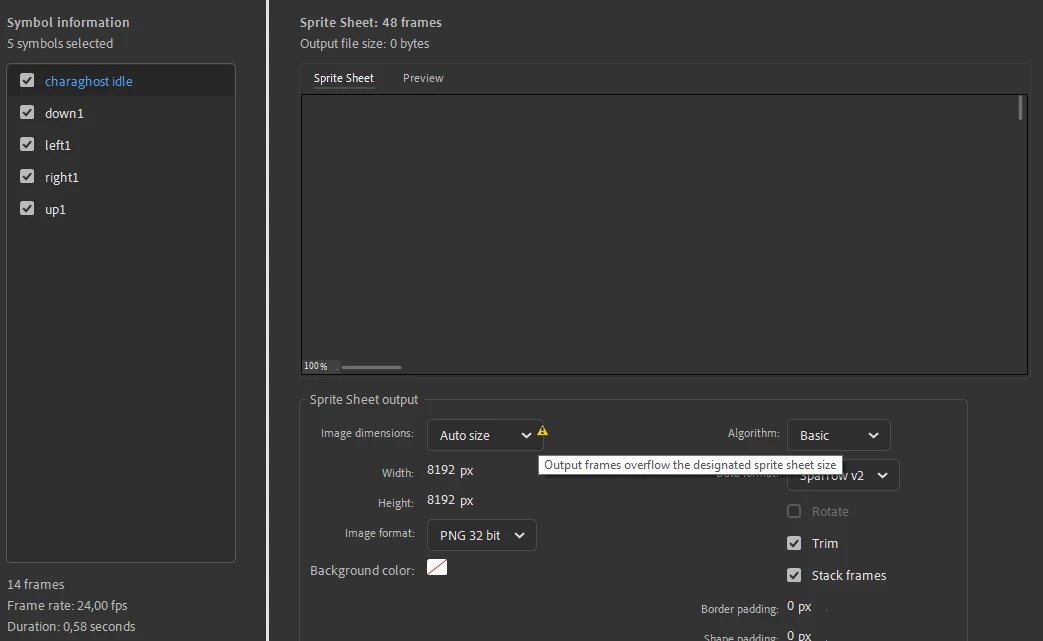
So I followed every instruction right and for some reason the sprite sheets arent showing any previews of itself and when it does manage to show a preview, none of my sprites are there and its just transparent. It says "Selected symbol is not in the sprite sheet" and yet for other projects it is working fine. (Screenshots ahead) 
 

    This topic has been closed for replies.

    3 replies

    New Participant
    May 8, 2024

    I got this problem too, and I think the source for me was having blank keyframes with filters on them. (they appear as frames with white dots on the timeline) I removed the effects on the frames in the properties window and it loaded the spritesheets like normal.

    I'm assuming that's the problem here too based on the symbol names, if you used a glow/blur effect for a ghost sprite, you might want to just clean up the frames

    Mario_CR
    Community Expert
    May 8, 2024

    It's a bug introduced in version 24.0.

    https://community.adobe.com/t5/animate-discussions/spritesheet-exporting-error-with-the-preview-tab/m-p/14194653


    Please make a bug report if you're experincing this issue: 

    https://www.adobe.com/products/wishform.html


    New Participant
    March 11, 2024

    Yo did you ever find the fix to this bc im currently experiencing the same thing

    kglad
    Community Expert
    March 11, 2024

    did you adjust width/height?

    New Participant
    March 11, 2024

    It has absolutely nothing to do with width or height as I've changed the size of about everything and it still only shows a transparent image

    It's only doing it in this one export any other exports work just fine

    kglad
    Community Expert
    February 13, 2022

    there's a warning about overflow.

    Grape23138829sm80
    New Participant
    February 13, 2022

    I am aware but even if I choose only one of the shown animated symbols it still says there is an overflow and these arent even big, ive compared to my other projects that have similar sizes

    kglad
    Community Expert
    February 13, 2022

    increase that width and height setting