
Answered
Troubleshoot issue with importing Photoshop file to Animate while maintaining transparency on layers
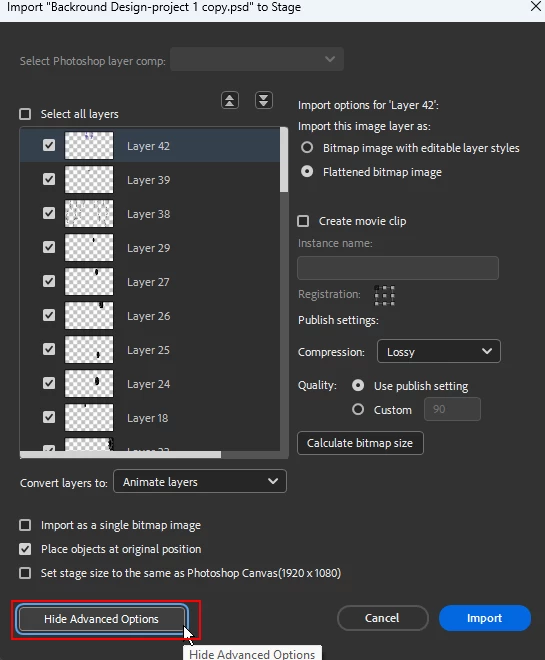
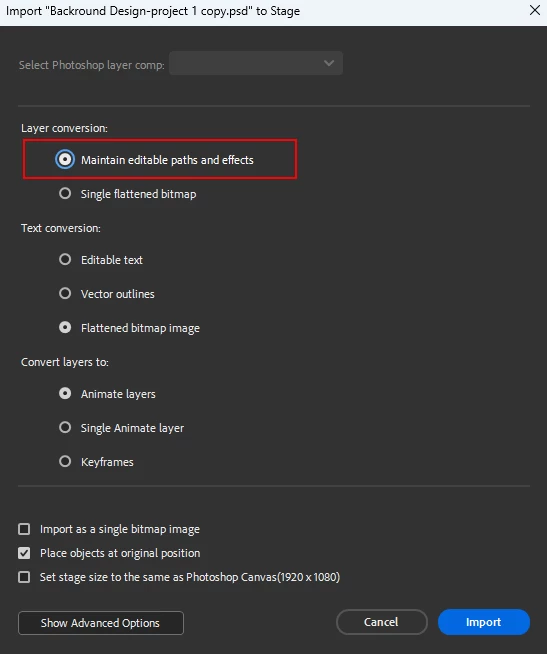
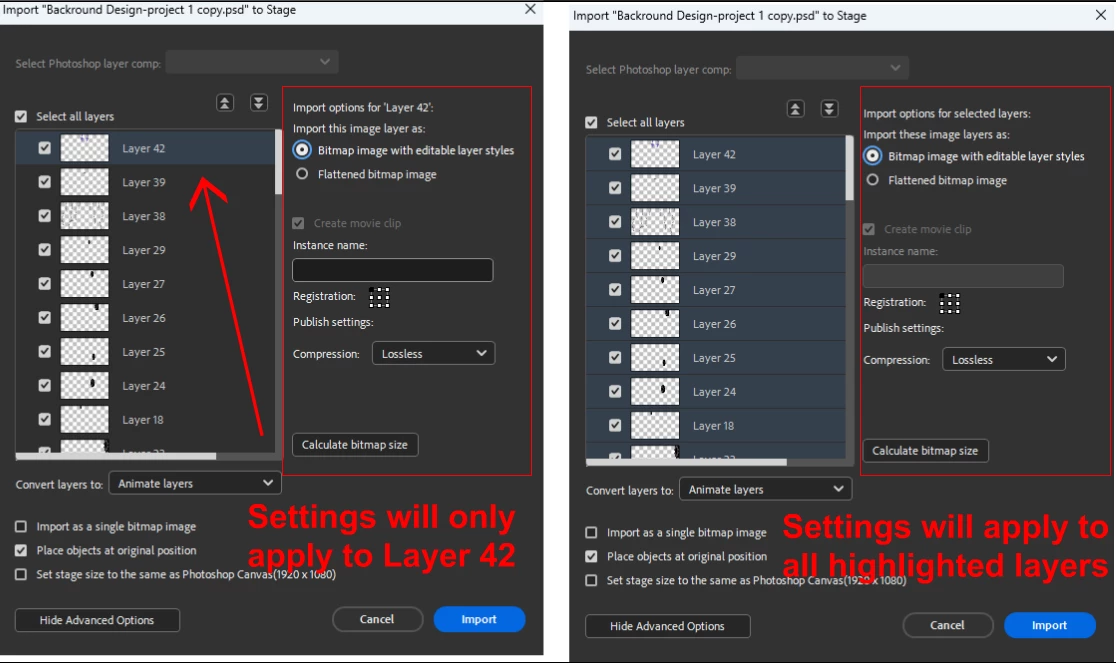
I have tried every possible idea to get the files to import while maintaining transparency. It always slaps a black background on them even though the layers have transparency. We imported as a single bitmap image and that worked, but I want my students to be able to have their characters go behind objects, etc without dealing with complexities of masking layers. I have reset all settings to default as it's only happening to two of my students, and nothing changed. I've cycled through all the various clickable options from the import menu and nothing changes. Please help me for the sake of my sannity 😆. Thank you in advance.


 AdChoices