


Unwanted shifting of the transformation point in a symbol
In my current project, I have two symbols that I'm using, on separate layers, a right hand holding a pencil and a left hand holding a pencil, in both cases the transformation point is set at the tip of the pencil . I'm using a motion tween on each layer to make these symbols move in tandem. Whenever I copy a frame and then paste it later in the timeline, the right hand position stays exactly the same. But every single time the left hand shifts a bit, because the transformation point for that symbol shifts. I'm just copying and pasting, and it works perfectly for the one symbol and not the other.
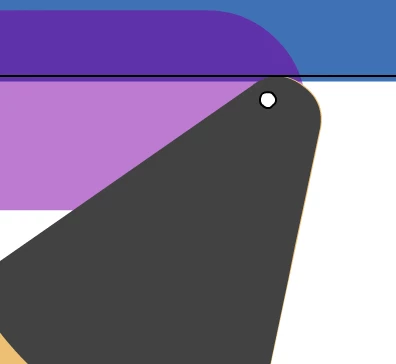
I deleted my whole left hand layer, then created a new left hand symbol by duplicating the right hand symbol, editing it to flip it so it looks like a left hand now, and then started over from scratch with a new motion tween on the left hand layer. The first time I used the new left hand symbol, I moved the transformation point to where I wanted it. I copied and pasted several times, and it stayed where I set it. But then on about the fifth copy/paste, it moved again, just as was happening before. I'm clicking in the timeline, copying frame, then clicking later in the timeline and pasting the frame. This method works every time with the right hand symbol, but not the left hand. What could possibly be causing this behavior?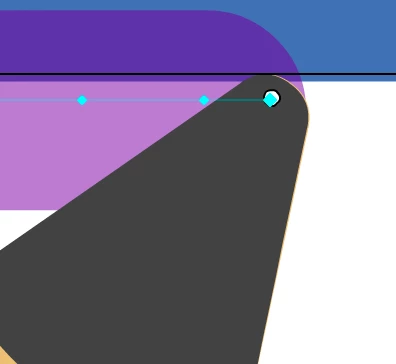
 AdChoices