


Inspiring
April 9, 2020
Answered

Using NavigateToURL to open a file at the end of an animation

  • April 9, 2020
  • 1 reply
  • 1600 views

Hello. I am having a real battle trying to get a file to open using the NavigateToURL command.  This is the code I am using:

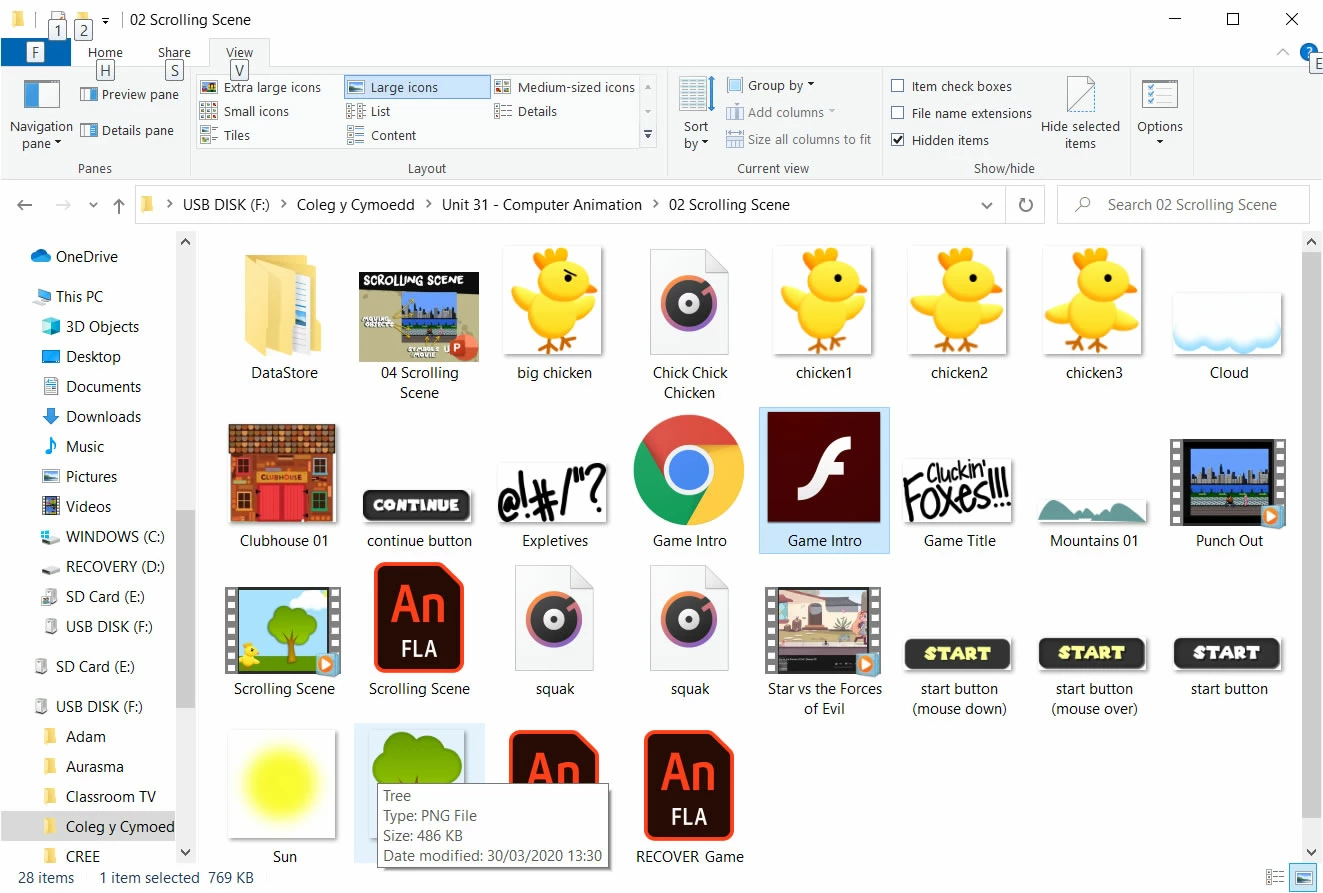
This is the file I am trying to open (in the same directory as the .fla and .swf file):
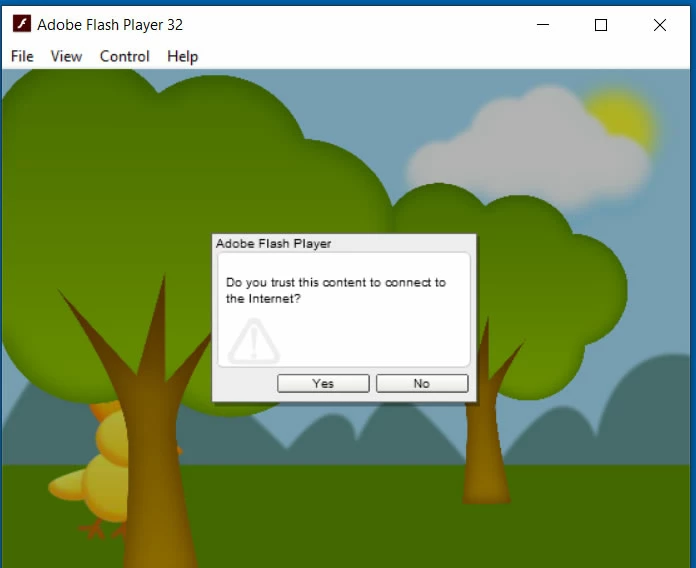
I get this appearing and when I press either Yes or No nothing happens:
Any suggestions?

This topic has been closed for replies.
Correct answer jamesro@cymoedd.ac.uk

Hi.


Go to Help > Manage Adobe AIR SDK..., click the + button and add the folder containing the AIR SDK you've downloaded.


Here is another video from Joseph Labrecque with more info about this process:


It worked. Thank you JC.


If I wanted to open a file in another directory would I be able to use relative addressing (e.g. ../../House.doc) or would it have to be an absolute address?

1 reply

JoãoCésar17023019
Community Expert
Community Expert
April 11, 2020

Hi.


If you want to just display an external image, I think using the Loader and URLRequest classes are a better approach. For example:

import flash.display.Loader;
import flash.net.URLRequest;

var loader:Loader = new Loader();
loader.load(new URLRequest("Tree.png"));
addChild(loader);


Please let us know if this works.


Regards,

JC

Inspiring
April 11, 2020

Hello JC. Thanks for the reply. Unfortunately, nothing seems to happen.

This is a screen shot of the code and the timeline showing what frame the action is on:

JoãoCésar17023019
Community Expert
Community Expert
April 11, 2020

No. Would that make a difference?


I'm looking for the file to open in its default program so I could this code to get a .doc to open in Word, a .ppt to open in PowerPoint,  etc.


It does because loading an image is an asynchronous operation wich means the asset you want to load won't be immediately available. But in your case as you want to open with a default application the code I provided won't achieve the goal.


Also this navigateToURL method seems to have been created initally taking only or mostly browsers into account, IMHO.


But now that Flash Player applications cannot run inside of mainstrem browsers anymore, the AIR runtime is the best option for desktop and mobile applications. Applications created with AIR for desktop are native so you should have more power to read and write files from/to the user's local storage


Please try the following:


- Switch to the AIR runtime in the Publish Settings (Ctrl/Cmd + Shift + F12).


- Code something like this:

import flash.filesystem.File;
import flash.net.navigateToURL;
import flash.net.URLRequest;

function openImage(fileName:String):void
{
	var file:File = File.applicationDirectory;
	var url:String = file.nativePath + File.separator + fileName;
	
	navigateToURL(new URLRequest(url));
}

openImage("Tree.png");


Please let us know if this solves your issue.


Regards,

JC