


Inspiring
April 9, 2020
Answered

Using NavigateToURL to open a file at the end of an animation

  • April 9, 2020
  • 1 reply
  • 1600 views

Hello. I am having a real battle trying to get a file to open using the NavigateToURL command.  This is the code I am using:

This is the file I am trying to open (in the same directory as the .fla and .swf file):
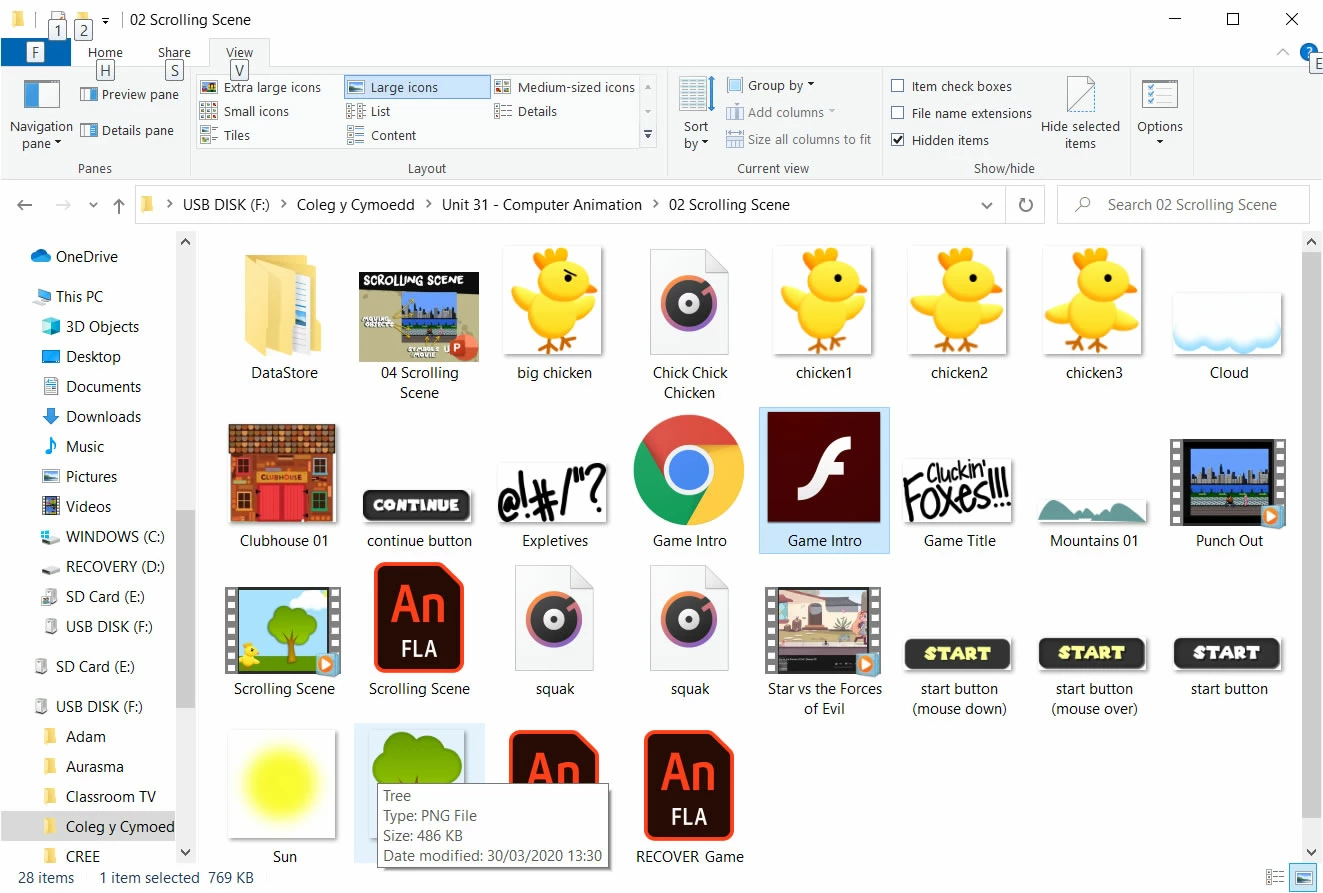
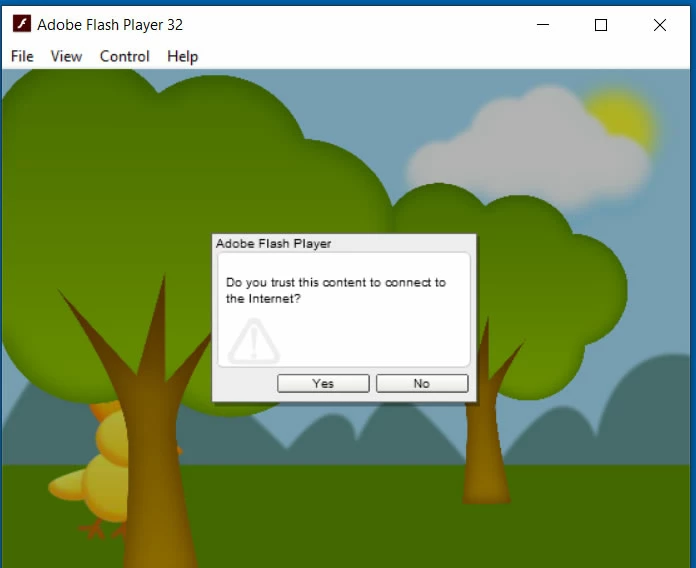
I get this appearing and when I press either Yes or No nothing happens:
Any suggestions?

This topic has been closed for replies.
Correct answer jamesro@cymoedd.ac.uk

Hi.


Go to Help > Manage Adobe AIR SDK..., click the + button and add the folder containing the AIR SDK you've downloaded.


Here is another video from Joseph Labrecque with more info about this process:


It worked. Thank you JC.


If I wanted to open a file in another directory would I be able to use relative addressing (e.g. ../../House.doc) or would it have to be an absolute address?

1 reply

JoãoCésar17023019
Community Expert
Community Expert
April 11, 2020

Hi.


If you want to just display an external image, I think using the Loader and URLRequest classes are a better approach. For example:

import flash.display.Loader;
import flash.net.URLRequest;

var loader:Loader = new Loader();
loader.load(new URLRequest("Tree.png"));
addChild(loader);


Please let us know if this works.


Regards,

JC

Inspiring
April 11, 2020

Hello JC. Thanks for the reply. Unfortunately, nothing seems to happen.

This is a screen shot of the code and the timeline showing what frame the action is on:

JoãoCésar17023019
Community Expert
Community Expert
April 13, 2020

I don't have AIR as a target option within Publish Settings.  How do I get it?


Hi.


Starting from Animate 20.0.2, the AIR SDK must be enabled manually. Please checkout this tutorial by Joseph Labrecque.