New Participant
January 28, 2022
Question

Why my actionscript to go to certain scene not working?

  • January 28, 2022
  • 2 replies
  • 2497 views

Hello, Im still new to adobe animate and I wish I could get assistance on how to solve this problem.

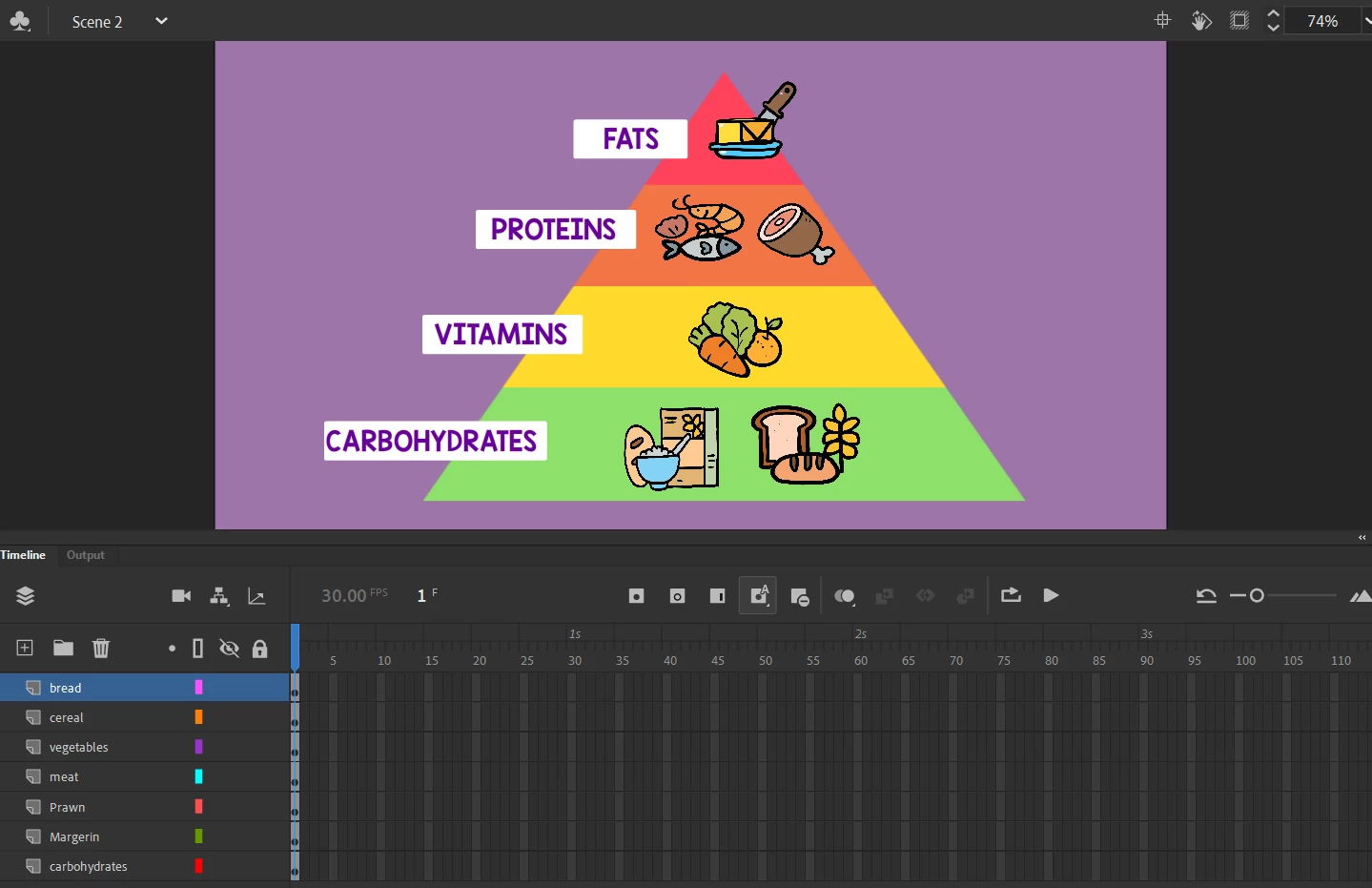
I created three different scene and I want the buttons that I created on Scene 1 be able to navigate to Scene 2 and Scene 3. So I click on the button , choose action script To go to Scene and play and input the scene number I want the button to navigate. However it not working and I keep getting errors. Is there anything I can do to solve this? And what could I miss here? 



Really appreciate for any help !

    This topic has been closed for replies.

    2 replies

    Community Expert
    January 29, 2022

    This is pretty cool.

    JoãoCésar17023019
    Community Expert
    January 28, 2022

    Hi.


    It's probably because your second scene has only one frame and you're using gotoAndPlay. So when you click the button the navigation immediately go forth and back.


    To solve this, put a stop method in the first frame of the second scene or use gotoAndStop.


    Please let us know.


    Regards,

    JC

    New Participant
    January 28, 2022

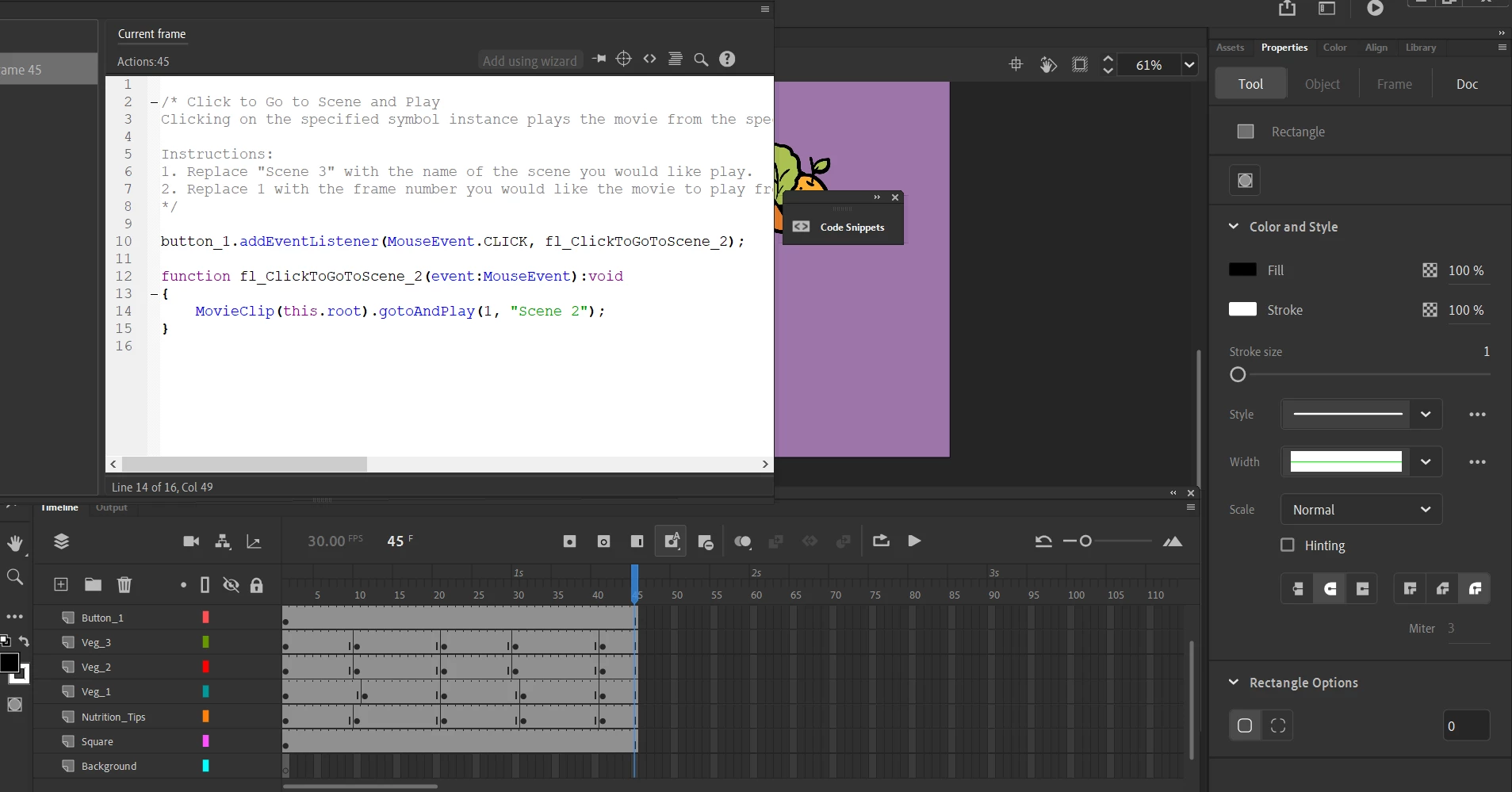
    Thanks! I just put some frames on Scene 2 then run the code Go to Scene and Play. However encountered an error with the lines below : 

    ArgumentError: Error #2108: Scene Scene 2 was not found.
    at flash.display::MovieClip/gotoAndPlay()
    at wani_Scene1_fla::MainTimeline/fl_ClickToGoToScene_4()


    what could be the problem and is there I should not miss to properly run this?

    JoãoCésar17023019
    Community Expert
    January 28, 2022

    It's not finding "Scene 2".


    Do you mind showing your Scene panel (Shift + F2)?


    And how are you testing your movie?