New Participant
March 24, 2020
Answered

Classic Tween Problem: All Rotation Occurring in Last Frame

  • March 24, 2020
  • 1 reply
  • 2620 views

Okay, so I am very new to Adobe Animate, after having recently moved over form Synfig. 


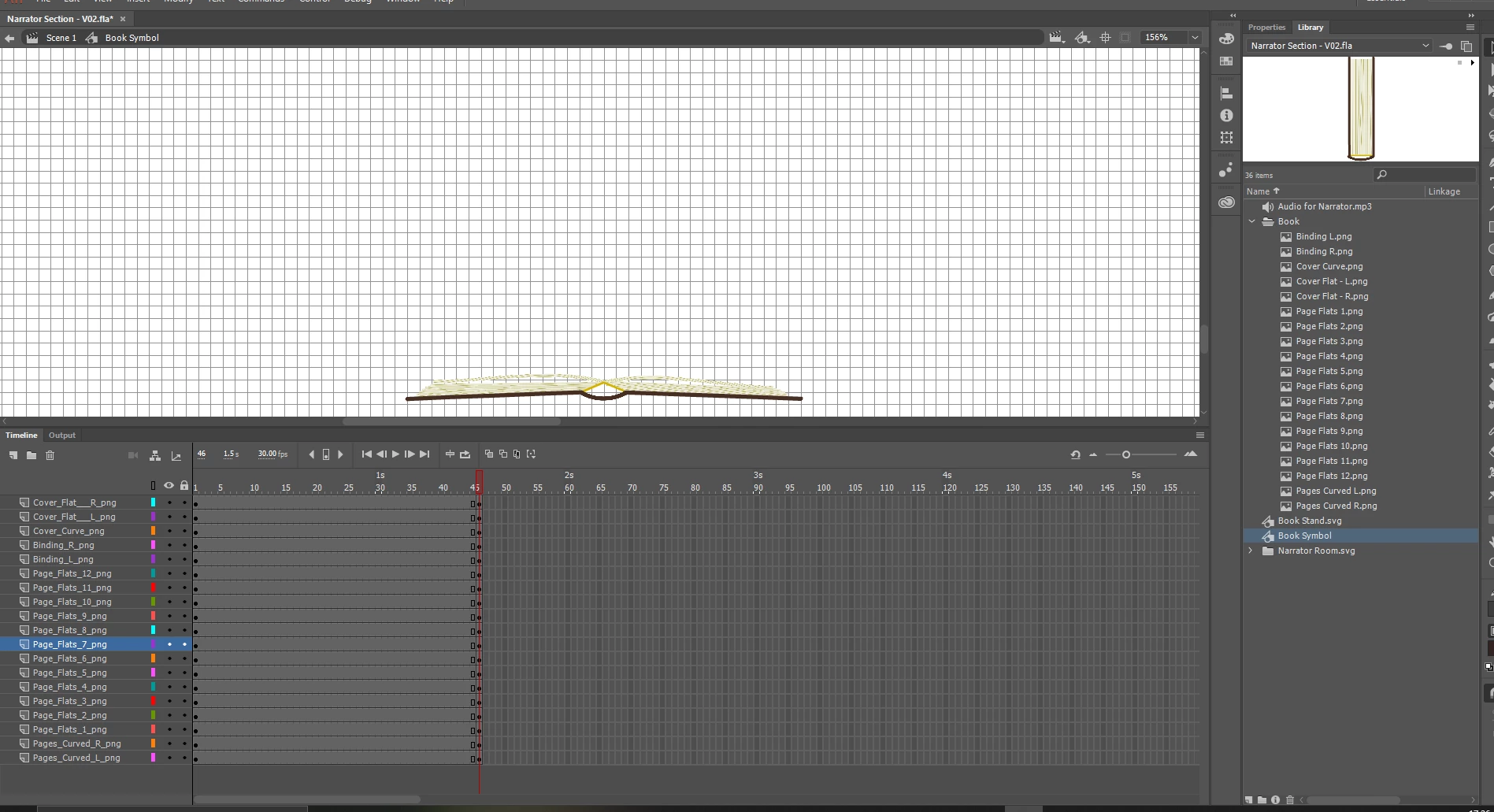
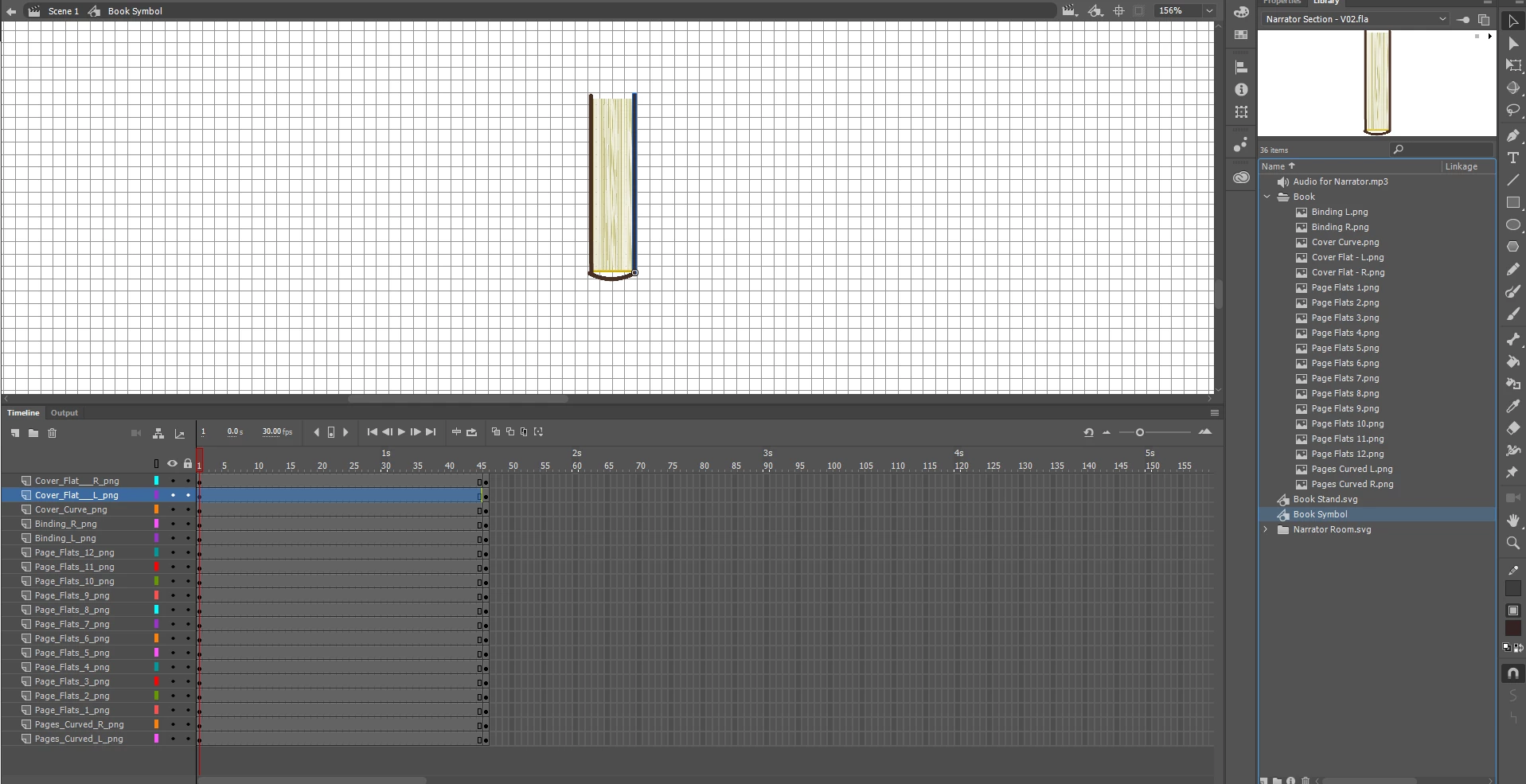
I'm trying to animate a book opening as it falls onto a desk. I've combined the elements into a symbol, and have made the first frame the book closed in the air, and the last frame the book open on the desk.

After creating the classic tween, the pieces moves as intended, except all the rotation is done in the last frame.

After looking at some other people have similar issues, I understand this may because of moving the anchor point, however, I don’t know how to get the rotation I need without doing so.

I’m lost, and would really like some help. I think I’m missing something basic.


Any help would be appreciated. 


    This topic has been closed for replies.
    Correct answer n. tilcheff

    Hi mate,


    All the book elements need to be converted to symbols and each symbol has to be on its own layer with correctly positioned Transformation points in the first frame before you have any other keyframes. Rotation will occur around the T-point.


    Then you create the keyframes without ever touching the Transformation point again.


    Les simplify your book to 3 symbols - the two covers and the back. T-point of the covers will be at folds, back will have its T-point bottom-centre.

    1-st keyframe is like you have it.

    2-nd keyframe is just a tween without any rotation - the book moves vertically down to the table.

    3-rd keyframe you rotate the cover symbols after contact with the surface.


    You can, of course, have only two keys - first and last - and then the opening will apear to happen in mid-air.


    More about Symbol registration here:  http://flash-powertools.com/understanding-symbol-registration/


    You can also download some sample files to see how the elements are registered to work well:  http://flash-powertools.com/tag/free-download/


    1 reply

    n. tilcheff
    n. tilcheffCorrect answer
    Brainiac
    March 24, 2020

    Hi mate,


    All the book elements need to be converted to symbols and each symbol has to be on its own layer with correctly positioned Transformation points in the first frame before you have any other keyframes. Rotation will occur around the T-point.


    Then you create the keyframes without ever touching the Transformation point again.


    Les simplify your book to 3 symbols - the two covers and the back. T-point of the covers will be at folds, back will have its T-point bottom-centre.

    1-st keyframe is like you have it.

    2-nd keyframe is just a tween without any rotation - the book moves vertically down to the table.

    3-rd keyframe you rotate the cover symbols after contact with the surface.


    You can, of course, have only two keys - first and last - and then the opening will apear to happen in mid-air.


    More about Symbol registration here:  http://flash-powertools.com/understanding-symbol-registration/


    You can also download some sample files to see how the elements are registered to work well:  http://flash-powertools.com/tag/free-download/


    Nick - Character Designer and Animator, Flash user since 1998 | Member of the Flanimate Power Tools team - extensions for character animation
    HamseenAuthor
    New Participant
    March 25, 2020

    Thank you very much, this has been incredibly helpful. I was pulling my hair out!

    n. tilcheff
    Brainiac
    March 25, 2020

    You're most welcome, mate!


    Good luck!

    Nick - Character Designer and Animator, Flash user since 1998 | Member of the Flanimate Power Tools team - extensions for character animation