


PNG import scale bug relative to zoom (Adobe Animate)
Hello,
I've been having issues importing PNG files in Adobe Animate for a client project. I am having issues in regards to the scaling of the image depending on it's size/position relative to where it is in the actual Adobe Animate screen. For instance in the examples I have, moving the PNG from one side of the screen remains visable but afterwards it disappears. This also seems to happen when you Zoom out in general. I also have this issue with Photoshop-imported layers, though the blank space is replaced with a static image of the photoshop layer I was using in a bigger scale.
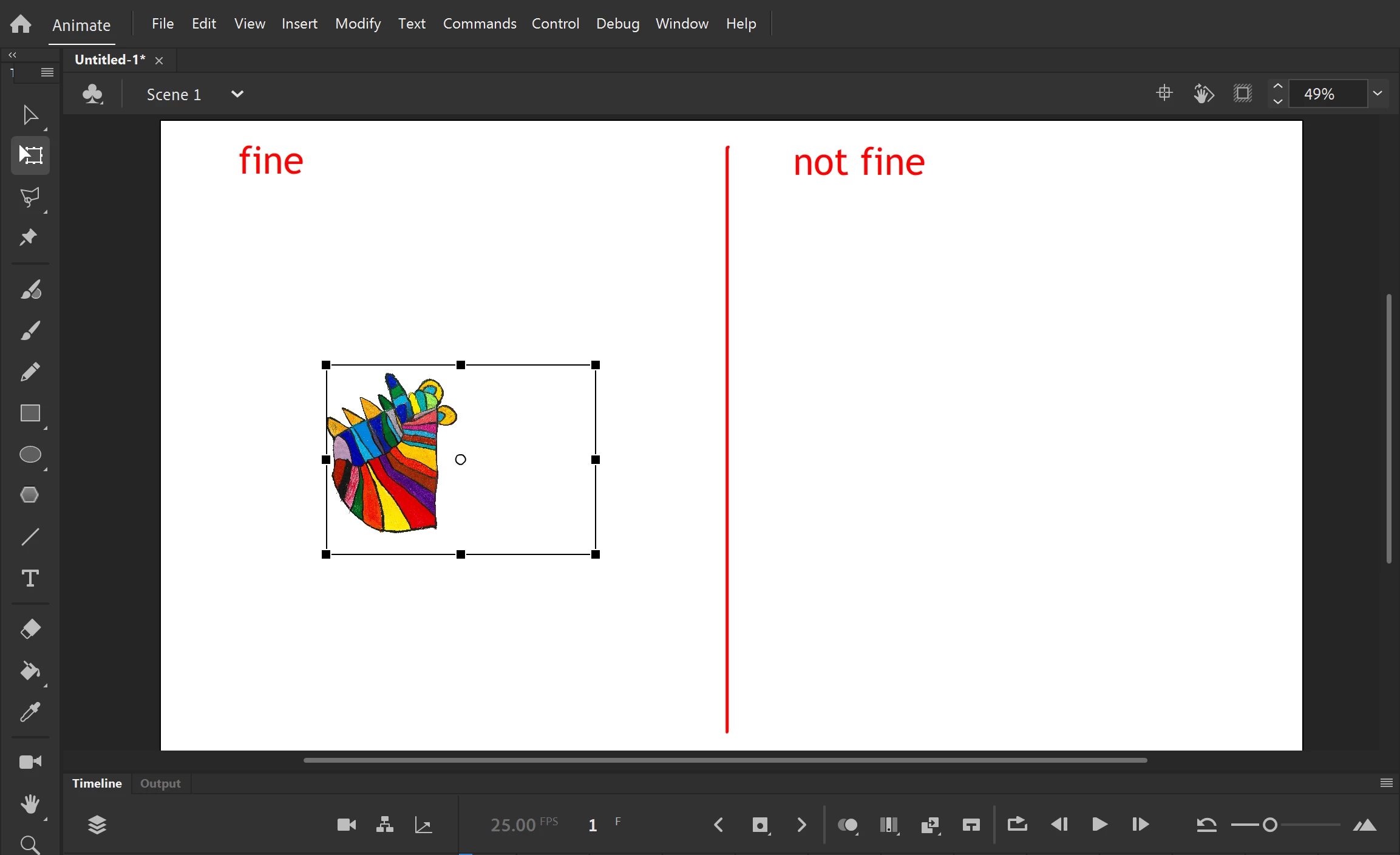
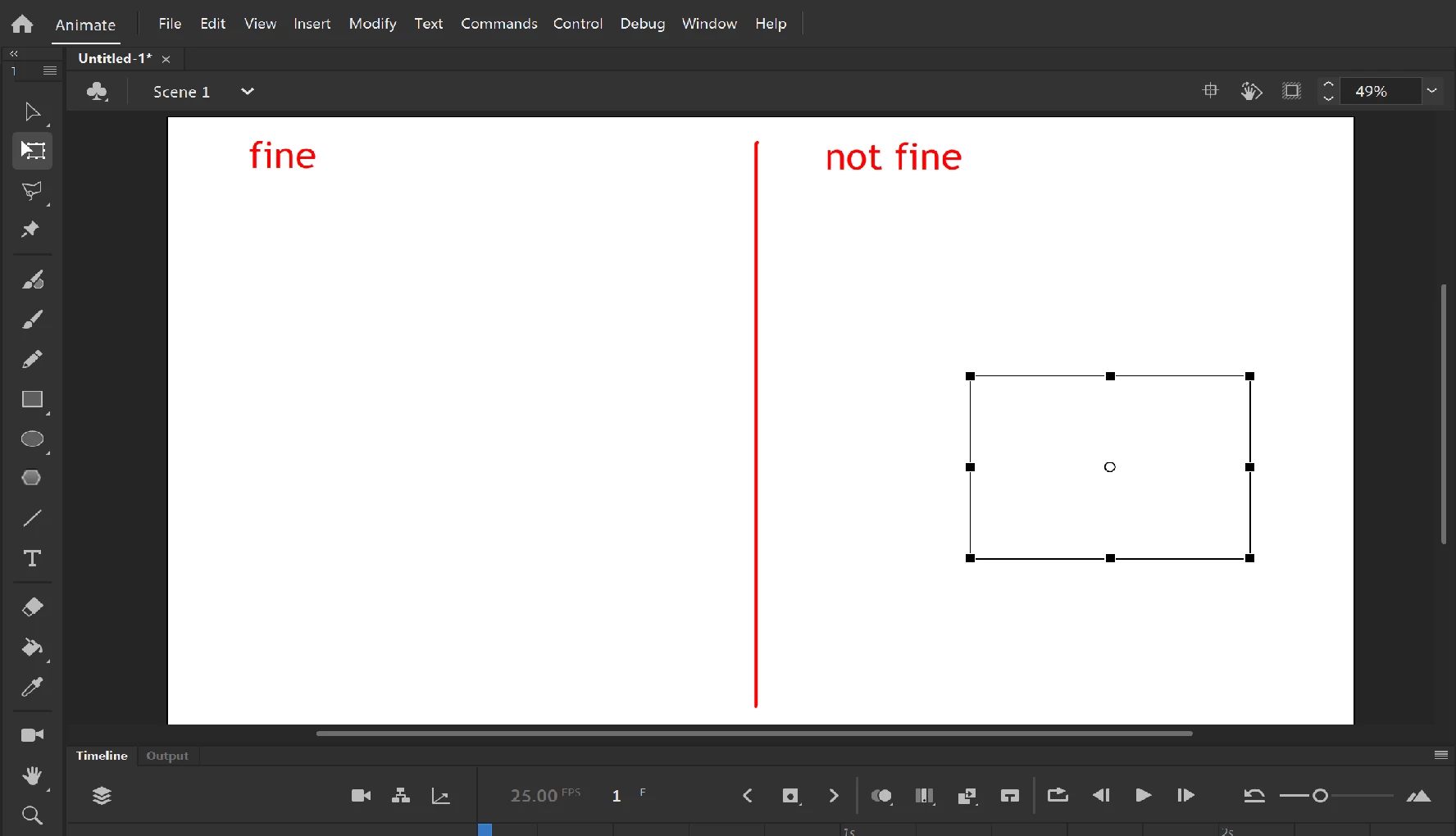
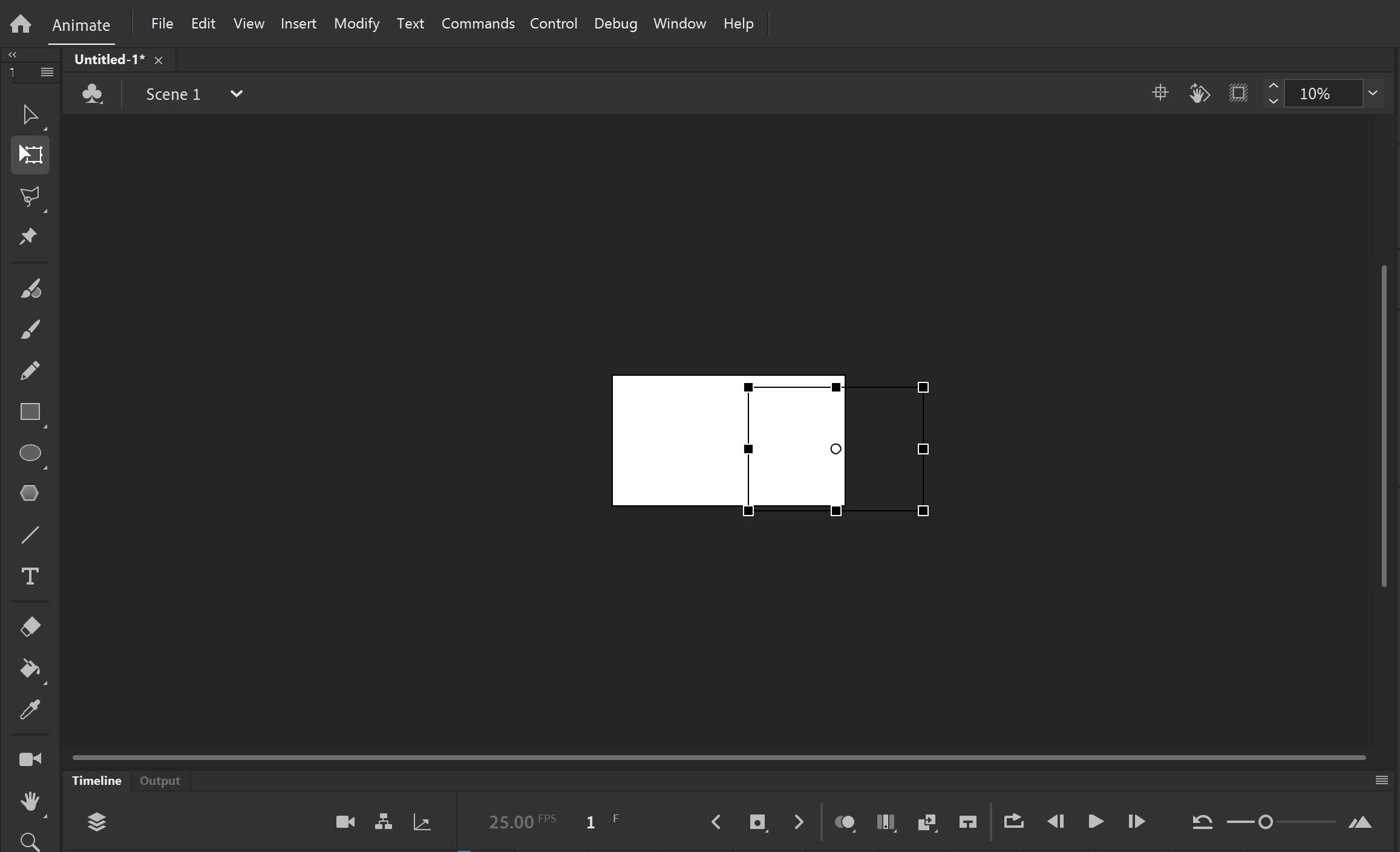
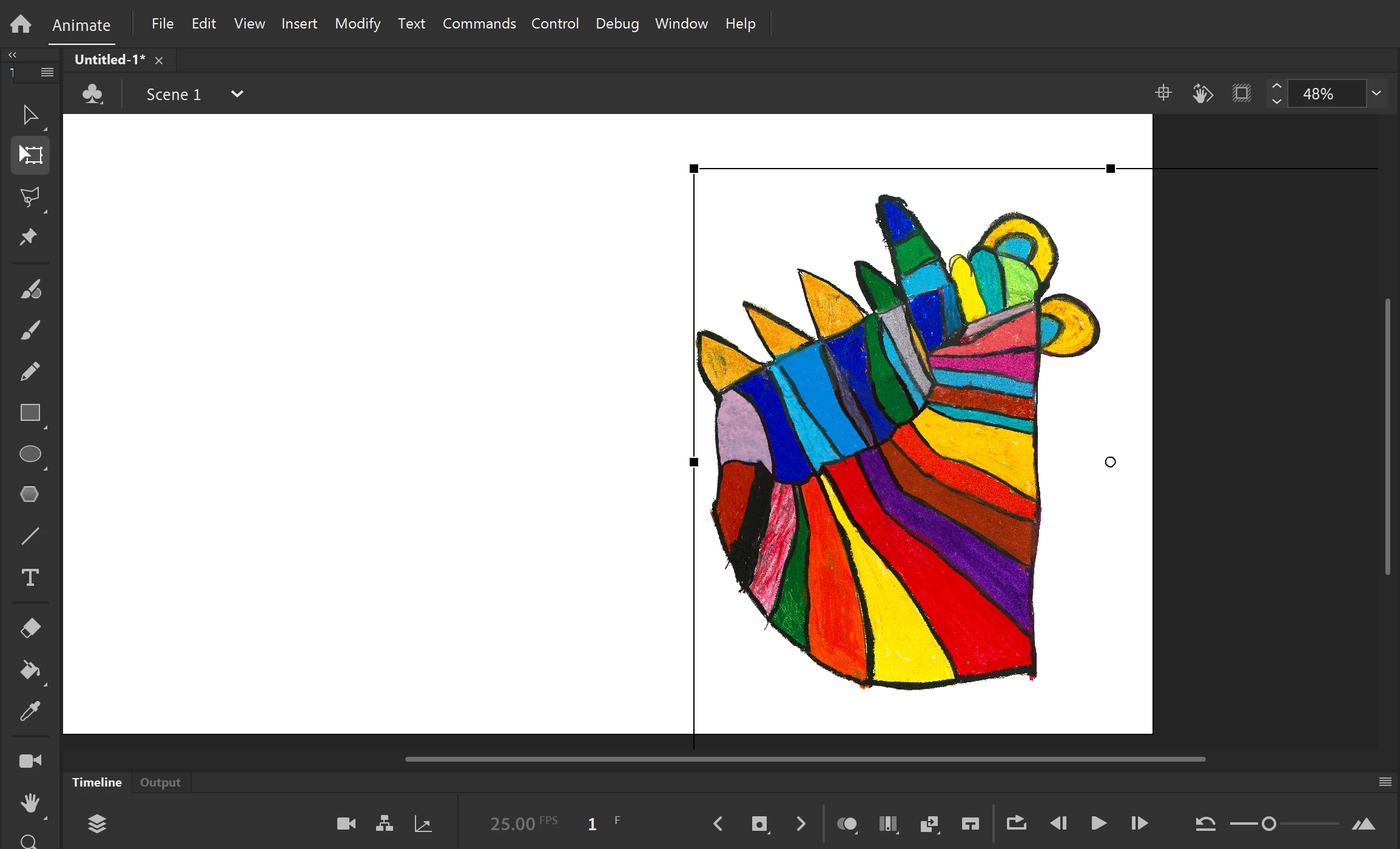
I've heard elsewhere that this has been an issue with big PNG/Photoshop files due to Animate apparently not being built to handle large images like this but I was wondering if a workaround or fix could be advised. Thank you!
 AdChoices