
Answered
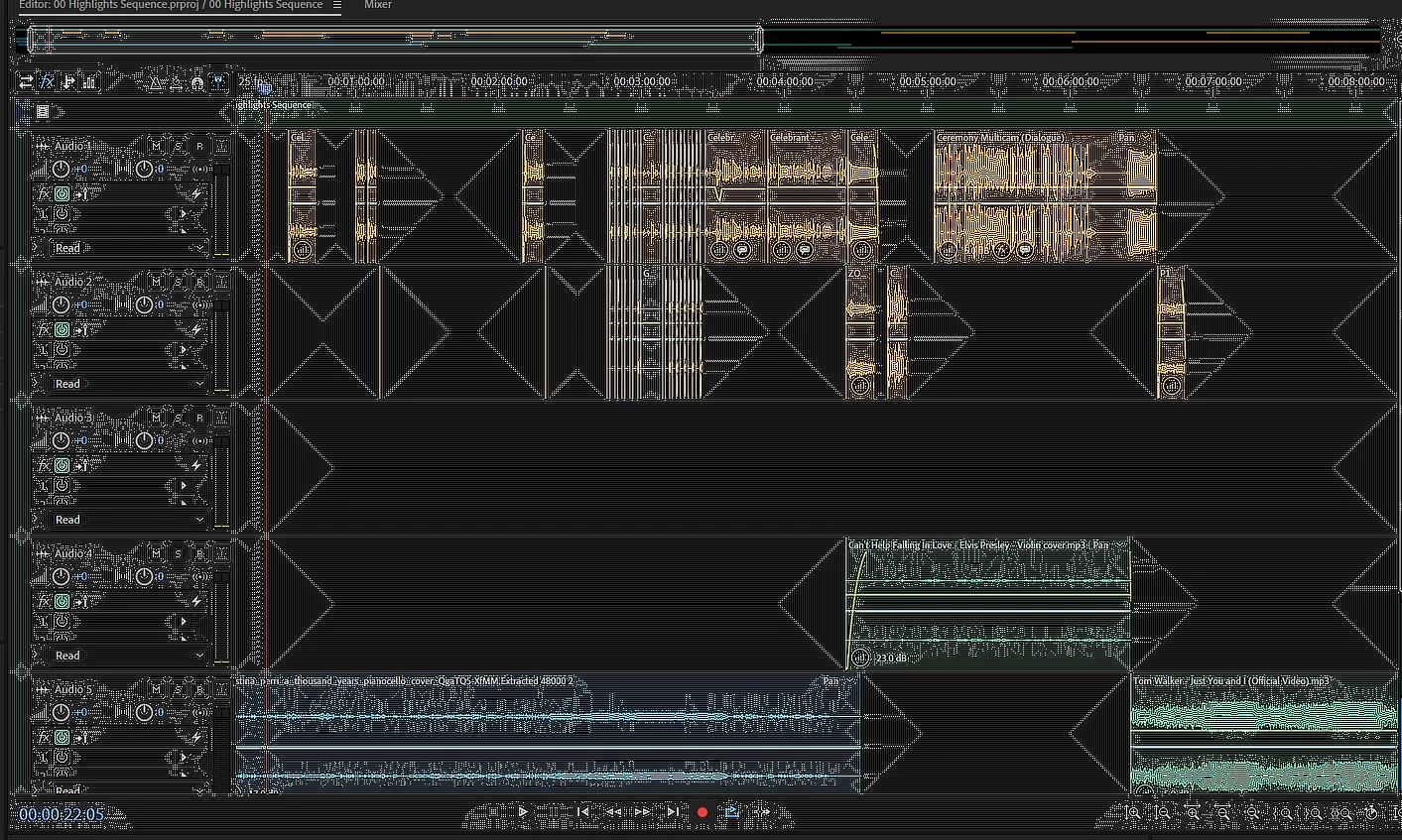
Audition interface looking unusually odd (image attached)?!
Hi,
I was wondering if anyone could identify what the cause of the user interface in audition to act glitchy.
It might just resolve its self with a quick restart!

Hi,
I was wondering if anyone could identify what the cause of the user interface in audition to act glitchy.
It might just resolve its self with a quick restart!
It's very unlikely to have resolved itself completely - yet. You need to look this thread: Specked display
Almost invariably when this happens, this is the root cause (and the cure...)
Already have an account? Login
Enter your E-mail address. We'll send you an e-mail with instructions to reset your password.
 AdChoices