
Participant
March 12, 2018
Answered

Remix feature not working for audio clip

  • March 12, 2018
  • 2 replies
  • 21208 views

Hi all,

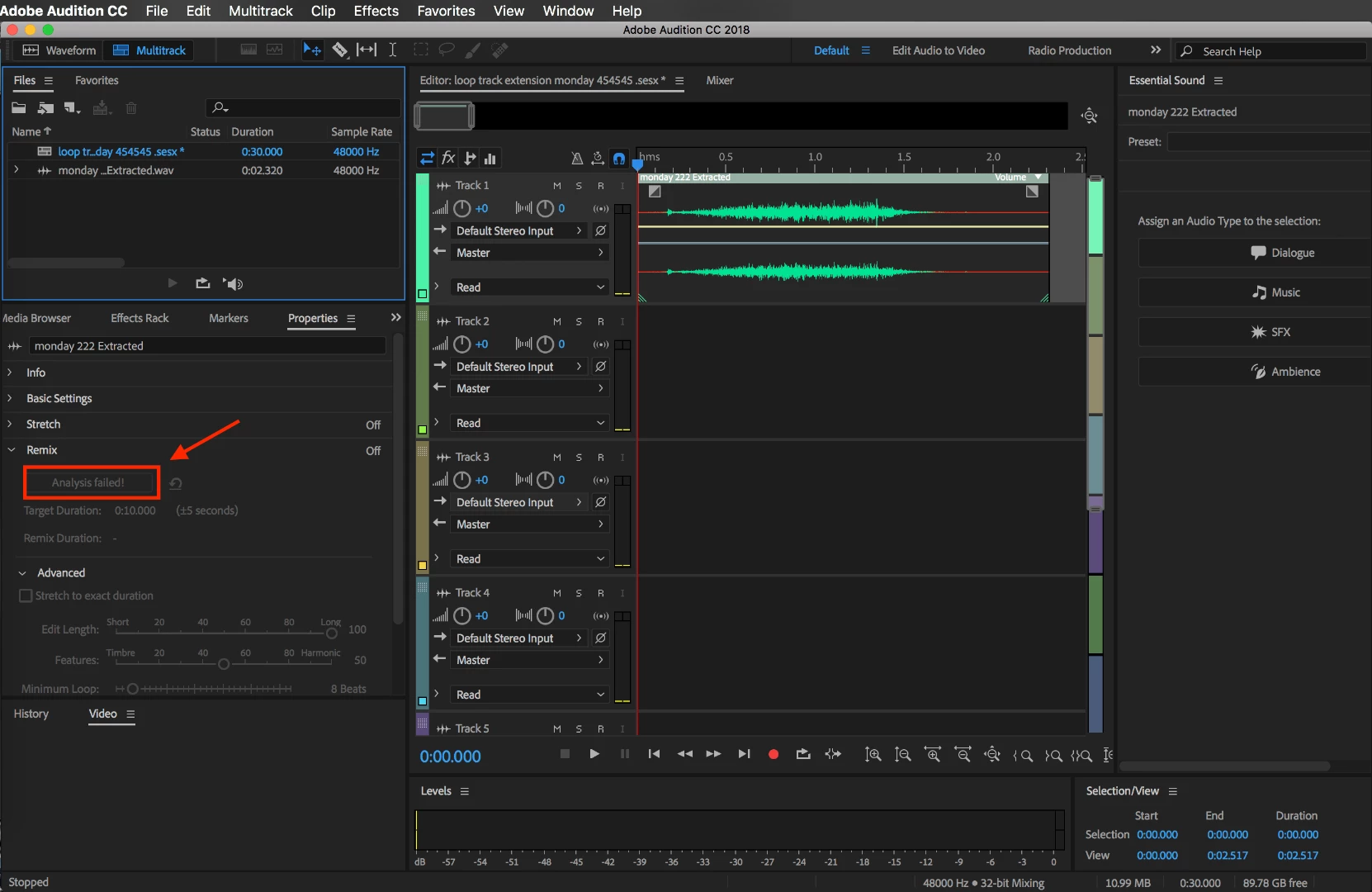
In Adobe Audition is have this audio clip I want to remix (so I can extend its duration), only it's not working. Constantly when I press the "Remix" button it says "Analysis failed". I tried to remix just a normal song I had and this worked fine. It seems like all the time when I want to remix this small 2 seconds clip it's not able to remix it.

The screenshot attached shows the Analysis failed.

How can I solve this so I can extend my audio clip?

Mike.
This topic has been closed for replies.
Correct answer SteveG_AudioMasters_

I think you've reached well below the time range that Remix is prepared to attempt to analyse...

2 replies

Inspiring
October 7, 2021

I have the same problem, but mine is 12 seconds song that failing to analyze.

SteveG_AudioMasters_
Community Expert
Community Expert
October 7, 2021

If it refuses to analyse, then there simply isn't enough material for it to work on. Nothing we can do about that, I'm afraid.

Participant
March 1, 2024

Not sure if there was ever a fix for this but I have never had this probelm until now. I have used remix on Voice Over a-lot. Even a voice clip that is 5 seconds or less. I have been able to speed that up in the past to make my mark. I am in 2024 by the way.

SteveG_AudioMasters_
Community Expert
SteveG_AudioMasters_Community ExpertCorrect answer
Community Expert
March 12, 2018

I think you've reached well below the time range that Remix is prepared to attempt to analyse...

ryclark
Participating Frequently
March 12, 2018

As Steve says an audio clip must have sufficient content to allow the Remix feature to analyse and do the remix. It requires complete audio musical phrases to repeat or cut in order to do it's extend/reduce function. It is not an audio sample editor that might be found in some MIDI sequencing software.

Participant
March 12, 2018

that seems fair. thank you for your help!