
Question
Adobe Bridge launch error. bridge-12.jsx
I get this error when running Adobe Bridge. Please tell me how to solve it.
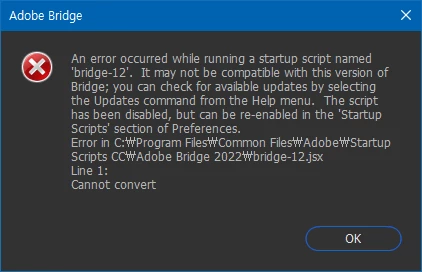
error message
1. An error occurred while running a startup script named 'bridge-12'. It may not be compatible with this version of Bridge;
you can check for available updates by selecting the Updates command from the Help menu. The script has been disabled,
but can be re-enabled in the 'Startup Scripts' section of Preferences.
Error in C:Program Files\Common Files\Adobe\Startup Scripts CC\Adobe Bridge 2022\bridge-12.jsx
Line 1:
Cannot convert
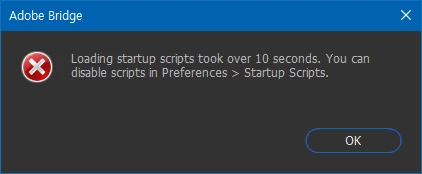
2. Loading startup scripts took over 10 sseconds. You can disable scripts in Preferences > Startup Scripts.


 AdChoices