Known Participant
January 30, 2020
Question

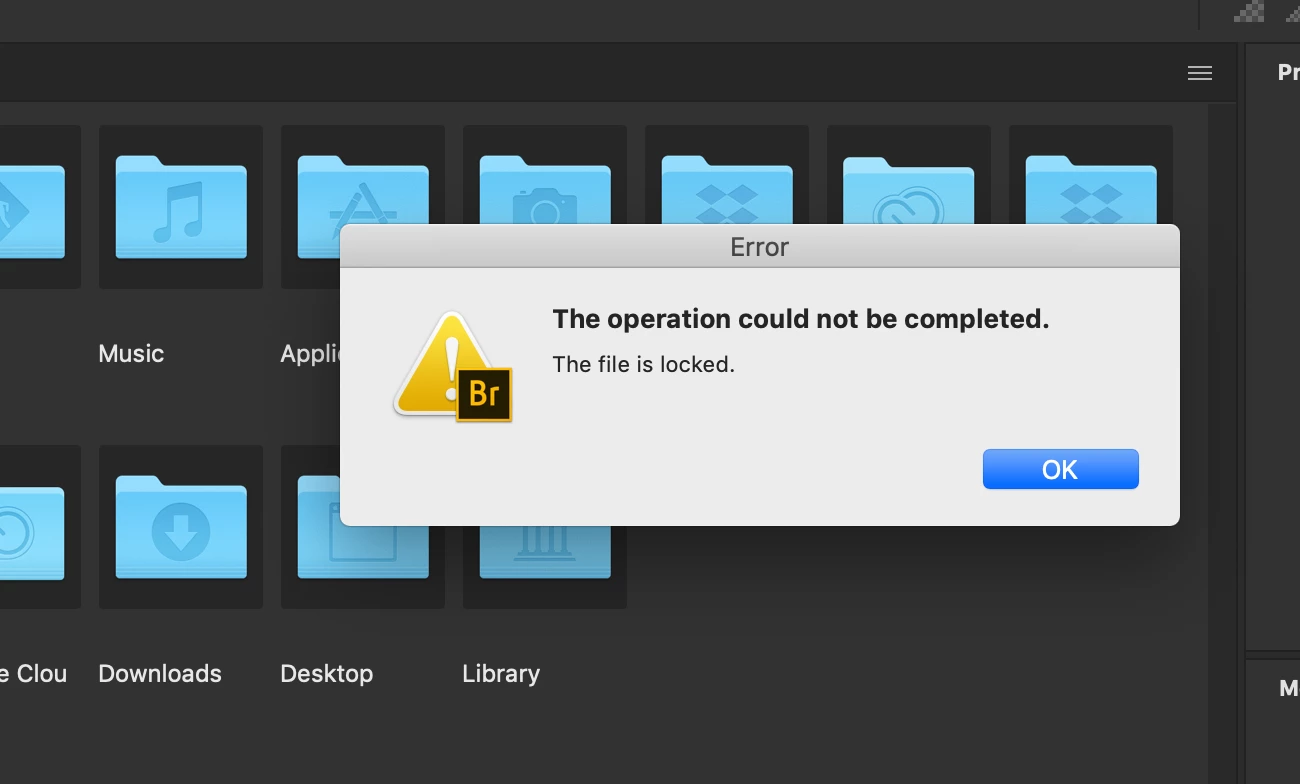
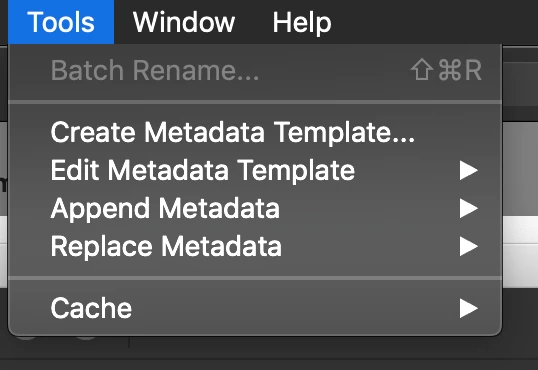
Adobe Bridge preference is locked/ PS batch process menu is gone

  • January 30, 2020
  • 1 reply
  • 1643 views

I attached the screenshots. Whenever I click on "preference", I get this dialogue box that says the file is locked. I've never seen this before. Also "Photoshop" menu under "Tools" is gone forever. I can't find answers on this anywhere. Is there anyone from Adobe here? Can anyone help me out on this? By the way, I'm using the latest verion of Photoshop & Bridge together, so they should be compatible together. 


This topic has been closed for replies.

1 reply

Legend
January 30, 2020

Are you using Catalina? If so, be sure to install the latest update, apparently it has fixes for Adobe issues.

w0n_k1mAuthor
Known Participant
January 30, 2020

Thanks for your reply, but I'm using the latest version. I erased and re-installed the app more than 20 times. It's just not working. I feel like I've found an error that even Adobe cannot solve.  

Legend
January 31, 2020

Hi Gary,


Thanks for your reply. I had tried entirely erasing PS and BR with all the settings before I came to this forum. I tried doing it again this morning. Unfortunately, it didn't work. I also have this dialogue box whenever I launch Br. It's so weird. 


Check in preferences to see which startup script is not loading.