
Adobe Bridge - This item does not have Camera Raw Settings
I'm using Adobe Bridge 13.0.4.755 (also tried Adobe Bridge Beta 14.0.0.57).
Some of my files, in several random folders are now marked as "No Camera Raw", and I cannot open them directly in Camera Raw. Both the shortcut (Cmd+R) and the "Open in Camera Raw" button are disabled.
In full screen preview, pressing Cmd+R displays the message "This item does not have Camera Raw Settings"
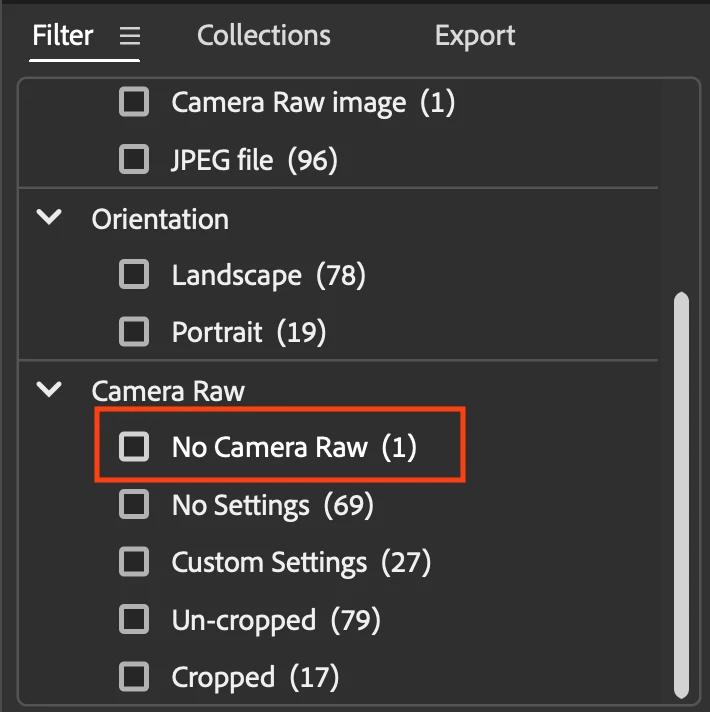

If I press Enter, it opens in Photoshop and Camera Raw opens the file as usual. It's possible to adjust settings, etc... Returning to Adobe Bridge, it still doesn't allow to edit the file I just edited in Camera Raw without opening in Photoshop first. I close Bridge and open it again. Then the file will be marked as if it had adjustments, and it can be opened in ACR directly from Bridge. 🤷♂
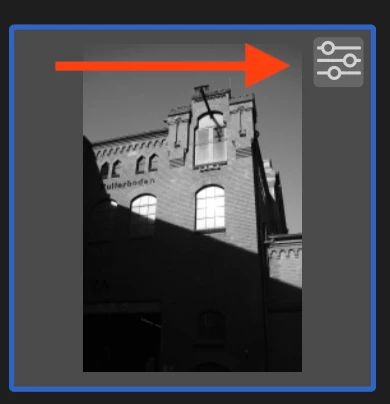
All files I'm trying to open were simply copied from a SD card and are not corrupted.
If I make a copy of the file Bridge doesn't want to open, it works perfectly, therefore we can discard the corruption hypothesis.
This is quite awkward and I'm pretty sure it wasn't like this before.
 AdChoices