
Participant
April 28, 2020
Question

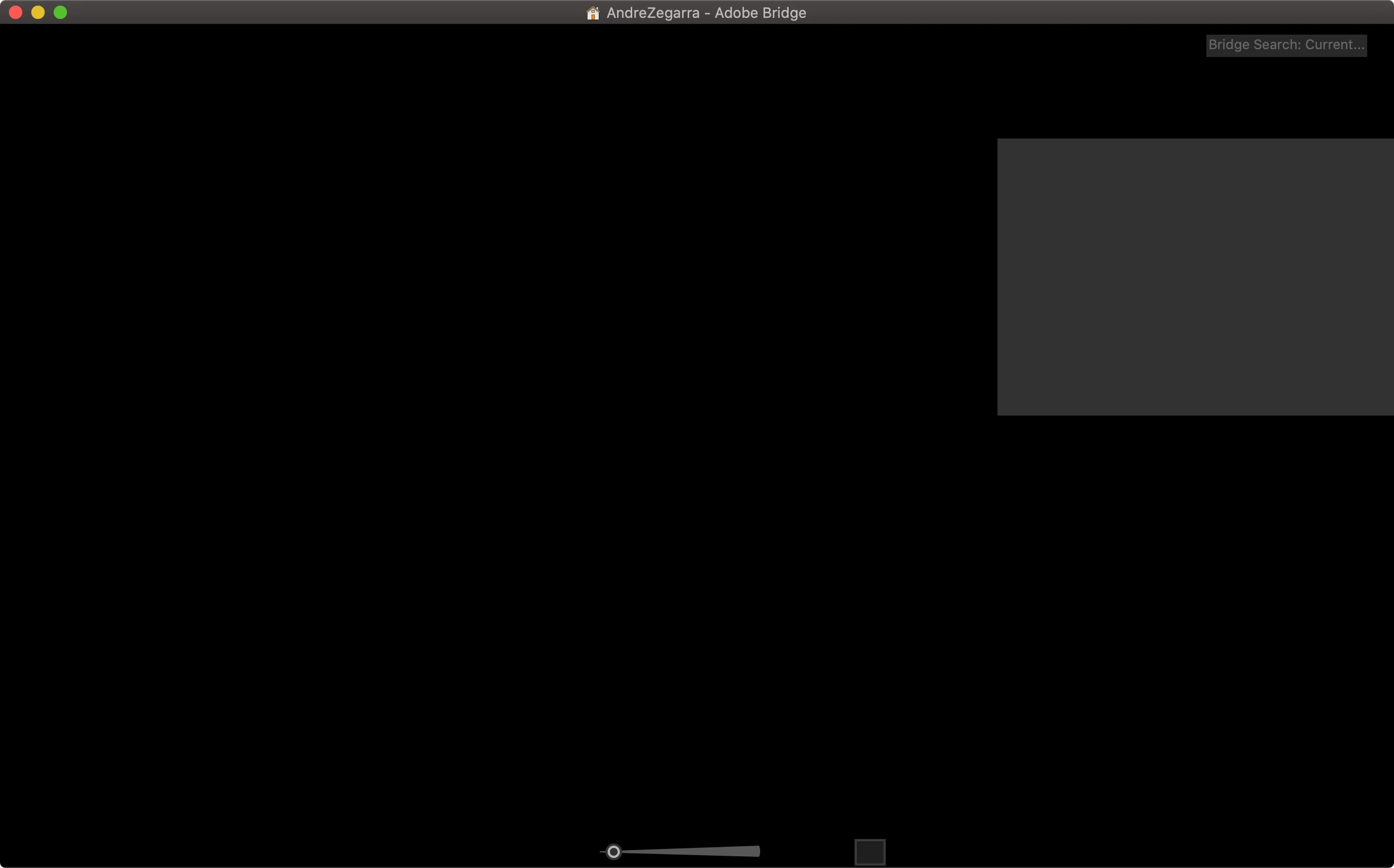
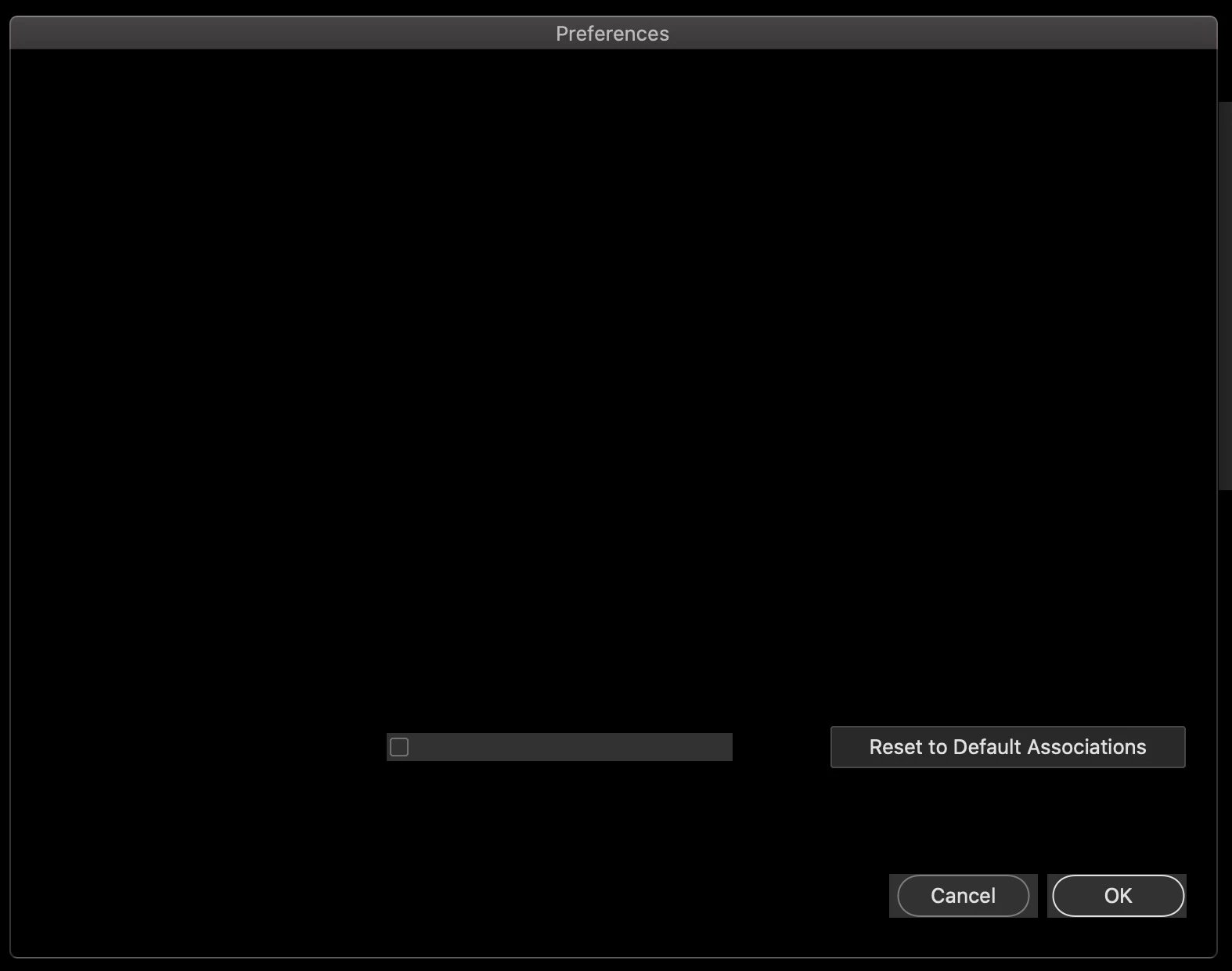
Bridge 2020 opens to a black out interface, even preferences are black

  • April 28, 2020
  • 2 replies
  • 1902 views

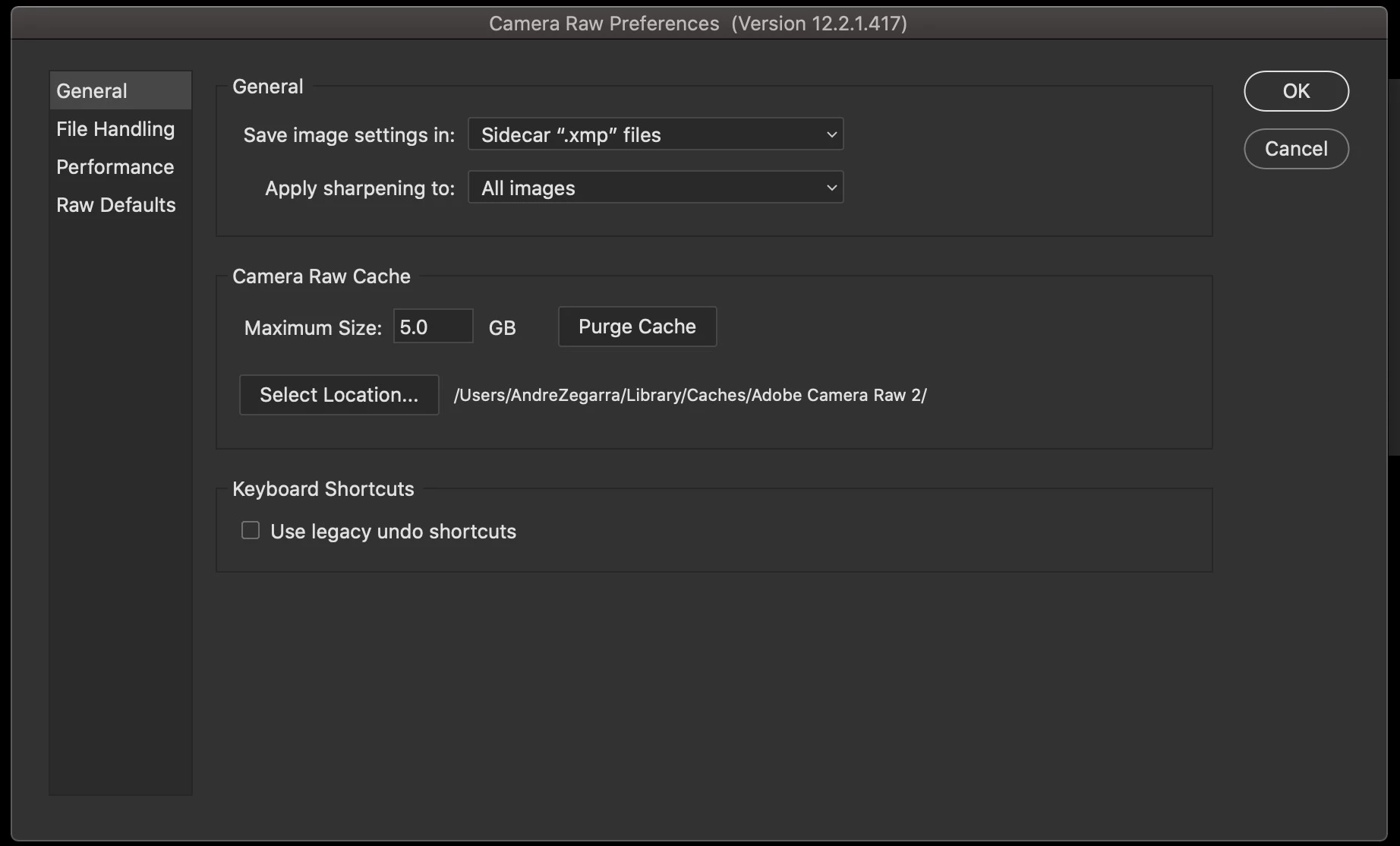
I am in Mac Catalinac10.15.4 and Bridge version 10.0.4,  Ive had a previous version of Bridge and updated recently. I have already re-installed it, everything seems that is working but the interface isnt. Camara Raw preferences's seem to be the only thing ok.
This topic has been closed for replies.

2 replies

jbm007
Community Expert
Community Expert
February 10, 2021

I would delete Bridge and reinstall

Sahil.Chawla
Adobe Employee
Adobe Employee
May 6, 2020

Hi there,

That is a strange issue. As you've already tried some troubleshooting steps, could you please try resetting the preferences of Bridge and let us know if it helps? https://helpx.adobe.com/in/bridge/kb/troubleshoot-errors-freezes-bridge.html

Regards,
Sahil

Participant
May 8, 2020

I have tried emptying the cache and seems it won't work. I have deleted the cache files and intalled the app again, but it still the same

Participant
February 9, 2021

I have the same frustrating problem and the reset doesn't help. I also have not preferences they are black boxes on blank black screen. Help