

visualworks
Participating Frequently
October 25, 2018
Question

Bridge: abstract illegible broken thumbnails - what can I do?

  • October 25, 2018
  • 1 reply
  • 270 views

Adobe Bridge CC2019 generates thumbnails that look like broken bitmap files.
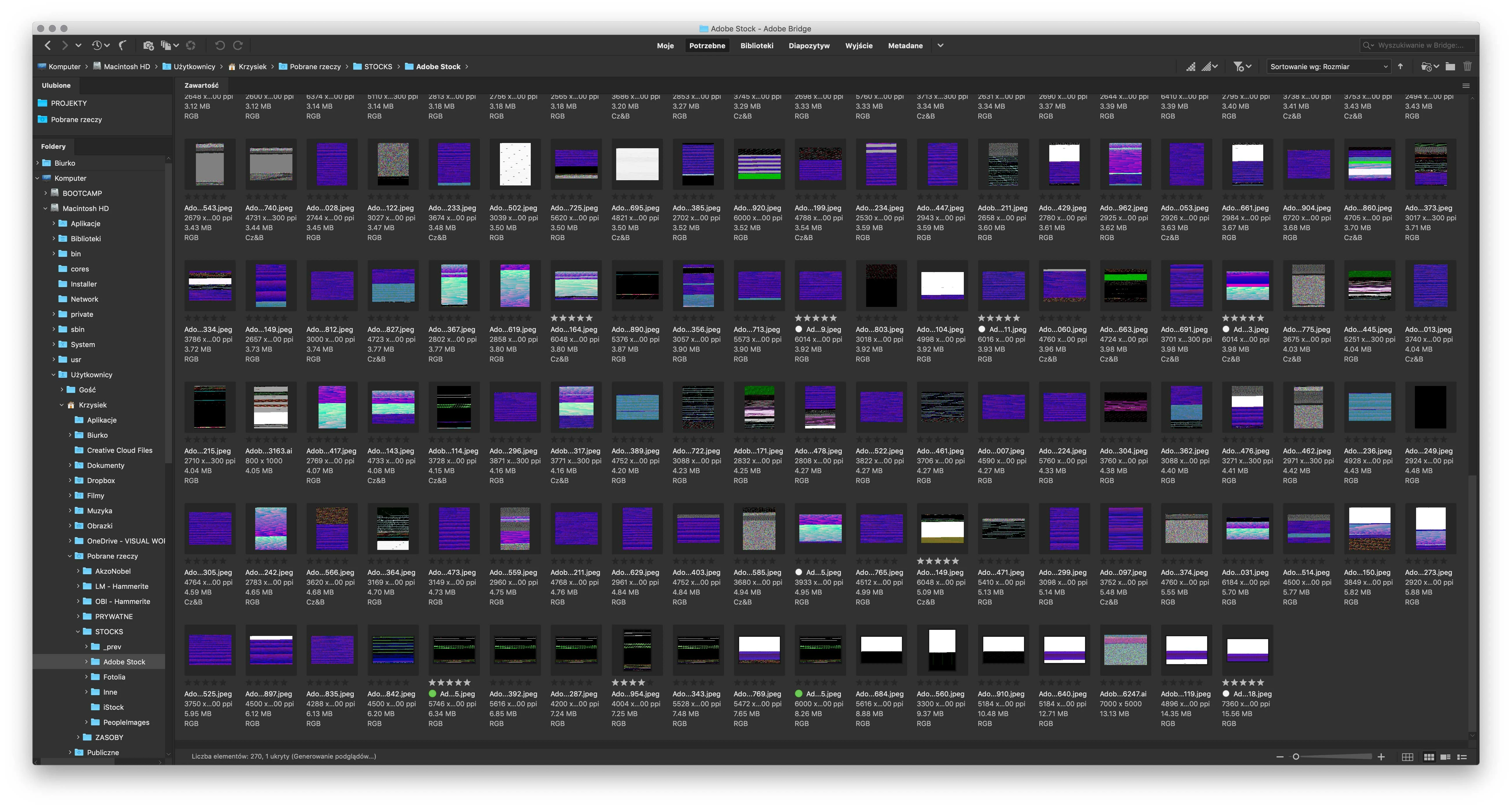
I have tried:

- purging the media cache

- clearing cache for the chosen element

- changing to software rendering in advanced preferences

- restarting Bridge after each change

- restarting the system

Nothing helps.

    This topic has been closed for replies.

    1 reply

    Sahil.Chawla
    Adobe Employee
    Adobe Employee
    February 11, 2019

    Hi there,

    Sorry to hear that, it is a known issue and our engineers are working on a fix for the same.

    In the meantime you can revert back to using Bridge CC 2018.


    Please follow the steps here to revert to CC 2018: Install previous version of your Creative Cloud app


    You may also add your vote to this issue here and follow this thread for any updates on this: Bridge CC 2019: Thumbnails/Previews not rendering correctly | Photoshop Family Customer Community

    Regards,
    Sahil