Beantwortet
Bridge crashes after update to Sonoma Sonoma Version 14.4.1 (23E224)
Updated my MacBook OS to Sonoma Version 14.4.1 (23E224) and since then Bridge crashes on startup. getting an error note and the window freezes - Help?
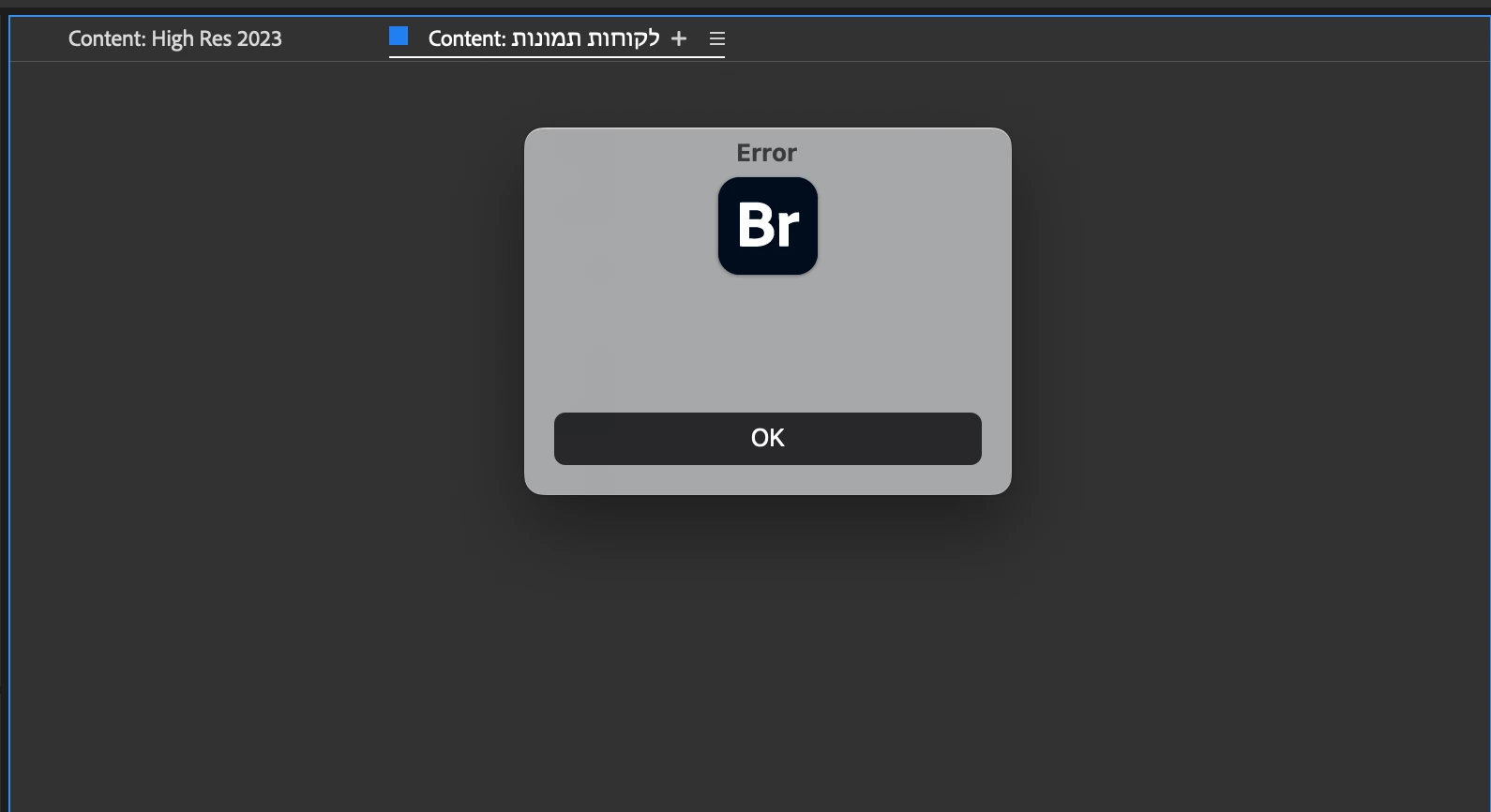

Updated my MacBook OS to Sonoma Version 14.4.1 (23E224) and since then Bridge crashes on startup. getting an error note and the window freezes - Help?
i'm not a bridge expert, but you should try: https://helpx.adobe.com/bridge/kb/troubleshoot-errors-freezes-bridge.html#:~:text=Start%20Adobe%20Bridge%20and%20immediately,%2D%2Dand%20then%20click%20OK.
This link resolved my issue!
I clered the cache.
thanks!
Damaged preferences or workspaces can cause unexpected behavior in Adobe Bridge. Purging the cache can fix display issues for thumbnail previews.
Enter your E-mail address. We'll send you an e-mail with instructions to reset your password.
 AdChoices