
New Participant
February 4, 2024
Answered

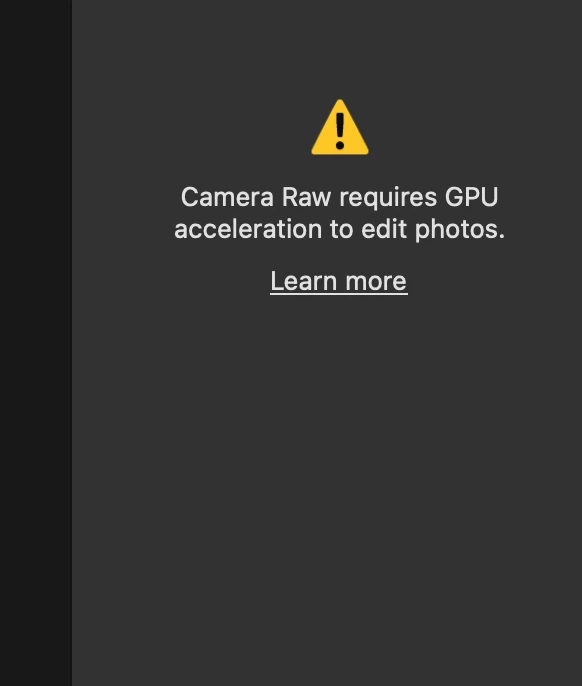
Camera raw requires GPU acceleration to edit photos Macbook M3 pro

  • February 4, 2024
  • 3 replies
  • 6625 views

Hi, 


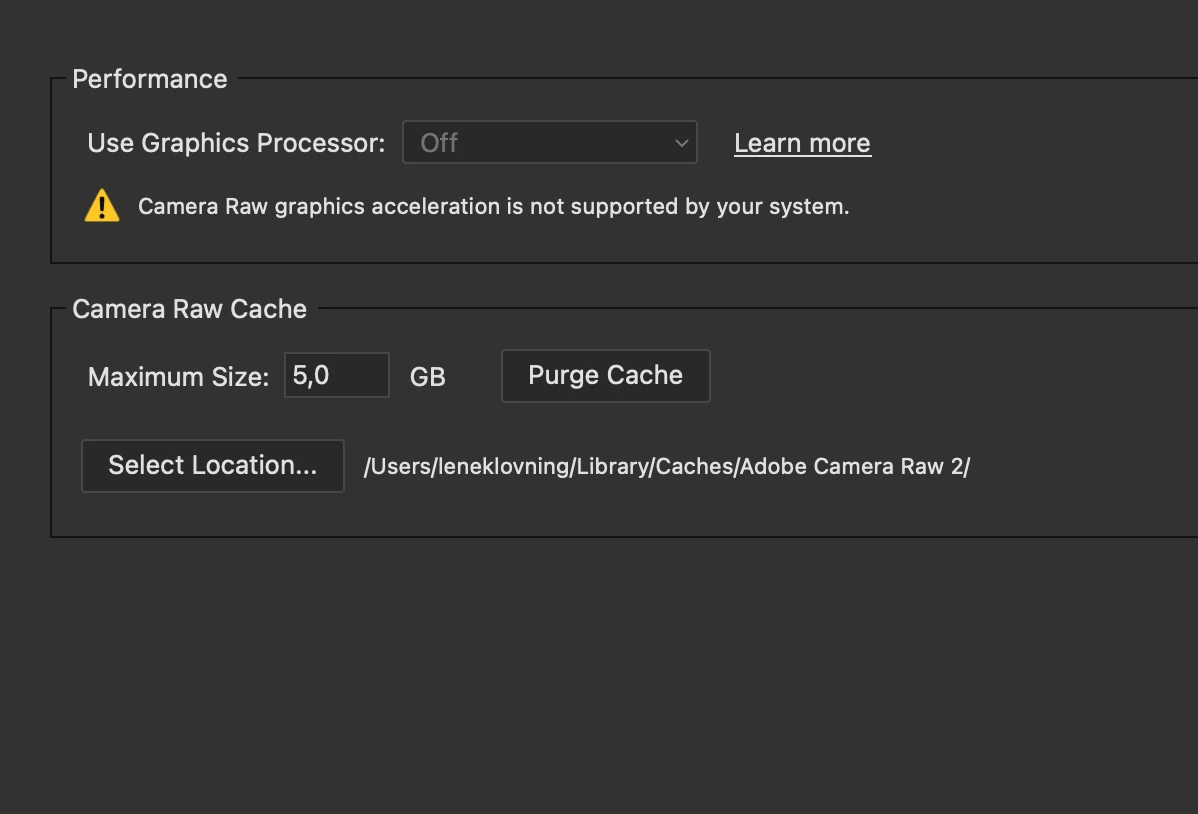
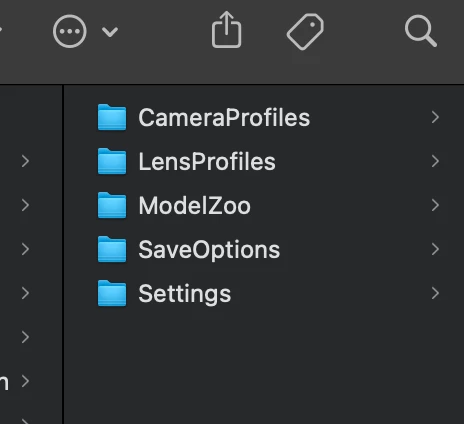
I can't seem to get Camera Raw to work with my new MacBook Pro. The internet has told me to try different things, but I might be too big of an idiot to understand what to do. I have attached screenshots of why I can't change settings or delete a file I don't seem to have. Any help would be much appreciated.
Correct answer Jeff Arola

What works for a majority of users is

6. Check and delete the TempDisableGPU3 or TempDisableGPU2 files

as instructed on this page:

https://helpx.adobe.com/camera-raw/kb/acr-gpu-faq.html#photo-editing

3 replies

New Participant
March 11, 2024

Has there been any solution for this topic i am having the same problem. 


Jeff Arola
Community Expert
Community Expert
March 12, 2024

BenUrh,


What operating system, version of photoshop and camera raw are you using?


Have you tried as suggested above?

6. Check and delete the TempDisableGPU3 or TempDisableGPU2 files

as instructed on this page:

https://helpx.adobe.com/camera-raw/kb/acr-gpu-faq.html#photo-editing


New Participant
February 21, 2025

Подскажите, работал прекрасно в Camera Raw, тут монитор потух, я презагрузил комп, Теперь Camera Raw не открывается, пишет эту ошибку. Перелопатил все, файлов TempDisableGPU3 или TempDisableGPU2  у меня нет. У меня по пути User\AppData\Roaming\Adobe\CameraRaw\GPU\Adobe Photoshop Camera Raw только файл Camera Raw GPU Config. Что делать?

Jeff Arola
Community Expert
Jeff ArolaCommunity ExpertCorrect answer
Community Expert
February 5, 2024

What works for a majority of users is

6. Check and delete the TempDisableGPU3 or TempDisableGPU2 files

as instructed on this page:

https://helpx.adobe.com/camera-raw/kb/acr-gpu-faq.html#photo-editing

Known Participant
March 30, 2024

That solved the problem for me! Thankl You!!!

gary_sc
Community Expert
Community Expert
February 5, 2024

Hi, @Kanelsnurren, can you please let us know what release of ACR you have on your computer? You can find that information by going into Bridge and from the Adobe Bridge menu (to the left of the File menu), the 2nd items should say "Camera Raw Preferences…" When the new window opens up, on the very top of that window, it will show the release number for your ACR. What does that say?


Thank you,

New Participant
February 5, 2024

Thanks for replying! Would that be this numer? 16.1.1.1733 ? Here is the screenshot just in case.