
Known Participant
August 26, 2022
Question

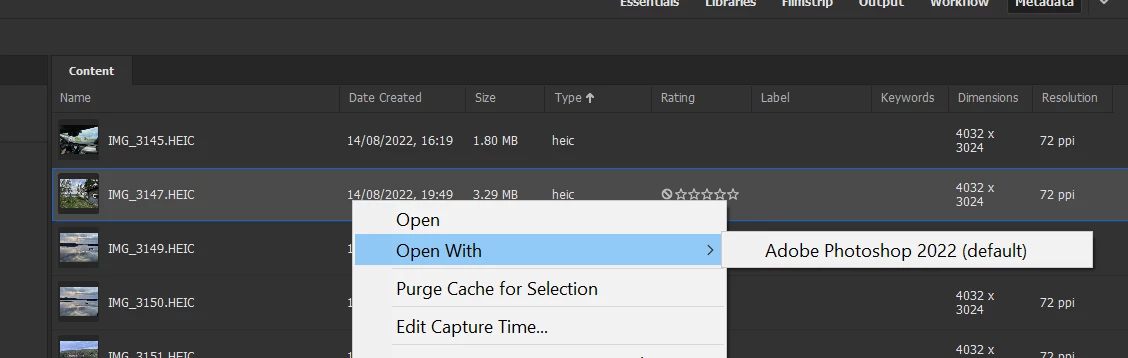
Can't open HEIC in CameraRaw
  • August 26, 2022
  • 2 replies
  • 1322 views

Hi

I can't open any HEIC files form Bridge in Camera Raw.
Yes I run the latest versions of Bridge, Photoshop and Camera Raw as available of today.
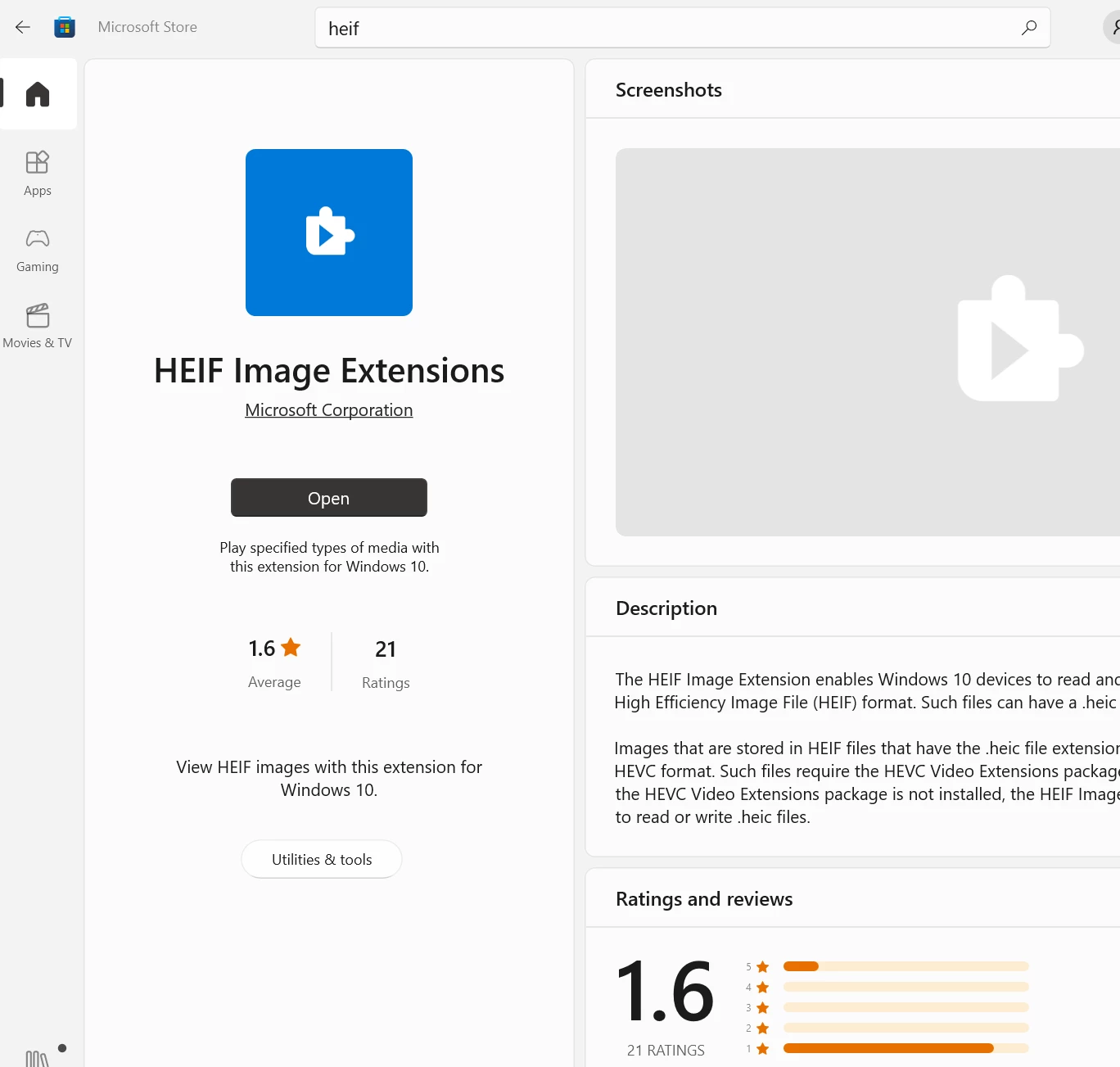
Yes I run Windows 10 Pro with the HEIC codec installed:


Anyone knows what could be the problem?

I'd like to convert 100+ pictures from HEIC to JPEG. I've already done it with a Photoshop batch but realized that all Metadata was gone afterwards.

Converting directly from Bridge results in a 8x smaller image resolution. Great.

Now I wanted to to the batch convert in CameraRaw as I did 100 times with raw files, but it does not even allow me to open HEIC?!

2 replies

Adobe Employee
October 14, 2024

Hi, 

We are excited to announce the release of Adobe Bridge 2025 (Version 15.0.0.397). 

This update introduces support for .HEIC and .HEIF image file formats for Windows, along with various other fixes and improvements. 

Please try out the latest release and share your valuable feedback with us. 

For more details about the release, please visit: 

Best regards, 
Bridge Team 

Wolf Eilers
Inspiring
October 30, 2024

The OP mentions the inability of Bridge to open HEIC images in Camera Raw on Windows. Adobe Bridge 2025 fully supports viewing HEIC images but the latest Bridge on Windows still can't open HEIC imges in Camera Raw. So HEIC is only partially supported in Bridge on Windows. HEIC is also unsupported for Quick Actions.

Known Participant
August 26, 2022

Oh yes, I can open these HEIC photos in Windows Photos without a problem:

Eric Dumas
Community Expert
Community Expert
October 6, 2022

Same issue here. 

I couldn't find an plugin on Adobe Exchange site either.

I want to avoid online tools and weird downloads.

I installed Lightroom Classic and that worked ok.