Question
Distorted full preview in Bridge
Hi guys,
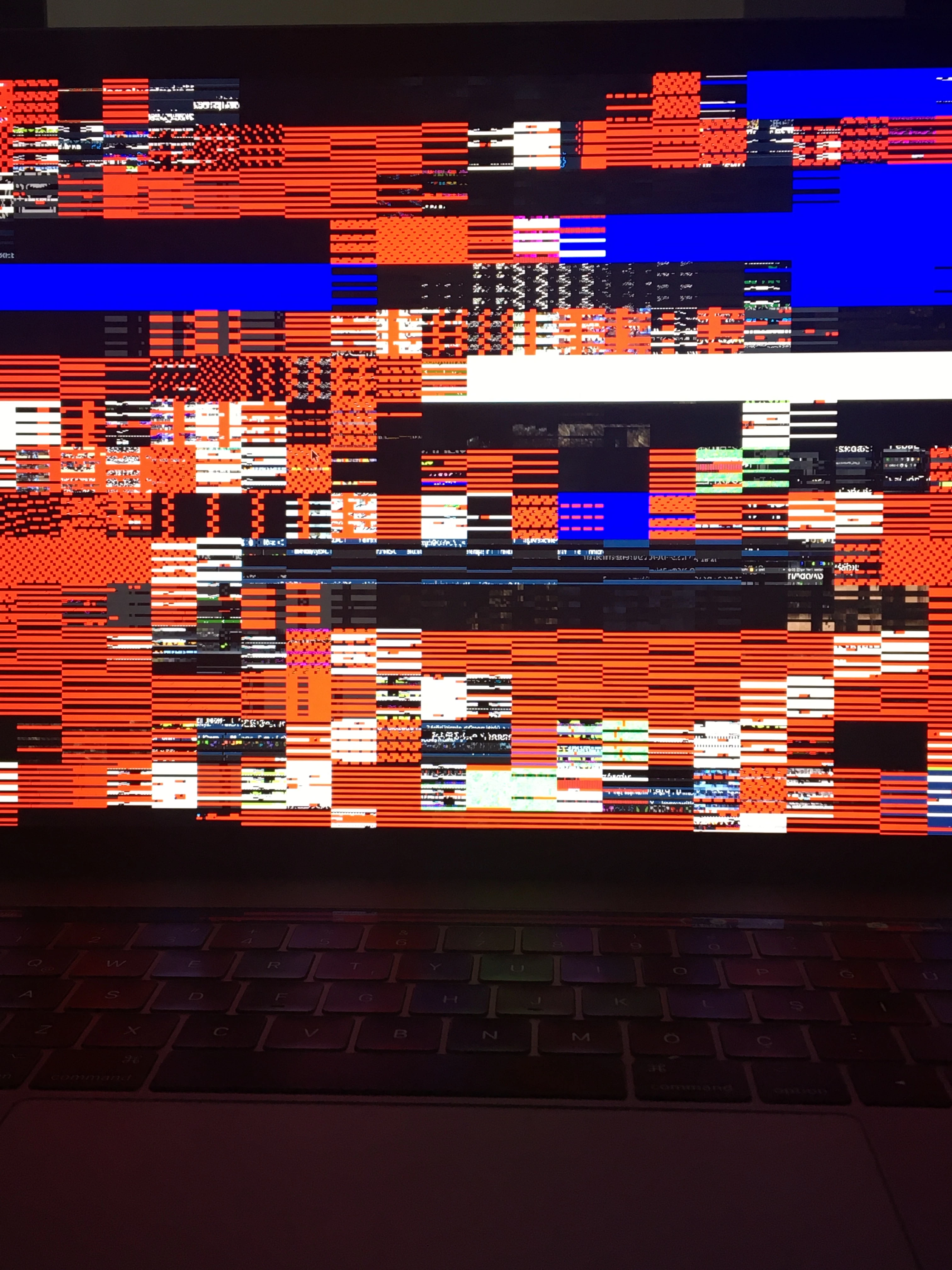
My whole photo previews are distorted when I display them as fullscreen. It happened when I upgraded my computer to macOS Catalina.
Any idea about the solution?

Hi guys,
My whole photo previews are distorted when I display them as fullscreen. It happened when I upgraded my computer to macOS Catalina.
Any idea about the solution?
Already have an account? Login
Enter your E-mail address. We'll send you an e-mail with instructions to reset your password.
 AdChoices