
New Participant
December 1, 2023
Question

Duplicate images showing up on Bridge

  • December 1, 2023
  • 2 replies
  • 290 views

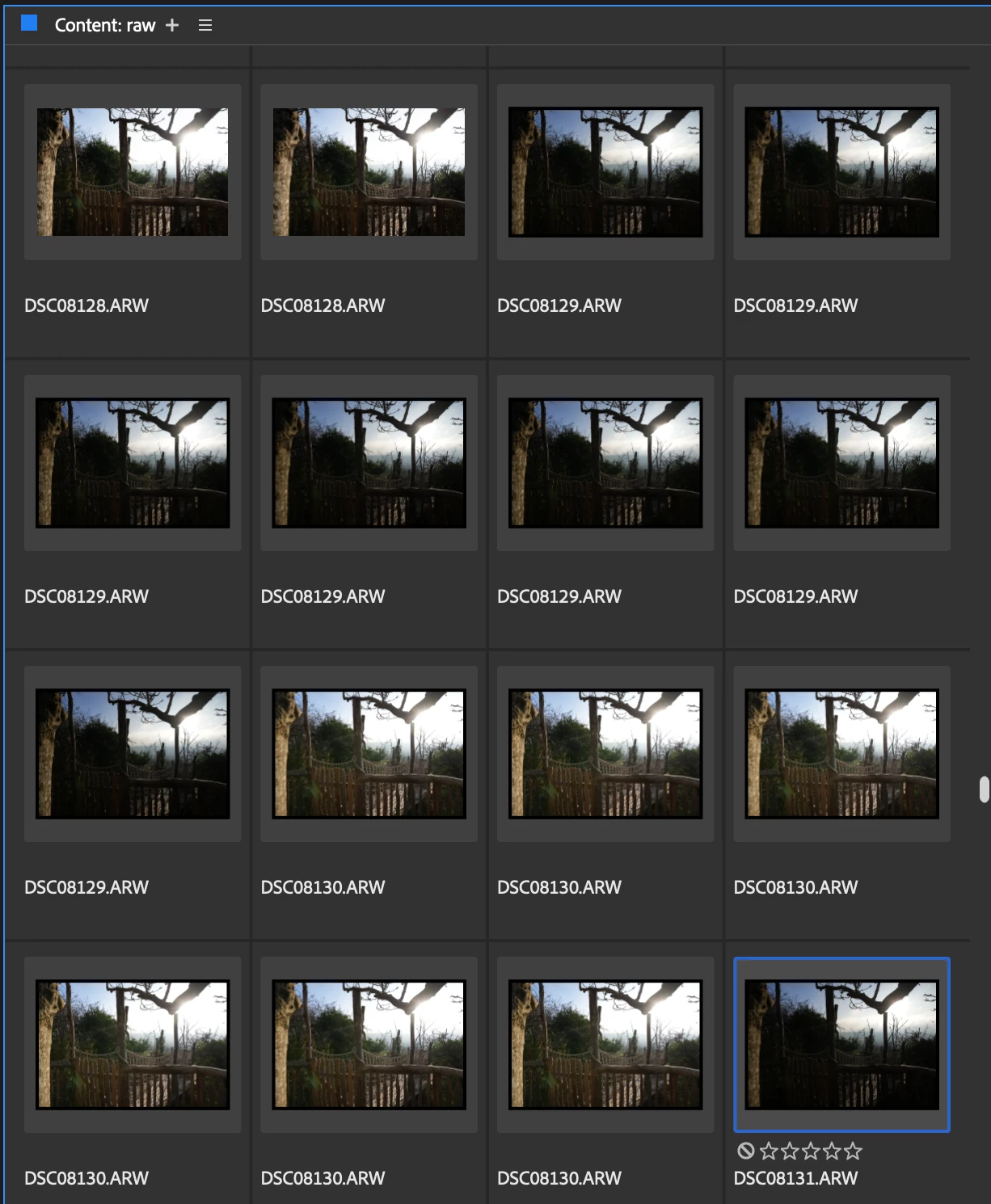
Does anyone know why this is happening and how I can stop it? I use bridge to select my best images for editing but it's taking me so much longer becase there can sometimes be 10 of the same photo showing up after I open the folder in Bridge? In the original folder when I open it in the finder it only has 1 of each image obviously so just not sure why this is happening! Screenshot attached
This topic has been closed for replies.

2 replies

Adobe Employee
December 11, 2023

Hi @beths38045099 ,
Thanks for your feedback.
Could you share the following details about the issue:

  • Bridge version
  • System configuration
  • Is the issue specific to particular files/format?

Please share the sample file/files on which you are observing the issue at sharewithbr@adobe.com


Thanks,
Bridge Team

gary_sc
Community Expert
December 1, 2023

I'm not enough of an optimist to know that this will work, but have you tried going to Tools (menu) -> Cache -> Purge cache for "x" folder?


It's worth a try, let us know if that does anything good.