

Question
How can I rotate the loupe in Bridge?
When viewing multiple items in preview mode, sometimes the loupe on one image will overlap the loupe view in another image (screenshot attached). How can I get the loupe to rotate so the views don't overlap? Ever now and then it will change orientation on its own, but I haven't been able to make it rotate when I want it to, or control the orientation it opens up in inititally. 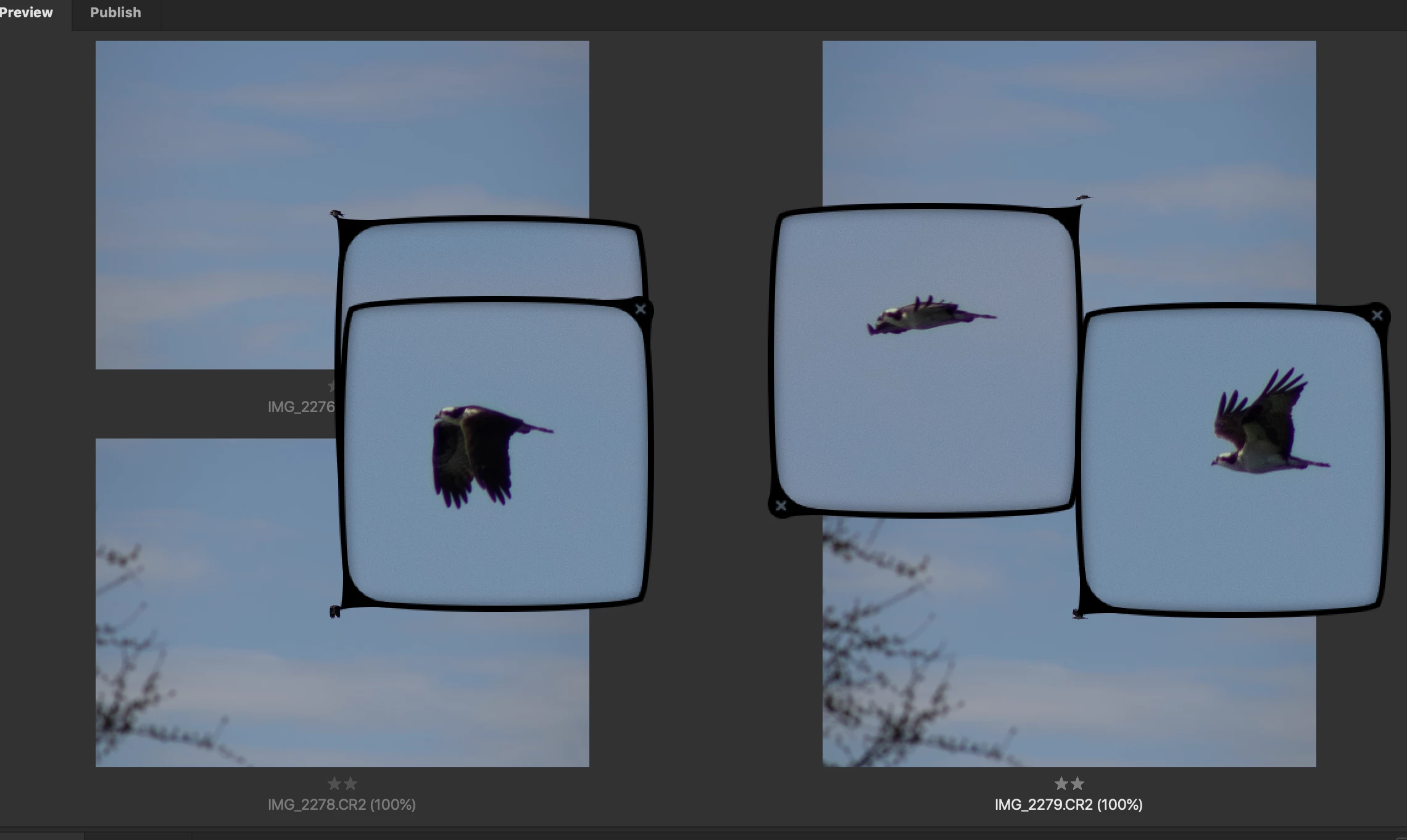
 AdChoices