

Metadata Changes made in Bridge not Reflected Elsewhere
Hello friends,
After many years of lurking these forums for various solutions over the years, I have finally come across an issue perplexing enough to warrant a post. For some background info, I recently updated all my devices and CC apps and am running macOS Ventura and Bridge 13.0.2.636
I'm in the process of consolidating my iPhone photo and videos backups to iCloud to free up space on my iMac/generally making my workflow more efficient. Previously, I would use Apple Photos to import images and videos from my iPhone onto my iMac and export them as "unmodified originals" to annual archive folders. However, last year I discoverd a batch of ~500 videos from 2019 that were in a different format (.m4v instead of the usual .MOV) and they'd somehow had their metadata stripped away and replaced with an incorrect creation date - I assume this date delineates when this disaster occured. Whats more bizarre, all the photos from this period (May-September) didn't have their metadata affected, but are .jpg images instead of the usal .HEIC, and can still be sorted chronologically. I've tried to recreate this error by exporting from Apple Photos with different settings but so far I'm still stumped as to what happened to this batch of media.
Anyway, over the past week, I've been tediously sorting the videos manually by comparing the dates to photos, trying to delineate different events and occurences, and using instagram to further corroborate dates. Once I've established the date and rough time of a video, I have been typing the corrected date and time into the "Camera Data (Exif)" drop down area of the Metadata viewer, altering the "Date Time Original" field to the corrected date/time. This change is also reflected in the "File Properties" drop down area of the Metadata viewer, showing the correctly altered "Date Created", as shown below.
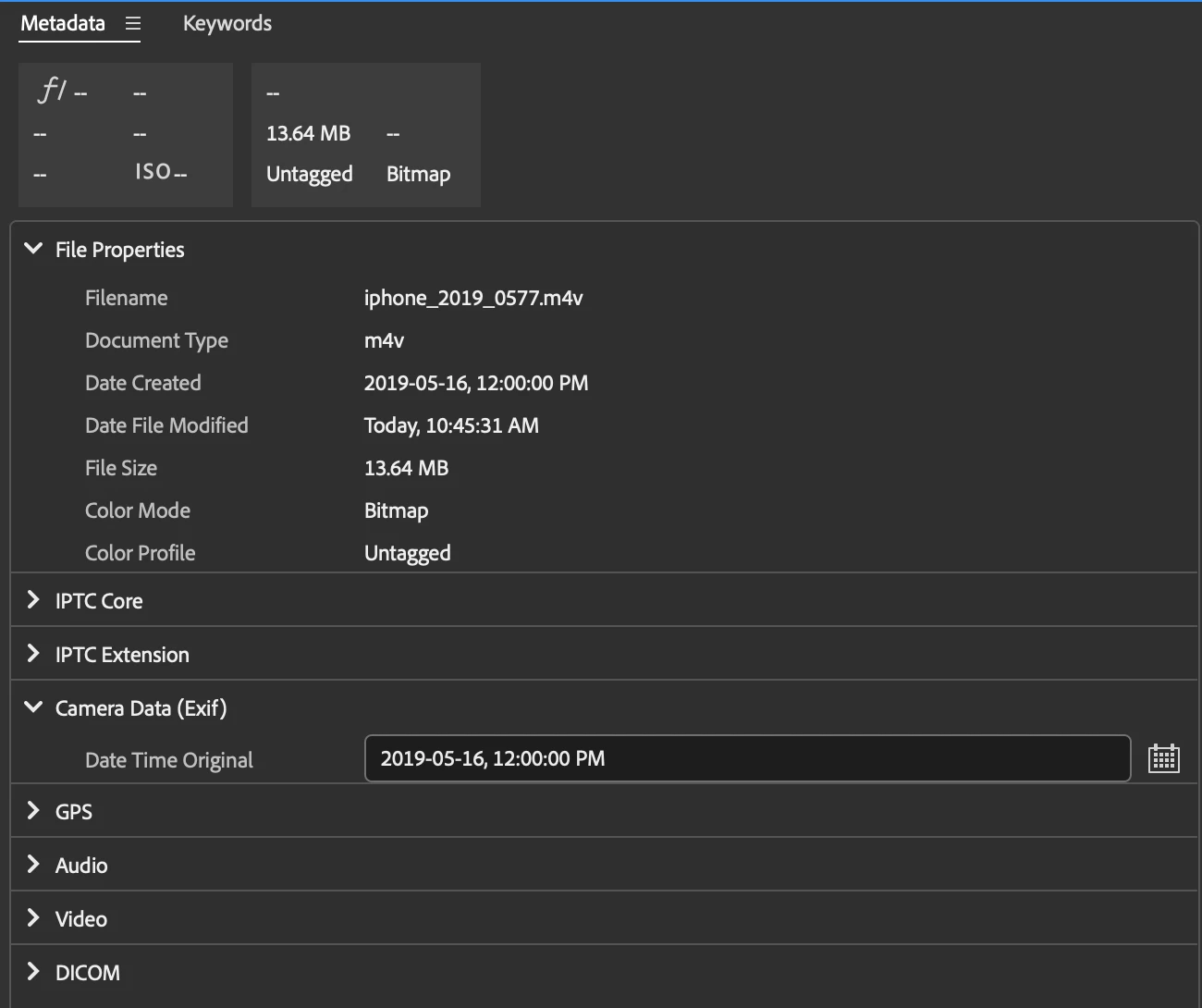
After hours upon hours of this, I finally finished yesterday and went to import everything into Apple Photo/sync with iCloud and once again, these ~500 videos were recorded as having the incorrect creation date of September 25th, 2019 and were placed in a randomized order depending on their supposed time of creation. I removed them from Apple Photos, came here, found a couple of suggestions like the "Edit Capture Time" feature, which does in fact reflect my corrected dates, or clicking the "Apply" checkmark in the bottom right corner to make sure the change was applied. Even more perplexing is the fact that Bridge can now correctly sorted these videos by date created, but the "File Info" still shows the incorrect creation date (shown below) as does the file info provided in Finder. Note: all screen captures are for the same file.
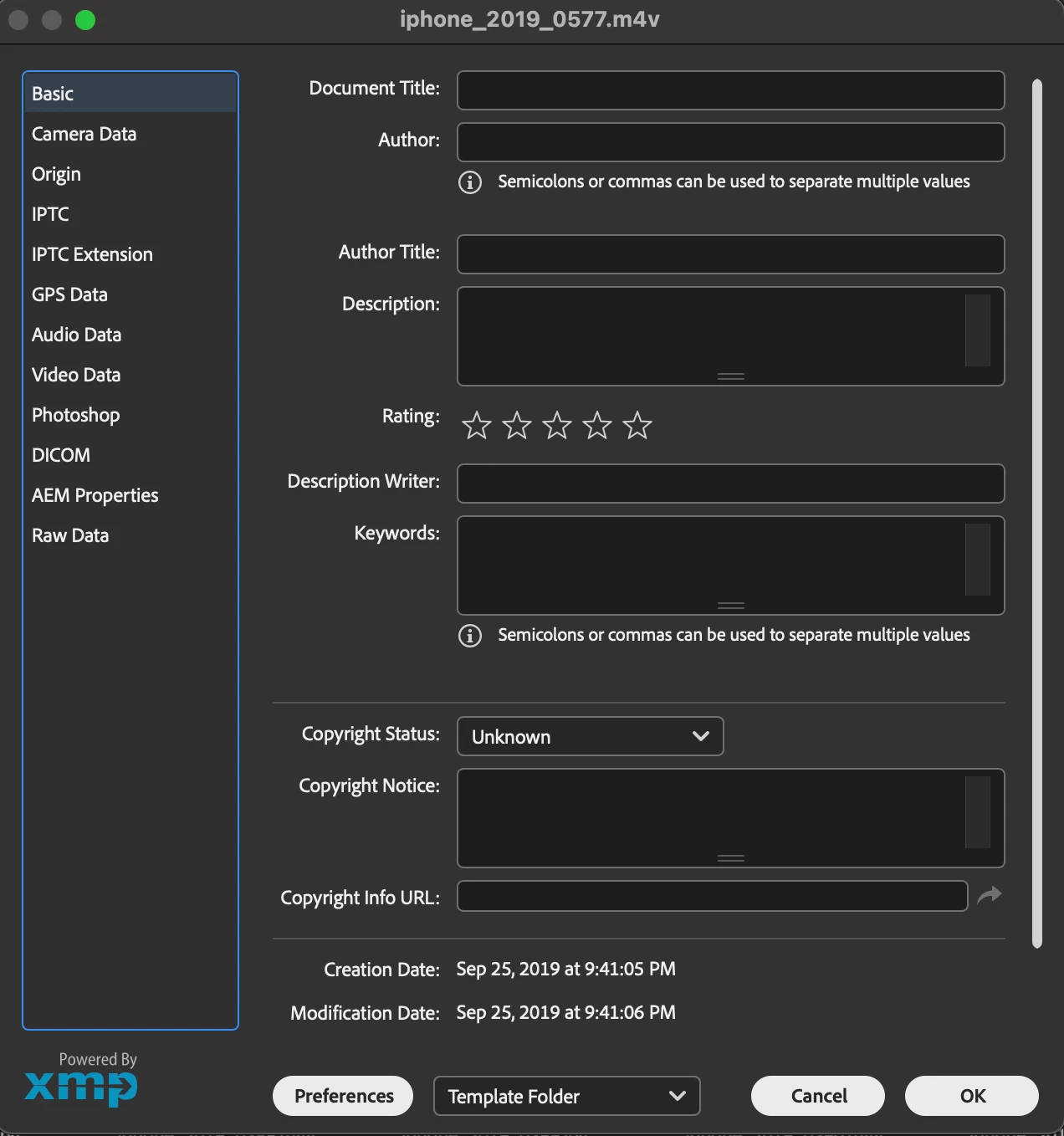
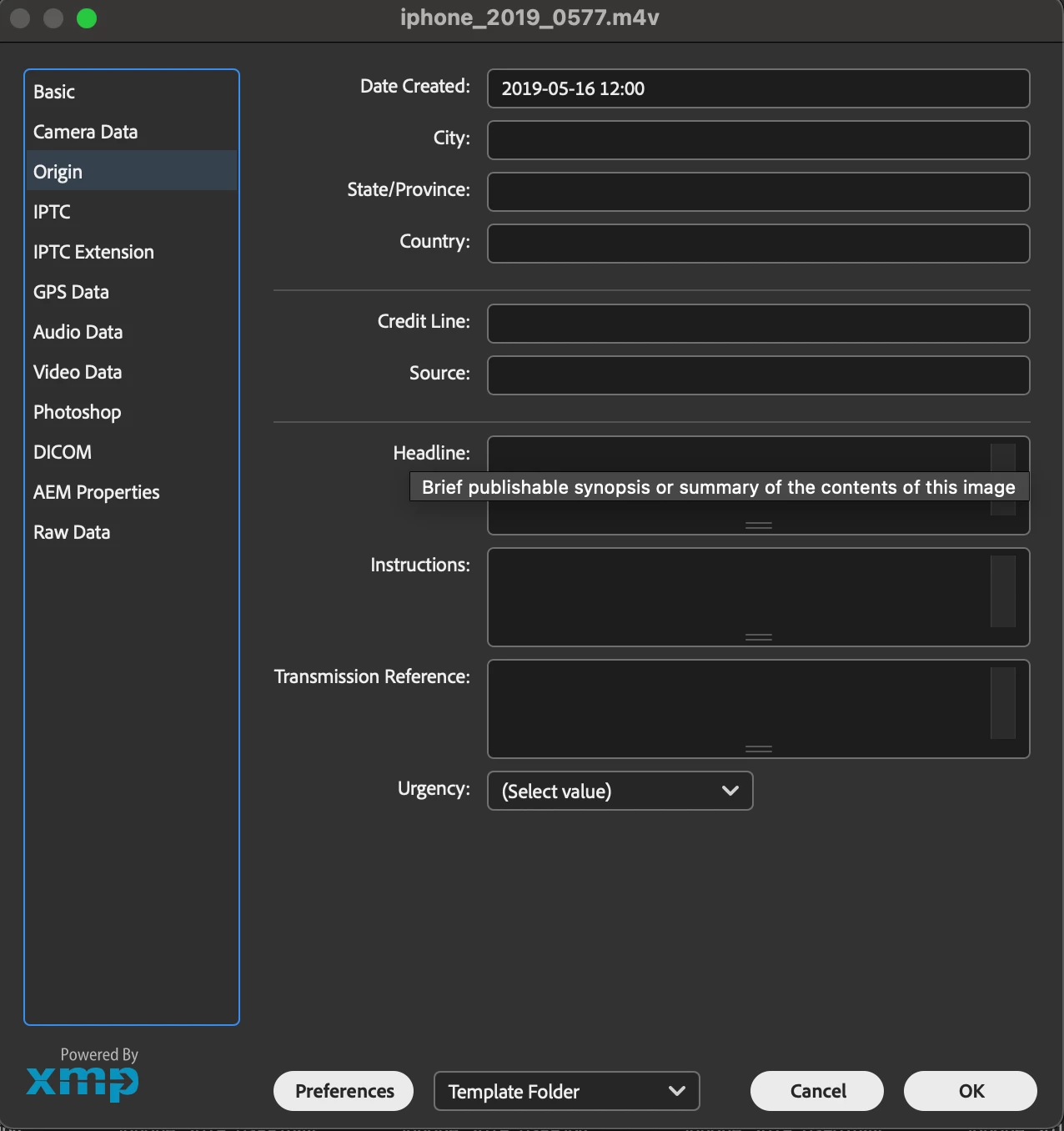
Can anyone advise on how to solididy the metadata changes I've made to be reflected outside of Bridge so I can finally sorted these videos chronologically? I am desperately hoping that this can be achieved in a batch processing method because I've poured way too many hours into tediously and manually sorting these videos already and am terrified of it all being for nothing. Thanks for your help,
Sam
 AdChoices