
zzzdcline@yahoo.com
Participant
May 1, 2019
Answered

No thumbnails for GoPro H265 videos

  • May 1, 2019
  • 1 reply
  • 5404 views

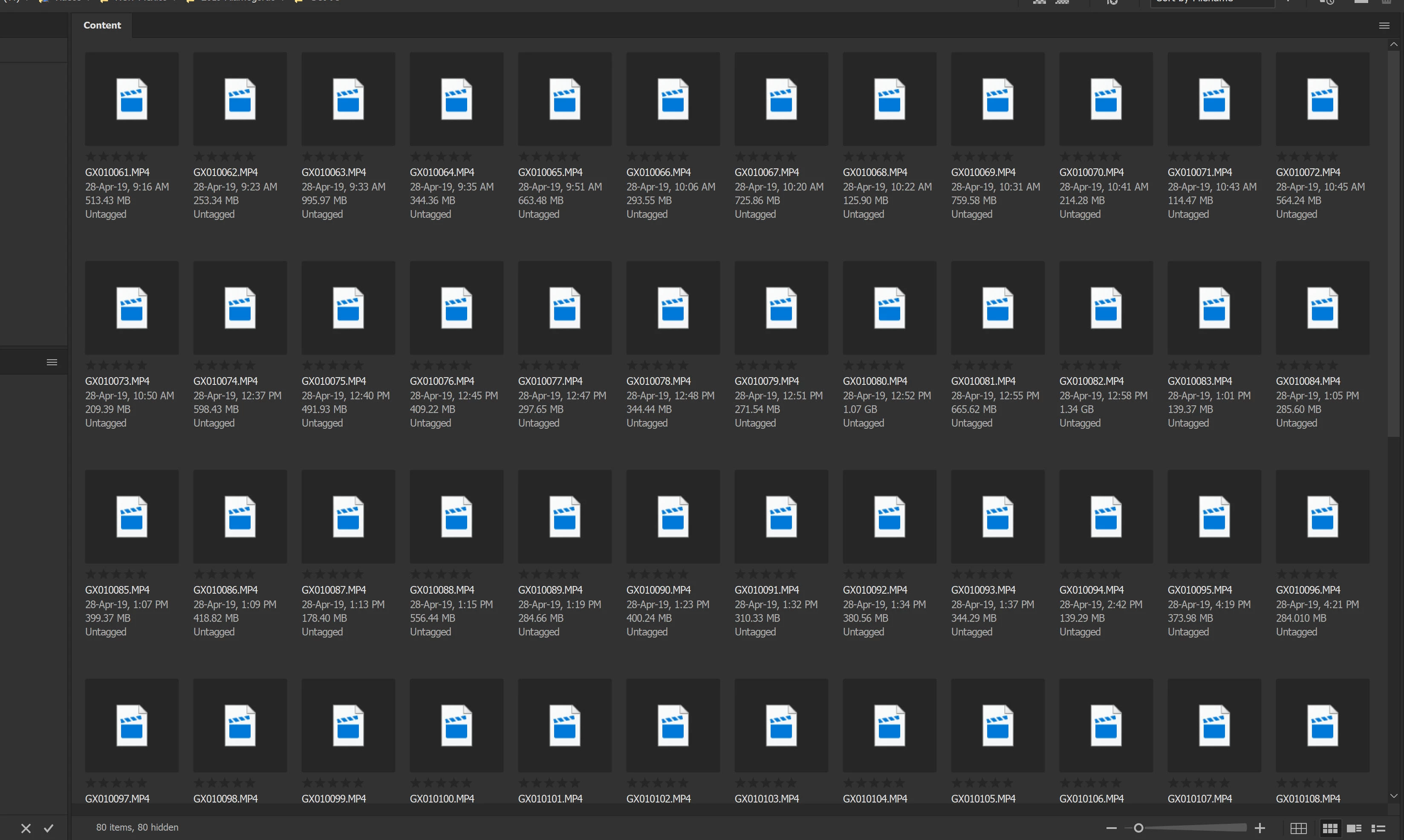
My Gopro Hero 7 MP4 files do not generate thumbnails in Bridge 9.0.0.204 x64.  Windows 10 File manager generates the thumbnails just fine.  All I get in Bridge are the little video icon.

Now, these are H265 videos.  Bridge works fine generating thumbnails for all other MP4 files, just not the H265 MP4 videos.

I've done the cache purging etc. but no luck.  Any ideas?
This topic has been closed for replies.
Correct answer Daniel E Lane

Try this...

1.     Launch Bridge

2.     Open Preferences

3.     Click on Advanced

4.     Turn on "Use Software Rendering"

5.     Purge the Cache files from the folder you are working with.

6.     Close and Relaunch Bridge

See if it generates the thumbnails.

1 reply

Daniel E Lane
Daniel E LaneCorrect answer
Inspiring
May 2, 2019

Try this...

1.     Launch Bridge

2.     Open Preferences

3.     Click on Advanced

4.     Turn on "Use Software Rendering"

5.     Purge the Cache files from the folder you are working with.

6.     Close and Relaunch Bridge

See if it generates the thumbnails.

zzzdcline@yahoo.com
Participant
May 2, 2019

I had doubts about the "software rendering" since I have an i7 CPU, 32 GB RAM, and GTX 1070 GPU with 8GB RAM BUT...... it worked! Thank you my knowledgeable friend.

Daniel E Lane
Inspiring
May 3, 2019

Glad I could help.