
Known Participant
June 2, 2023
解決済み

Photo Downloader fails to open from Bridge 2023 or Bridge Beta

  • June 2, 2023
  • 返信数 2.
  • 2380 ビュー

I'm on an M2 Pro MacMini running Ventura 13.5 and the Photo Downloader will not open when an sd card is connected to a card reader or when my X-T5 is connected directly. Clicking on the Downloader icon does nothing, it is set to open when a camera is connected in preferences. I can bypass the Downloader by selecting "import from device" from the file menu, but this is not ideal.  Resetting preferences does nothing. Any clues? 
解決に役立った回答 Swati Agarwal

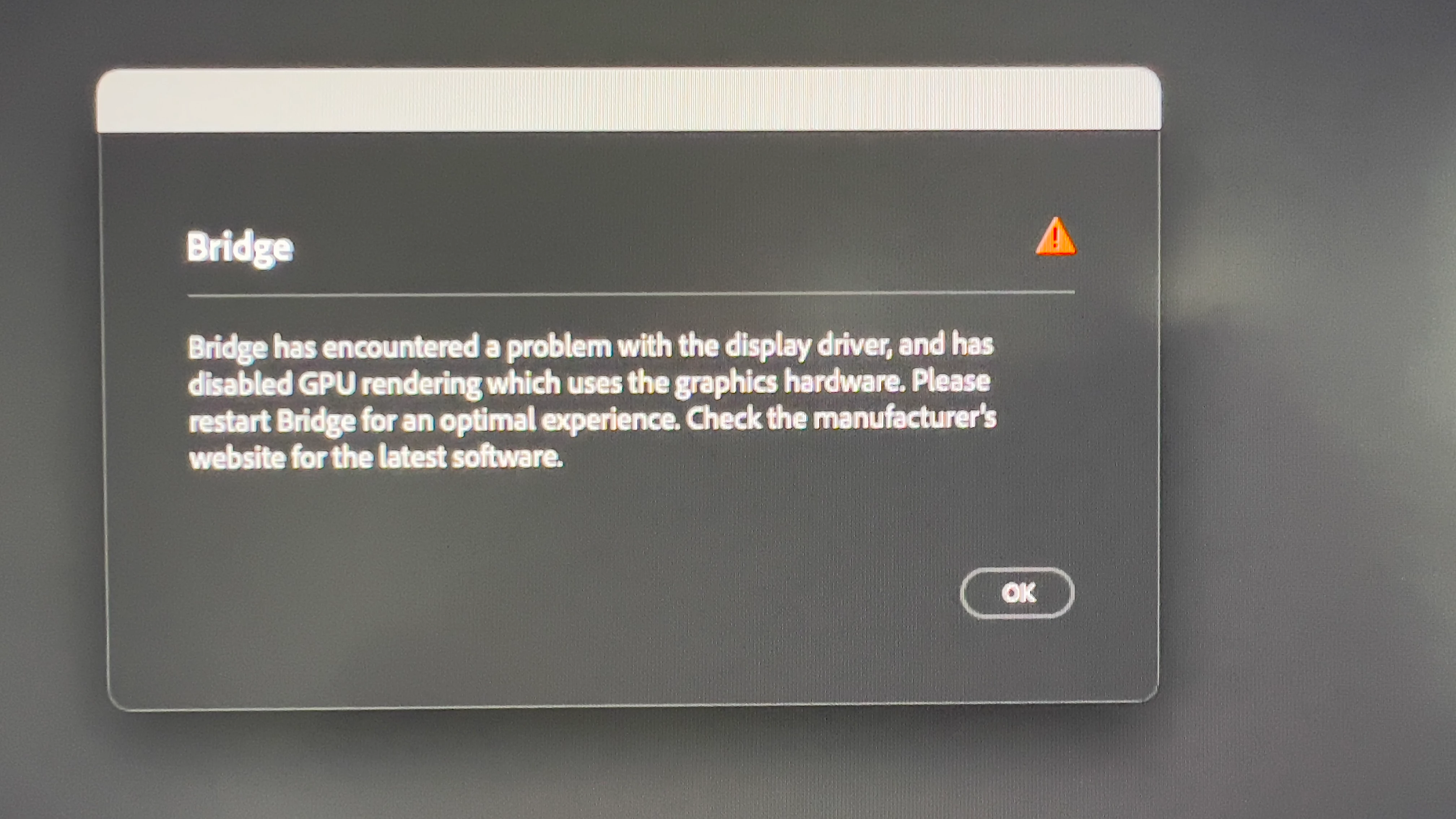
Hi Swati, If you read my responses to this thread, you will se that I lalso isted the error message.


Hi @skrocki 

Could you please check if Rosetta is installed on your MAC M2, and try installing Rosetta. Please check and confirm if that resolves the issue for you..
https://support.apple.com/en-in/HT211861

Thanks,

Swati

返信数 2

Participant
July 2, 2023

 photo edit 

gary_sc
Community Expert
Community Expert
June 2, 2023

Hi, @skrocki, what's interesting is that I had not even noticed that the unwanted interruptions had stopped. (Ever notice that you notice what is annoying you but don't even think about the things that are not annoying you when the annoying thing stops!)


I had turned off the "Start Photo Downloader" when a card was inserted because I didn't like it, but mostly I didn't like how Apple's Photos also started when a card was inserted. I didn't fully realize until you mentioned this that Photos no longer automatically starts. I wonder if Apple has done something that turned off auto-starting when a card is inserted.


Meanwhile, when I insert a card, I simply click on the Photo Downloaded icon in the tool. Are you saying that when you click on this, nothing happens?

If so, at this point, I'd consider uninstalling and reinstalling Bridge. 


Oh, one other question: on my Mac Studio system (M1), the highest OS I have access to is 13.4. Is 13.5 for M2 machines?


skrocki作成者
Known Participant
June 2, 2023

There is a setting in Bridge that allows you to turn off Adobe Photo Downloader from automatically openining when you connect an SD card reader or camera. That is not the issue. The issue is that since installing both Bridge 2023 and Bridge Beta on my new M2Pro Mac Mini, Photo Downloader will not open at all. I am using Ventura Developer Beta on my Mac Mini and that may be the problem but I don't believe Apple is fully supporting the Apple M2 chip at this time. I see other M2 users with similar problems. I do have both versions of Bridge installed on my machine and they behave the same, so I don't think reinstalling will solve the problem. I do appreciate your response.

Adobe Employee
June 7, 2023

I installed the Ventura Developer Beta on my M1 Mac Mini as a test and the photo downloader works fine on that machine, so the problem definitely is with Adobe's lack of optimization for the Apple M2Pro processor. I hope Adobe comes out with an update soon!


Hi @skrocki 

We have tried to reproduce the issue but APD lauched fine on MAC M2 with Ventura, could you please confirm if photodownloader launch if there is no card connected.. also have you started observing the issue after the latest MAC OS update..

Thanks,

Swati