Participant
August 11, 2023
Question

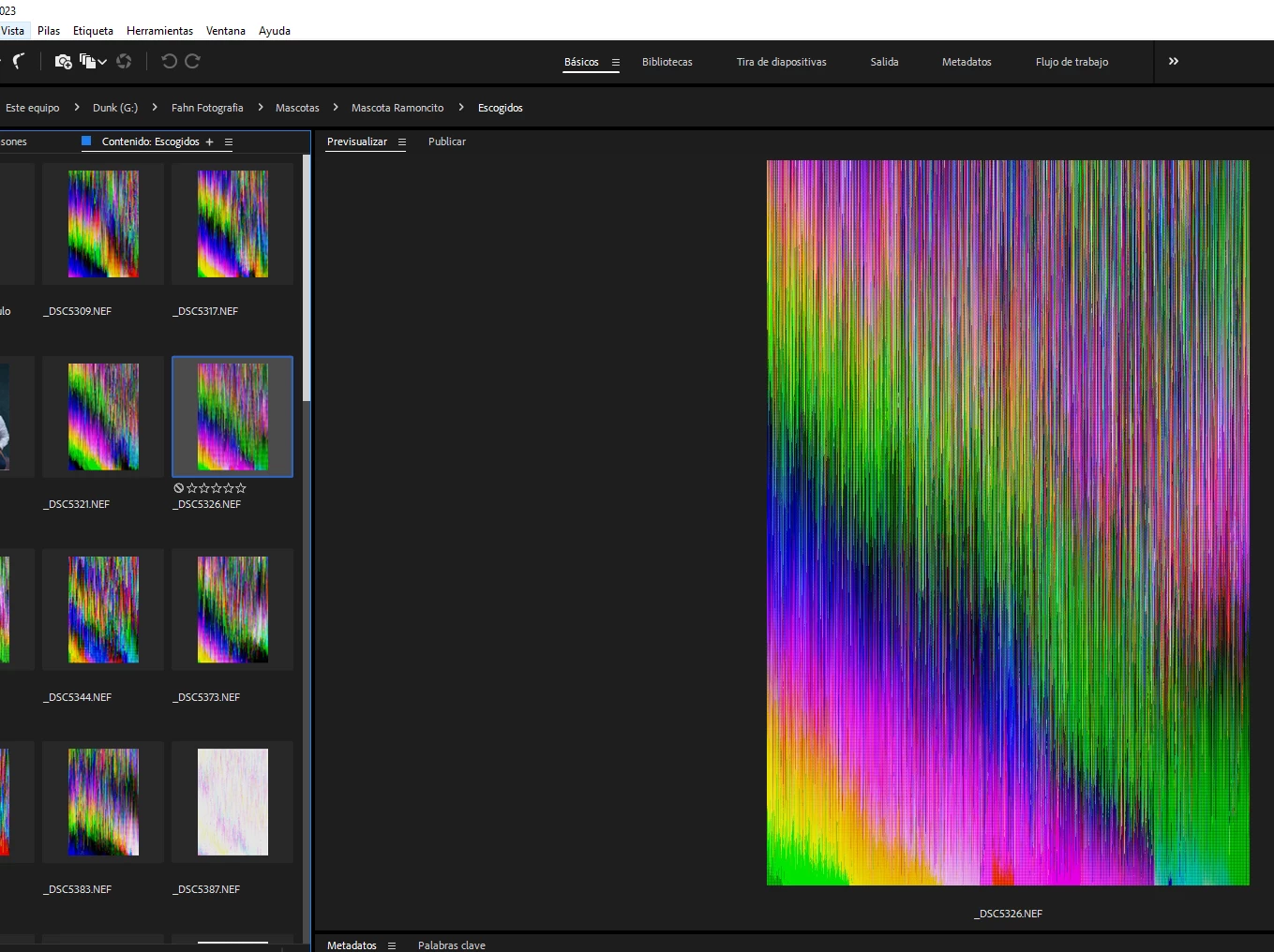
¿Por que el Nef se ve de esta manera en Bridge?
  • August 11, 2023
  • 2 replies
  • 280 views

Por que el nef se ve de esta manera en Bridge y cuando abro con photoshop no esta dañado la foto

This topic has been closed for replies.

2 replies

gary_sc
Community Expert
Community Expert
September 8, 2023

Hi, @john+alexc49805208, there are two possible solutions for this. 


The first thing to check is to go into Bridge's Preferences (Settings on a Mac), and in the Advanced tab, check the box for Use Software Rendering.

 If that does not solve the issue, go ahead and uncheck that option and close that window.


Now, go into Camera Raw Preferences (it should be right next to Bridge's Preferences/Settings), and in the Performance tab, you will need to either turn this off or experiment with Custom (from the Dropdown menu). What I'm showing here is where to look, but it will probably look different for your computer. I may have a newer Graphic Processor than you and it will display different wording depending on what it finds. 


You may have to Quit and restart Bridge after every change, but either one of these should fix your issue. 


Good luck

Adobe Employee
September 8, 2023

Hi,


Thank you for the feedback.


Could you let us know about the bridge version and OS details so we can better understand this issue?

Also, could you please share sample files with us at sharewithbr@adobe.com?


Regards,
Bridge Team