February 6, 2018
Answered

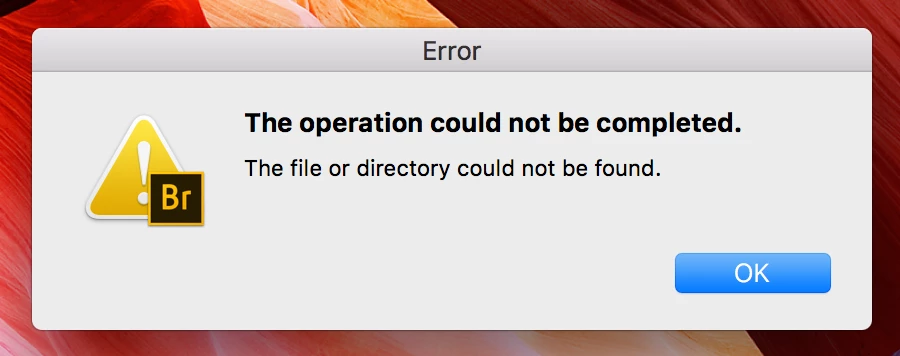
The Operation could not be completed. The file or directory could not be found.
  • February 6, 2018
  • 3 replies
  • 5516 views


When quitting Br app, this is the pop up that comes up.

What needs to happen so I stop seeing this pop up?

    This topic has been closed for replies.
    Correct answer jbm007

    Hi PECourtejoie...
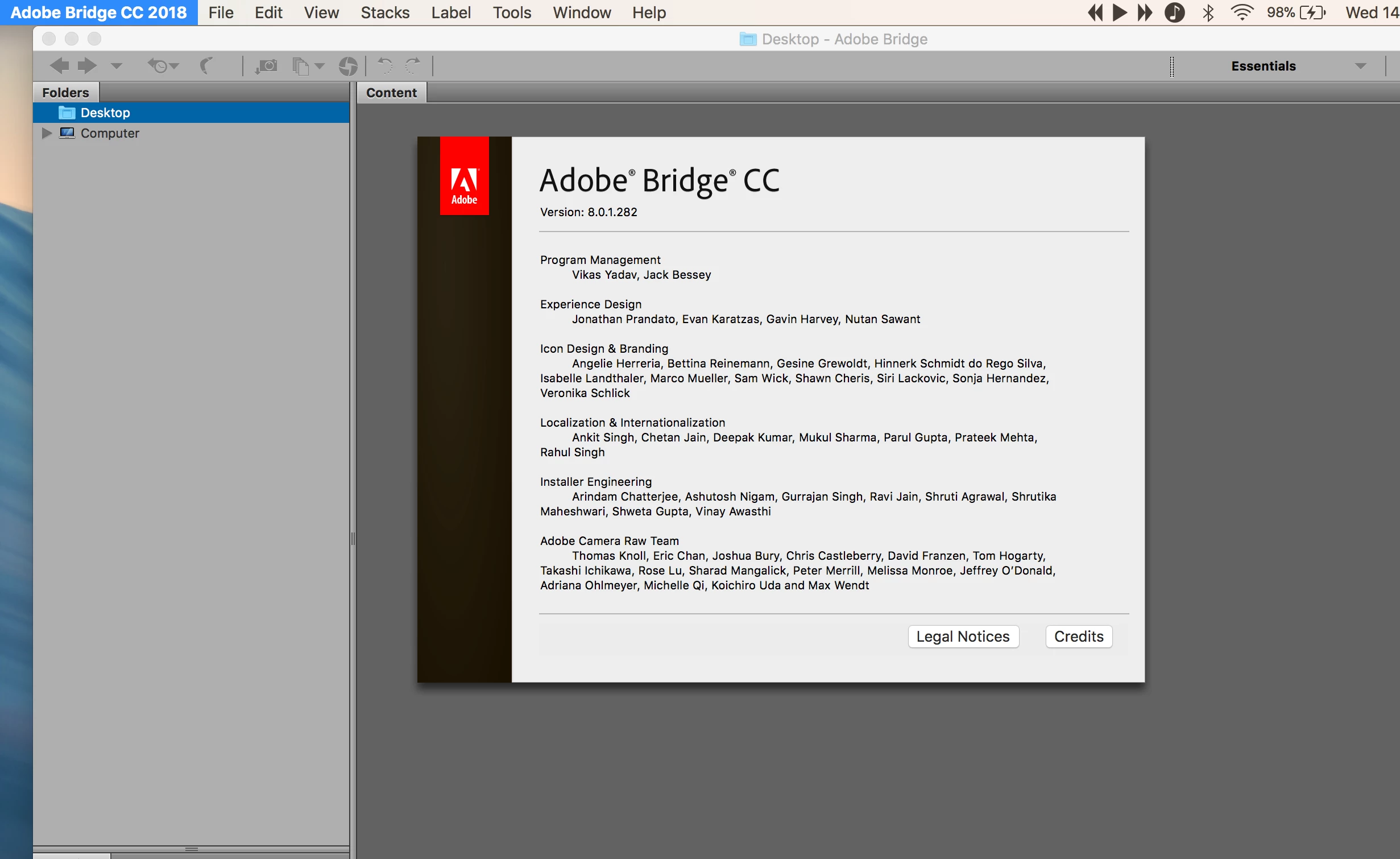
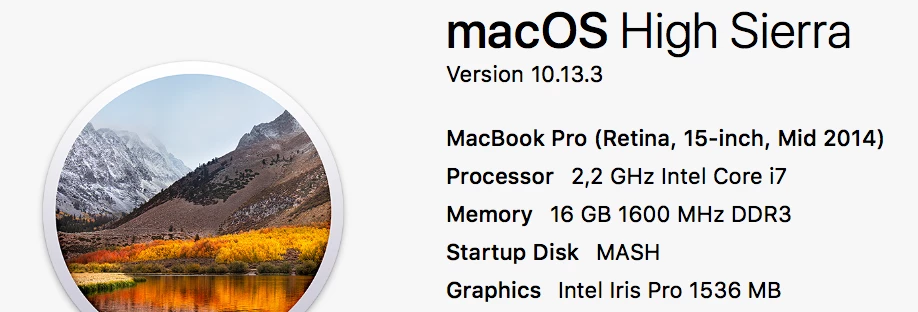
    Am running the follow... and no I often close the Bridge first before ejecting an external drive, because most often Mac comes with error that Bridge is still running some files, so instead I close the app then the error message comes up.
    Many thanks.
    Lwazi

    Can you delete Bridge, reboot  and re install the latest version that has just showed up?

    3 replies

    Legend
    March 13, 2018

    Did you make any settings changes after deleting preferences? If not, then a default setting is the problem. You may have disk corruption or permissions problems on your hard drive.

    March 13, 2018

    Alright thanks - i still have no clue what to do next, but thanks.

    PECourtejoie
    Community Expert
    Community Expert
    March 14, 2018

    HEllo, which exact version of Bridge (bridge>about bridge) are you running? Which version of MacOS?

    Did you remove an external hard drive that might be listed in favorites?

    Legend
    March 13, 2018

    Reset your Bridge preferences first.

    March 13, 2018

    Reset the preferences and notification hasn't come on. Thank you!

    Adobe Employee
    February 6, 2018

    Hi mashstudios,

    Can you please let us know the steps that you are doing in Bridge causing this error.

    Regards,

    Abhishek Seth.

    February 6, 2018

    Hi Abhishek...
    It shows up everytime I quit the app when I'm shutting down my laptop.

    Thanks.

    L

    Participant
    March 12, 2018

    Hi Mashstudios,

    Did you ever solve this? I have the same issue.