
Participant
February 2, 2024
質問

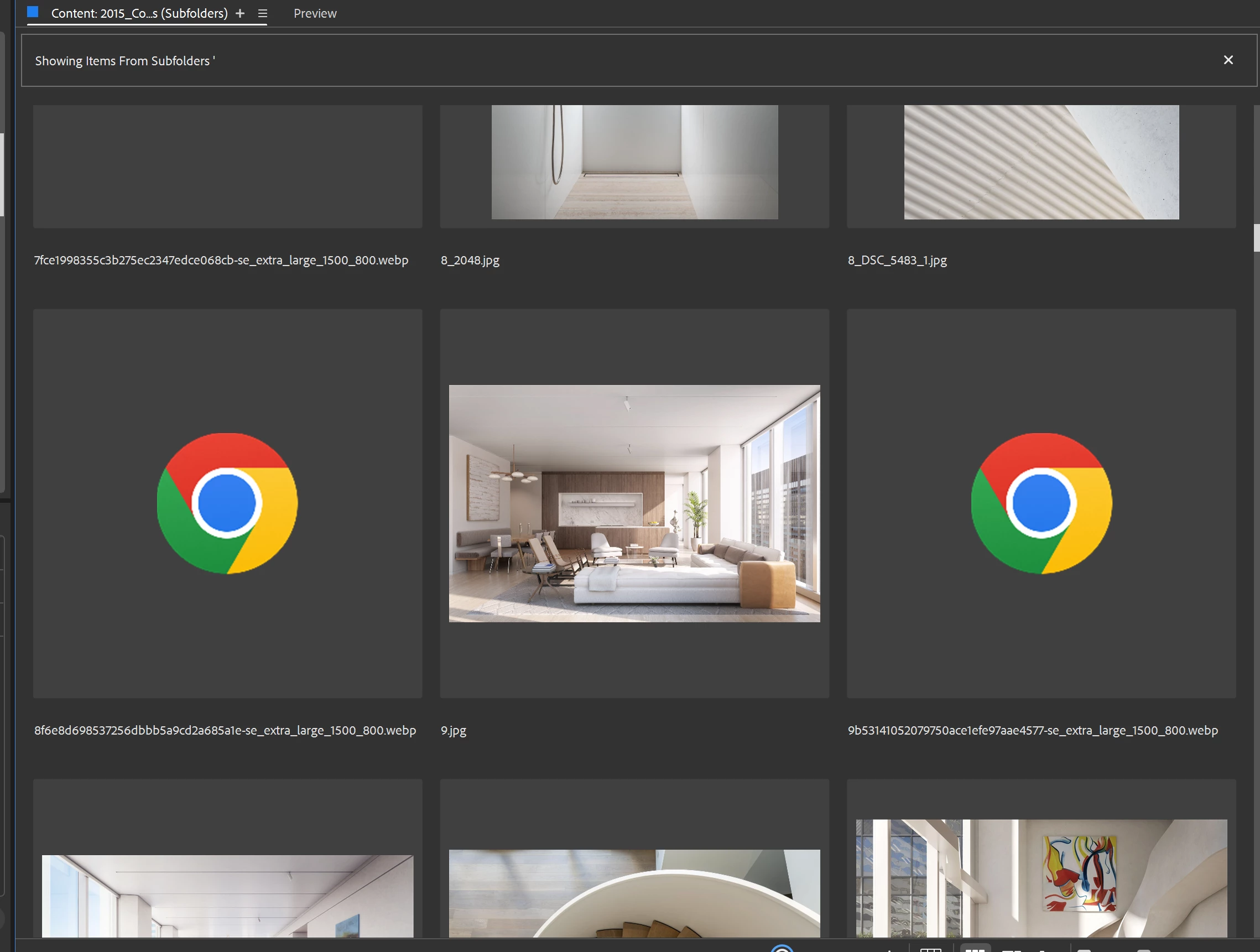
Thumbnails for webP images

  • February 2, 2024
  • 返信数 4.
  • 1563 ビュー

How can I add support for webP images? This seems like a pretty standard image format. Not sure why this isn't standard in Bridge. Pretty annoying that I can't see these previews in Bridge or on Windows. . . that is one of the core functions of Bridge, visually  browsing images PDF etc in a variety of formats. 


返信数 4

Participant
May 6, 2024

Shocking, positively shocking. A format introduced over 10 years ago and used all over the internet does not have a thumbnail or preview in the latest Bridge 2024.

There was not even an apology from Adobe.

Legend
May 7, 2024

WebP is already obsolete and never got mass uptake. I expect it to fade out as formats like HEIC and AVIF are phased in. And it works here even in Bridge 2022.

Participant
May 7, 2024

Tried Bridge 12.0.4 (2022) and 13.0.7 (2023) - they all open webp but don't give a thumbnail view on Windows 11. What's a big deal to make a thumbnail or preview anyway?

Participating Frequently
March 25, 2024

Personally,
If I were Adobe, I'd be embarrassed to ask customers to pay as much as we pay every month and not support a "semi" modern image format. Perhaps by the time webp4 comes out they will support thumbnails for the original webp format?

Stephen Marsh
Community Expert
Community Expert
February 3, 2024

Support for saving in WebP in Photoshop was only added in version 2022, despite the format existing for years.


Things take time I guess!

Legend
February 2, 2024

Works fine on the Mac, all the way back to Bridge 2022.