
Beantwortet
A YYYY-MM-DD-hh-mm-ss rename
Since iView/Media Pro is about to hit the 32bit wall, I'm trying to figure new ways to manage the assets (DAM).
One item is file renaming. Today I'm trying Bridge, which I've had for decades (or so) but never used.
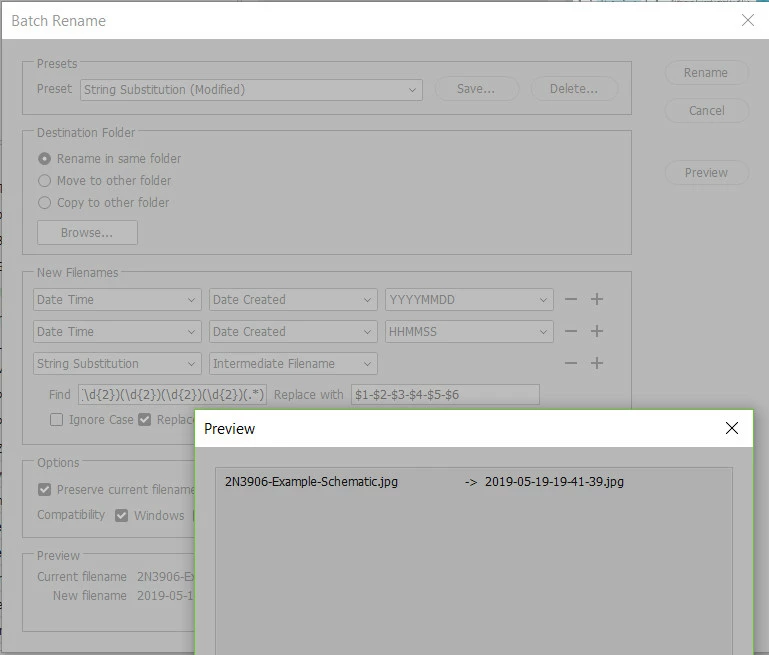
I managed to get it to rename like this:
2019-06-07-110713.jpg
but I want it like this:
2019-06-07-11-07-13.jpg
So Bridge almost does it, but that last block has hoursminuitesseconds as one block
Searching these here forums implies there's a way to do this with "regular expresseions" but I have not seen an example with plain hyphen separators (no spaces, no slashes, no colons)
Do any of you know how to do a YYYY-MM-DD-hh-mm-ss rename?
 AdChoices