Hi dchahine,
Bad news - good news: Bridge can't but you can.
Here's the deal: Bridge is only a viewer. It displays any and everything that's in the folder you're looking at. If you want sub-folders, you make them yourself in Explorer or Finder. If you want them organzied by date, you can create and name them in Explorer or Finder.
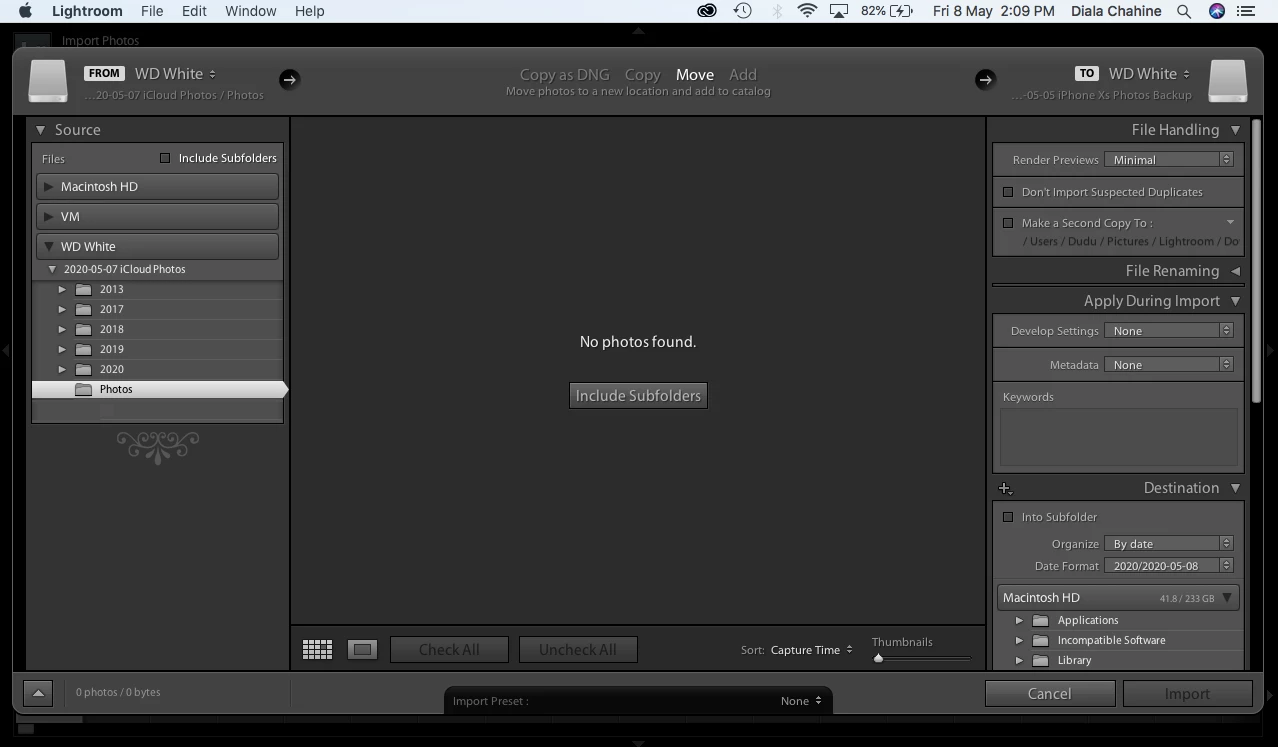
You see where I'm going with this. My point is that you can accept the auto creation that LR does, or rename/create other folder structures in LR but all within LR. In Bridge you can also do all that but it's done in the Finder or Explorer.
Let me add that if you ingest images from your card into your computer via the Photo Downloader, you can control the naming of the folders to some degree and you can also control renaming of the files from within Bridge to some degree.
The one advantage of Bridge is that unlike LR if you make any changes of your folder structure or image placement in Explorer or Finder, Bridge doesn't care. LR, as you probably know, is thrown for a loop when you do that and has no idea of where things are until you point that out to Lightroom.
But remember, Bridge is NOT a DAM, LR is.

 AdChoices