

Duduf | RxLaboratory
Participant
November 4, 2022

AE 2023 performance issue

  • November 4, 2022
  • 39 replies
  • 7389 views

I have a comp with 51 shape layers & lots of expressions, which makes After Effects lag a lot (as usual), BUT it's worse in Ae2023 than previous versions.
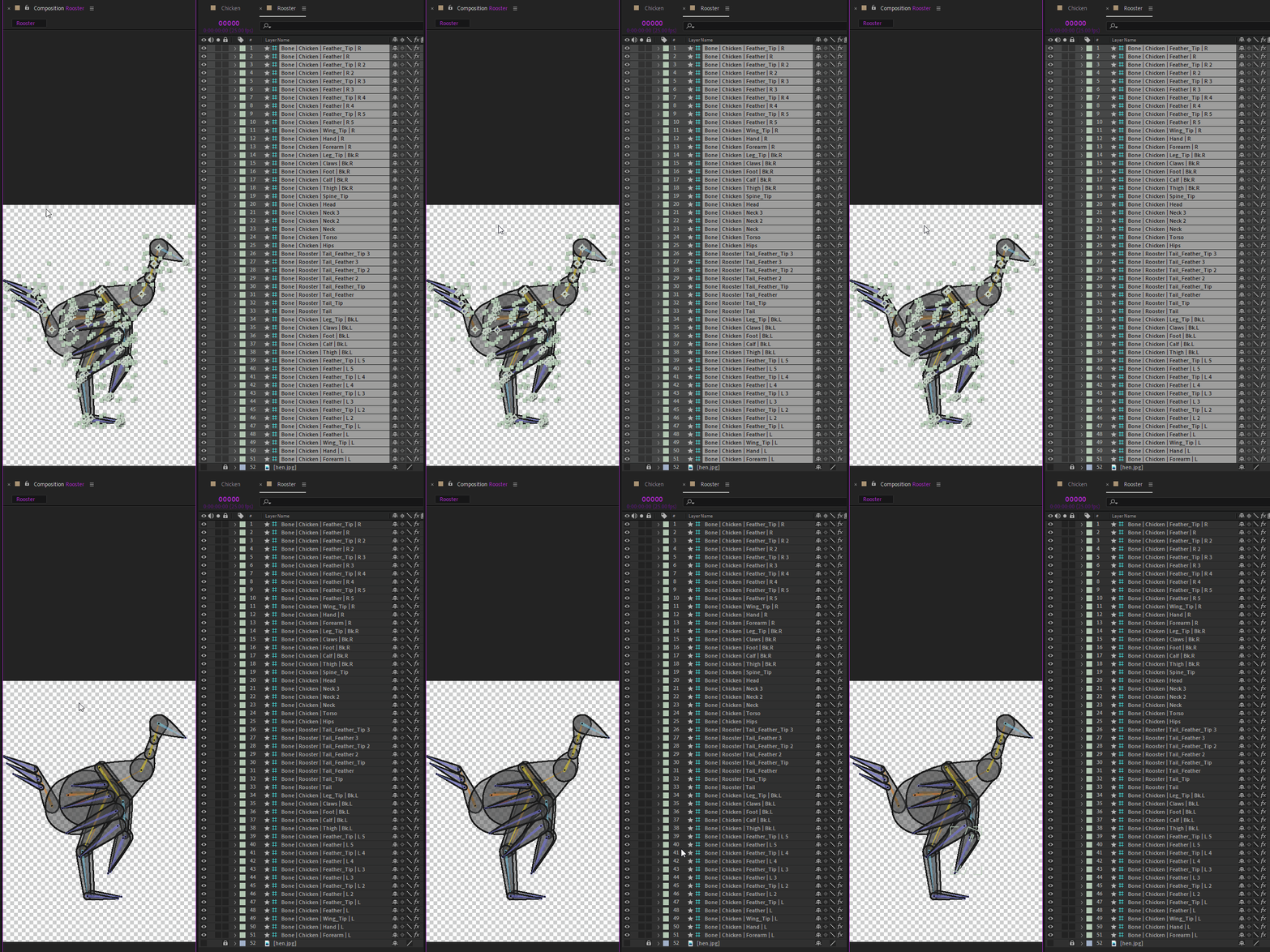
To show the issue, I've made these two GIFs, from Ae2021 and Ae2023, to show how long it takes to just deselect all the layers.
The click is shown by a yellow circle under the mouse cursor at the beginning.
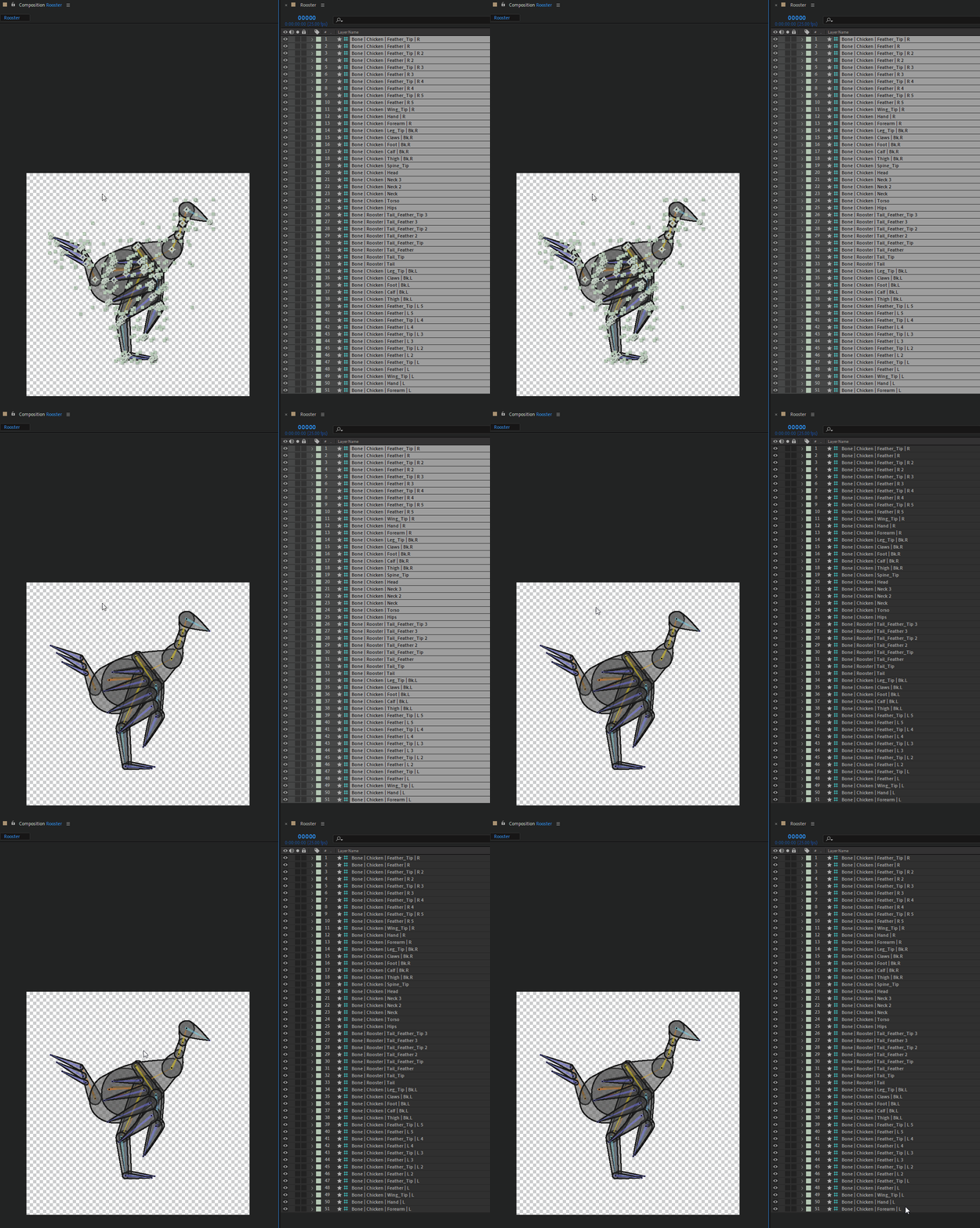
 

The first one is Ae 2021, and the delay between the click and the actual deselection is already quite annoying, I've measured it to be 1.5s (I've run the test several times to get the average time)

The second one is Ae 2023, the delay is 2.5s. I just can't work anymore with After Effects with this lag, it's just a no-go, and I'm going to recommend to everyone to not update if they're going to work with Duik. One just can't work correctly with that.

If it lags so much for simple actions like (de)selection, just imagine how painful it is to precisely adjust any value.


IMHO it is more than urgent that After Effects lags like this are fixed, I don't know of any other software where I experiment this kind of sluggishness, it's not the case in any other compositing, animation, or 3D software I know of.

Computer specs:
- AMD Ryzen 7 2700X Eight-Core, 3.7GHz
- 32 GB RAM
- Nvidia GeForce GTX 2060, Studio Driver 517.40

This topic has been closed for replies.

39 replies

Participating Frequently
February 14, 2023

1. It's not related to NVIDIA hardware/drivers. Same problem on AMD GPU PC.

2. It's not related to Windows OS, it happens on both Win10 and Win11 for me.

2. It can't be fixed by changing any settings in AE. Don't lose your time, I've tried everything.


It's simply bug which needs to be fixed by the program authors.


And it happened before:

https://community.adobe.com/t5/after-effects-discussions/keyframe-drag-lag/td-p/10962273


Fixed in the meantime, then it gets back in AE 2023.

Participant
February 9, 2023

Yes we did exactly as you described. Unfortunately, it has not really improved.

Participating Frequently
February 9, 2023

Tried just now..... doesnt do much for me. Keyframes still lag 200px behind my mouse cursor.

vjcodec
Participating Frequently
February 9, 2023

Did you guys try my solution? I experimented with switching drivers again. Same results! So switch to game ready drivers with a clean install. Works perfect

Participant
February 9, 2023

Adding to the conversation that this happens to my computer too. The timeline has visible lag from the mouse movement and adjusting the time in/out of a layer will cause the application to have hiccups and almost appear to have sub-10fps visual performance. I am not talking about playback, but interface responsiveness.


After Effects Version 23.1.0 (Build 83)

Intel(R) Xeon(R) CPU E5-2650 v4 @ 2.20GHz 2.20 GHz (2 processors)

NVIDIA GeForce GTX TITAN X - Driver Version 528.24

Participant
February 9, 2023

Hello,
we have the same problem. Our workflow at the moment: move keyframes. Wait a few seconds after releasing the mouse. Then move the mouse again.

DavidMA
Participant
February 8, 2023

same! please help!

Participant
February 7, 2023

same situation. I have 1 key on layer and when I move it I have a lagging. 

23.1.0

Ryzen 7 3800x
RTX 3060x3

64 Gb RAM

this is so stupid.

AE 22 have no this issue

Participating Frequently
February 3, 2023

Moving keys is such a pain in 2023, they keep jumping here and there. I need to really hold steady my mouse before releasing, otherwise they kind of drag along and end up somewhere in between where i was and where i wanted to go next. It feels like working with weights on my fingers.... i hate it so much. I wish someone would finally make an alternative to wake adobe up. They would probaby end up buying it and ruining it as well.

vjcodec
Participating Frequently
February 2, 2023

Posted a solution for me in here.