



P: Camera Raw Dialog is too large on Windows recommended scaling
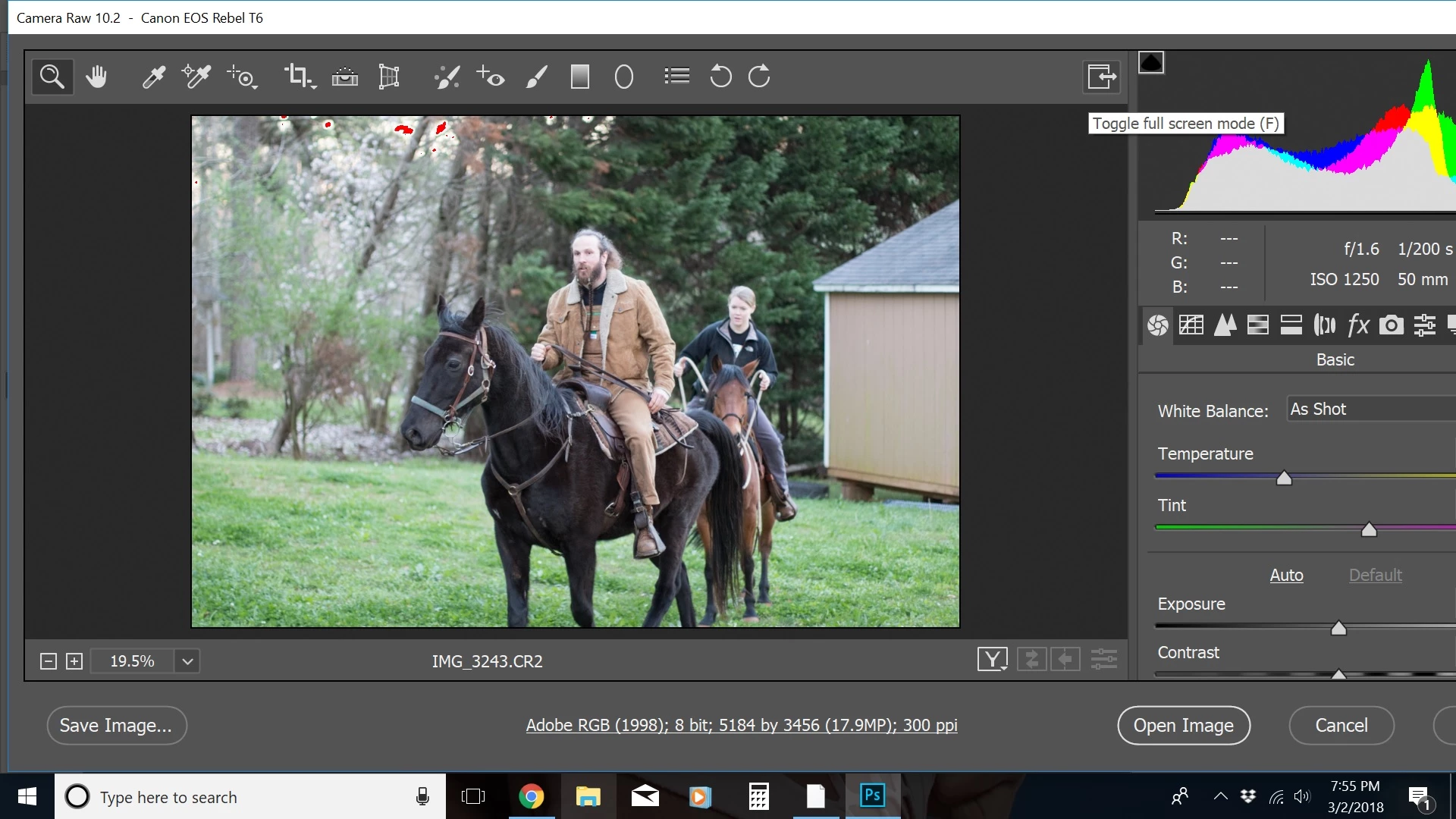
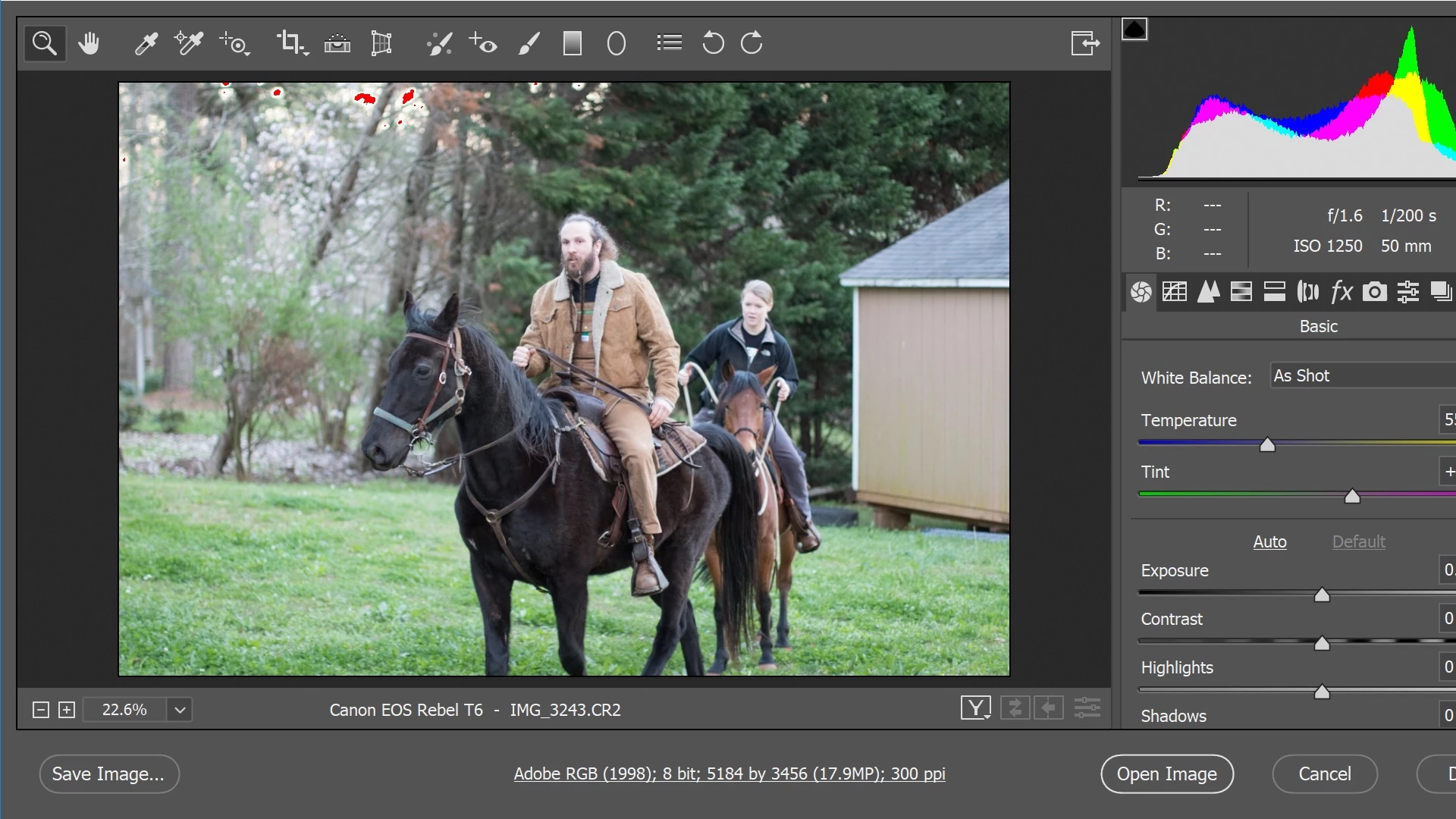
the first image is not in full screen mode. the second image is in full screen mode.
photoshop CC has been running fine for me for a long time. ever since this new most recent update, the camera raw filter window has been larger than my computer screen. at first, it was super wide. i hovered my mouse over the edge of the window and i brought it in as far as it will go. i tried using the full screen option, but half of the histogram is cut off. the smallest available size for that camera raw window is still too big. is there a way to make it fit on my screen like it did last week and before?
running windows 10 by the way.
 AdChoices