


Robert Ripps
Inspiring
February 22, 2025
Question

Adobe Camera Raw 17.2 loses vertical filmstrip, in Bridge and Photoshop

  • February 22, 2025
  • 2 replies
  • 847 views

I recently updated the latest versions of Photoshop 2025, 26.3.0, which includes Adobe Camera Raw 17.2.0.2155. I am also running Bridge, version 15.0.2. Today when I opened multiple images, either from Bridge or from the desktop, into Adobe Camera Raw, after a few images, the vertical film strip disappears, and through it I can see whatever program I was last in. If I click in that area where the vertical film strip should be, I go to that last program. So if I open the images from Bridge, I see Bridge, but if I open them from the desktop, I see the Photoshop home window.
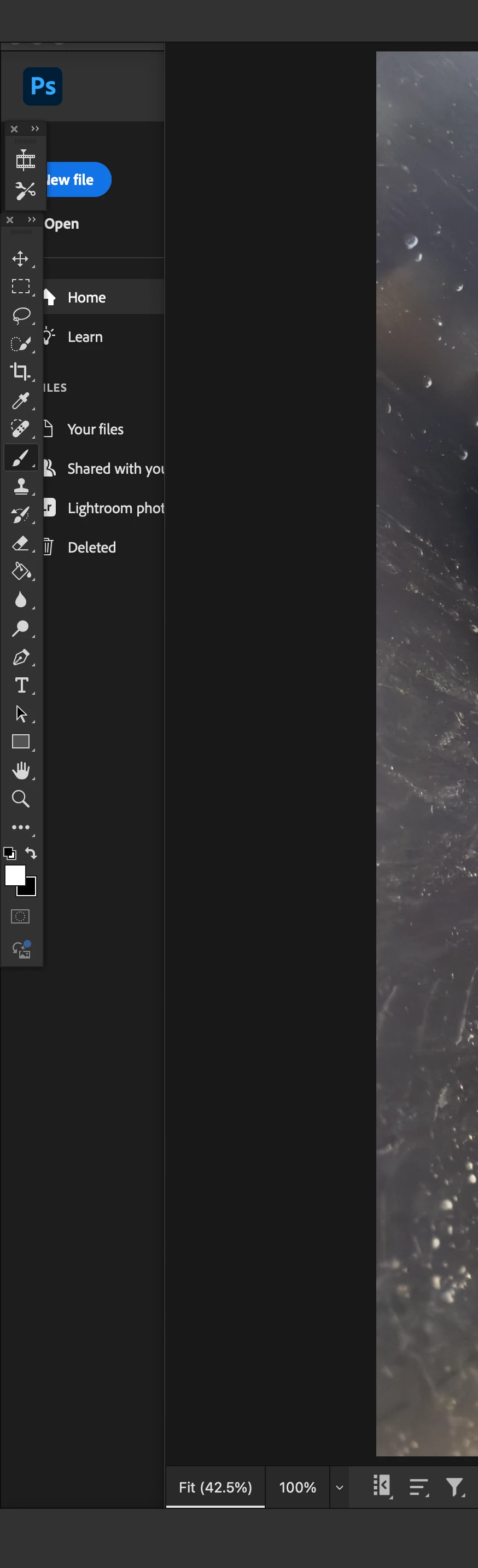


I can switch to the horizontal film strip, and it appears below, but when I switch back to the vertical, that whole side of the window is missing, again allowing me to see through whatever is underneath it.


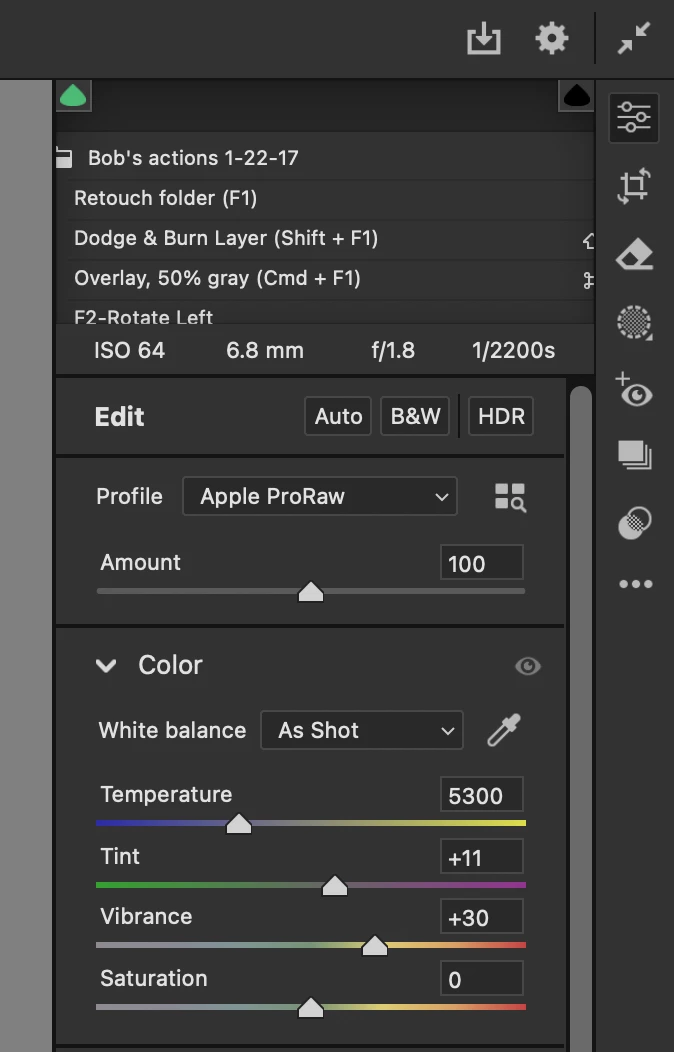
I restarted bridge, and that solved the problem briefly, but then the film strip disappeared again, and subsequent restarts did not cause it to return. I then quit Bridge, and re-launched Photoshop, the vertical strip appeared, but then after opening a few images, it again disappeared showing the Photoshop home screen on that left side. In addition to losing the vertical film strip on the left, I am seeing through part of the adjustment panels on the upper right side of the ACR window. And now, I am not seeing the images in the main part of the window, just a blank gray area where the image would be.


macOS 14.7.2, Mac Studio

2 replies

Robert Ripps
Inspiring
February 22, 2025

Hmm, let me study this link- not familiar with looking at GPU. I will say at no time did I open any of these images into Photoshop completely- I was just making my basic raw adjustments, and then moving onto the next images, without opening them into Photoshop.


Also, I restarted the computer and so far ACR seems to be working normally, but we’ll see what happens.

PECourtejoie
Community Expert
Community Expert
February 22, 2025

Hi, what does the GPU status say when that happens and you switch back to Photoshop ? 
https://helpx.adobe.com/photoshop/kb/photoshop-cc-gpu-card-faq.html#real-time-gpu-status


see also: https://helpx.adobe.com/photoshop/kb/troubleshoot-gpu-graphics-card.html#macos


(moved to camera raw forum)

Robert Ripps
Inspiring
February 27, 2025

I checked, Photoshop is using Metal, but of course I can't check that if I'm just working in Camera Raw. CR till seems to be working, so maybe was just a glitch.

Conrad_C
Community Expert
Community Expert
February 28, 2025
quote

I checked, Photoshop is using Metal, but of course I can't check that if I'm just working in Camera Raw.

By @Robert Ripps


A tip for future reference: When in Camera Raw, you can click the gear icon to go into Camera Raw preferences. In there, the Performance panel shows the current GPU settings and status for Camera Raw.


The other way to open Camera Raw preferences is to click the underlined text at the bottom of the Camera Raw window (not shown in picture).