


khellstr
Known Participant
July 15, 2022
Question

Allow more than one Tab to be open in Camera Raw

  • July 15, 2022
  • 3 replies
  • 619 views

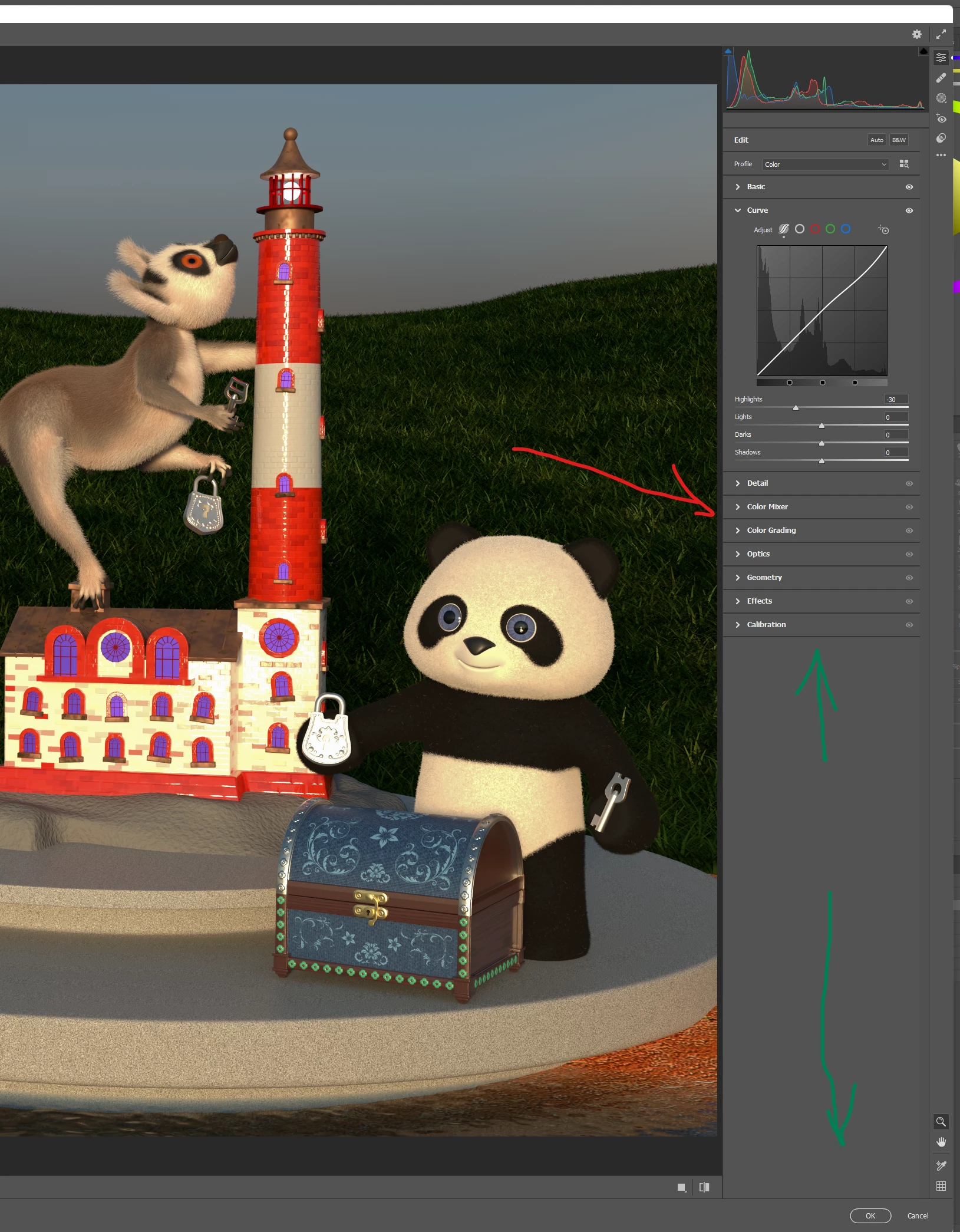
It is really frustrating that Camera Raw closes the other setting tabs when you open a one. 

It is very impractical that you can't have multiple sections open at once. It gets quite tedidous to open and close those tabs to make tiny adjustments. 

I can't understand how a company with resources of Adobe can constantly break this kind of basic usability stuff. 


This topic has been closed for replies.

3 replies

Feep112
Participant
September 13, 2024

I was honestly feeling the same thing, so STUPID. Like eveyone wants to be like Apple now, even if their system forces you to adapt beyond the custom creative strengths of your own mind. I just want to re-iterate in case adobe is paying attention, HOW STUPID it is to add a feature that when processing a thousand images, adds a thousand clicks or more to your workload. Honestly, it would have been ok had the option to disengage this feature not been so obscure. I am so annoyed by this, it's just like what are you doing?

Chuck Uebele
Community Expert
Community Expert
July 15, 2022

Moved to the Camera Raw forum, from the Photoshop forum.

Sameer K
Community Manager
Community Manager
July 15, 2022

Hi there,


Thanks for reaching out. We're sorry for the trouble. I'd love to help you figure this out.

You can have more than one panel open in the Camera Raw window. Try this


  • Right-click on one of the edit panels in Camera Raw.
  • Select 'Multiple Panel Mode.'


Check this article to learn more about Camera Raw: https://helpx.adobe.com/camera-raw/using/introduction-camera-raw.html

Let us know how it goes from here.
Thanks!
Sameer K

khellstr
khellstrAuthor
Known Participant
July 15, 2022

Thanks for the help Sameer. 

I think that option should be more easily to find. I did look for it, but it never appeared for me that I could clikc the Edit Panels. And even after reading your clear instructions, I wasn't able to do it at first read but I had to reread those twice to find out what I should clikc 🙂