

Participant
October 31, 2022
Question

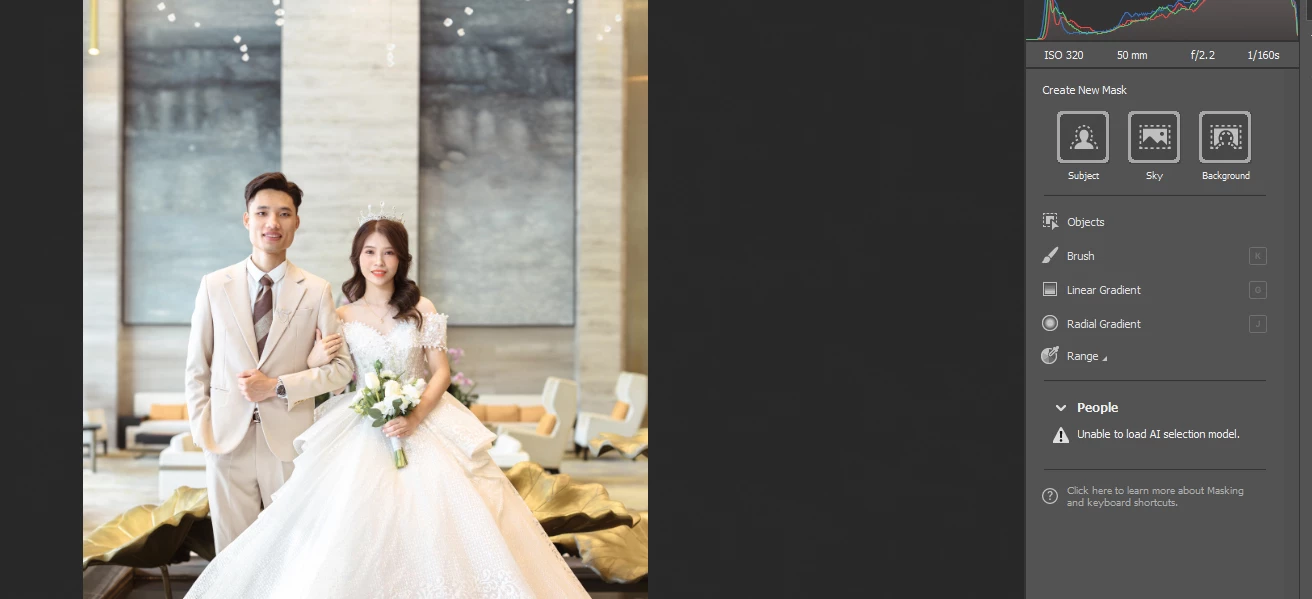
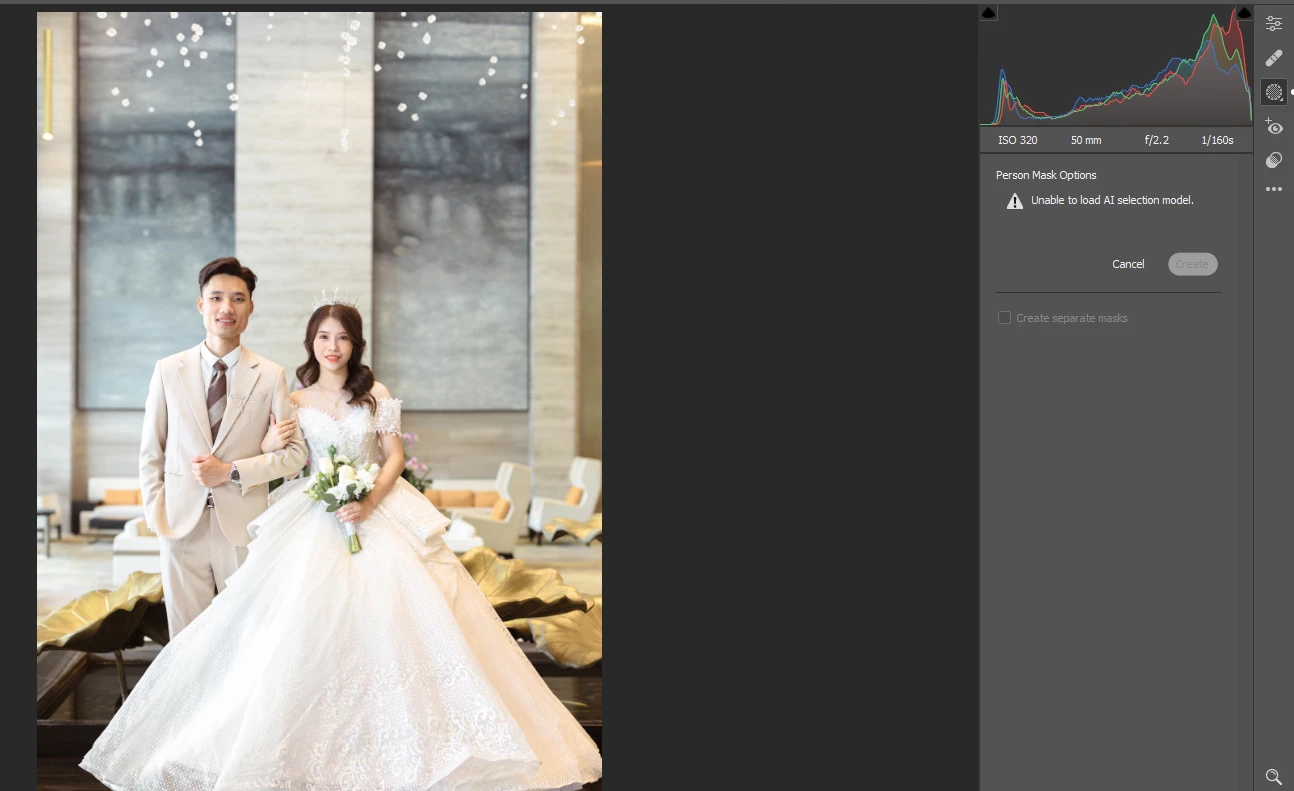
camera raw 15 : person mask option unable to load ai selection model
  • October 31, 2022
  • 4 replies
  • 5443 views

person mask option unable to load ai selection model
This topic has been closed for replies.

4 replies

andrewks
Participant
January 24, 2023

I have the same problem.  I've installed the most recent version of camera raw and tried all the suggestions from this posting.  Anything else I can try?


Participant
July 16, 2023

Did you find a solution?


Participant
June 11, 2024

Any solution for this problem. I have the same. 

Participant
December 27, 2022

What of photoshop/bridge did you use?

I think you're using old version of photoshop or bridge.

TheDigitalDog
Inspiring
November 26, 2022

Try resetting the Camera Raw preferences:
Hold down the Command key and select Photoshop > Preferences > Camera Raw (macOS) or hold down the Ctrl key and select Edit > Preferences > Camera Raw (Windows).
Click Yes in the dialog that asks "Delete the Camera Raw Preferences?"
See also:
https://helpx.adobe.com/camera-raw/using/camera-raw-settings.html 

Author “Color Management for Photographers" & "Photoshop CC Color Management/pluralsight"
Participating Frequently
November 27, 2022

Tried it, but it didn't work out.

Still figuring out what can go wrong to not load AI selection.

TheDigitalDog
Inspiring
December 27, 2022

In Lightroom Classic, Help menu, get system info, and paste it here. 

Review your system's specs and compare them to the minimum requirements document*: https://helpx.adobe.com/lightroom-classic/system-requirements.html 

*last revised at the Max 2022 release.

Author “Color Management for Photographers" & "Photoshop CC Color Management/pluralsight"
Participating Frequently
November 26, 2022

did you get it working?
